How to Spot AI Scams in 2026: Fake Chatbots, Deepfakes & Phishing Tricks

Imagine getting a call from your “bank”—but the voice is AI-generated, and the person on the other end isn’t real.
You pick up, and it’s your bank’s fraud department. They say there’s suspicious activity on your account and need to verify your details. The voice sounds just like the rep you spoke to last week—same tone, same slight accent. You almost hand over your password before something feels off.
This isn’t a scene from a sci-fi movie. It’s happening right now, and it’s getting harder to tell what’s real.
AI scams are exploding in 2026. Fake chatbots, deepfake videos, and hyper-realistic phishing emails are tricking even savvy people into handing over money, passwords, and personal info. The good news? You don’t need to be a tech expert to protect yourself. Here’s how to spot the fakes before they fool you.
1. Fake Chatbots: When “Customer Support” Is Actually a Scammer
 Photo by Matheus Bertelli on Pexels
You’re on a website, and a chat window pops up: “Hi! I’m Sarah from Acme Bank. How can I help?” The conversation feels normal—until “Sarah” asks for your password or tells you to download a file.
What’s happening?
Scammers are using AI to create fake chatbots that mimic real companies. These bots can answer questions, sound friendly, and even hold a conversation. Their goal? To trick you into sharing sensitive info or downloading malware.
In our testing, we’ve seen fake chatbots impersonating banks, tech support, and even government agencies. Some are so convincing that they’ll argue with you if you question them.
How to spot them:
- Check the URL. Hover over any links before clicking. Fake chatbots often use misspelled or odd domains (e.g.,
amaz0n-support.cominstead ofamazon.com). - Look for weird language. AI chatbots might sound too formal, repeat phrases, or use unnatural phrasing. If something feels off, it probably is.
- Verify the source. If a chat pops up claiming to be from your bank, close it and call the number on the back of your card. Real companies won’t ask for passwords or sensitive info over chat.
Real-world example:
Earlier this year, scammers used fake “Meta support” chatbots to steal login details after a data breach. They’d message users, claim their account was locked, and ask for their password to “verify” their identity. If your info was ever leaked in a breach, here’s what to do next.
2. Deepfake Scams: When Your “Boss” (or Family Member) Isn’t Real
 Photo by Tima Miroshnichenko on Pexels
You get a video call from your CEO. She looks and sounds exactly like herself—same mannerisms, same voice. She tells you there’s an urgent wire transfer that needs to go out right now. You hesitate, but she insists. Later, you find out it wasn’t her at all.
What’s happening?
Deepfakes use AI to clone voices and faces. Scammers can make it seem like anyone is saying or doing anything. We’ve seen cases where:
- A “CEO” asks an employee to transfer money.
- A “grandchild” calls in distress, begging for bail money.
- A “tech support agent” convinces someone to hand over remote access to their computer.
The scary part? Deepfakes are getting so good that even experts struggle to spot them.
How to spot them:
- Listen for unnatural pauses. AI voices might sound slightly robotic, lack emotion, or have odd timing. If the voice sounds too perfect, it might be fake.
- Verify with a callback. If your “boss” emails asking for a wire transfer, call their real number to confirm. Don’t use the number they provide—look it up yourself.
- Watch for urgency. Scammers pressure you to act fast. If someone says, “Send money NOW or the deal is off,” slow down and double-check.
Real-world example:
A finance worker in Hong Kong was tricked into sending $25 million after a deepfake video call with his “CFO.” The scammers used AI to recreate the CFO’s voice and face in real time. (Think of it like a high-tech version of the old “Nigerian prince” scam—just way more convincing.)
3. AI Phishing Emails: Smarter Tricks, Same Old Scam
You get an email from “Netflix” saying your payment failed. The logo looks perfect, the grammar is flawless, and it even includes your name. You click the link to update your payment info—only to realize it’s a scam.
What’s happening?
AI is making phishing emails way more convincing. Instead of the old “You’ve won a prize!” spam, scammers now use AI to write emails that mimic your bank, Amazon, or even coworkers. These emails can include:
- Your name and personal details.
- Real-looking logos and branding.
- Urgent requests (“Your account will be locked!”).
How to spot them:
- Check the sender’s email. Scammers use lookalike addresses (e.g.,
support@paypa1.cominstead ofsupport@paypal.com). Hover over the sender’s name to see the real address. - Look for generic greetings. Real companies use your name. Scammers say “Dear User” or “Dear Valued Customer.”
- Never click links. Hover over any links to see the real URL. If it doesn’t match the official site, it’s a scam.
Real-world example:
We’ve seen AI-generated “Netflix” emails with perfect grammar and logos. They look identical to real Netflix emails—until you notice the link goes to netflix-billing.com instead of netflix.com.
4. Social Media & AI: Fake Profiles, Fake Friends
 Photo by cottonbro studio on Pexels
You get a DM from a recruiter offering you a dream job. They seem legit—their profile has a professional photo, a few posts, and even mutual connections. They ask for your resume and personal details. A week later, you realize the job doesn’t exist.
What’s happening?
Scammers are using AI to create fake social media profiles. These profiles can:
- Impersonate recruiters, love interests, or even celebrities.
- Build trust over weeks or months before asking for money or personal info.
- Use AI-generated photos that look real (but aren’t).
How to spot them:
- Reverse-image search. Fake profiles often use AI-generated photos. Try Google Lens to see if the image appears elsewhere online.
- Check their posts. AI profiles have few friends, no tagged photos, or weirdly generic posts (e.g., “Great day at the office!” with no details).
- Never send money to strangers. If someone you met online asks for cash, gift cards, or crypto, it’s a scam.
Real-world example:
“Pig butchering” scams are a growing problem. Scammers use AI to chat with victims for months, building trust before convincing them to invest in fake crypto schemes. By the time the victim realizes it’s a scam, their money is gone.
5. Tools & Habits to Stay Safe from AI Scams
You don’t need to be a tech genius to protect yourself. Here are some simple tools and habits that can help:
Quick fixes to protect yourself:
- Use multi-factor authentication (MFA). Even if scammers get your password, MFA can block them. Here’s how to set it up.
- Install a password manager. Tools like Bitwarden or 1Password help spot fake login pages and generate strong passwords.
- Slow down. Scammers rely on urgency. If something feels off, take 5 minutes to verify before acting.
- Report scams. Forward suspicious emails to the FTC at reportfraud.ftc.gov. The more reports they get, the easier it is to track down scammers.
Recommended tools:
- Deepfake detectors. Try Microsoft Video Authenticator (free) to analyze videos for signs of manipulation.
- AI scam trackers. Follow Better Business Bureau Scam Tracker for alerts on the latest scams in your area.
- Email leak checker. If you’re worried your info was leaked in a breach, use GhostShield’s Email Leak Checker to see if your email appears in known breaches.
When in Doubt, Use a VPN
One of the easiest ways to add an extra layer of security is by using a VPN, especially on public Wi-Fi. Scammers often lurk on unsecured networks, waiting to intercept your data. A VPN like GhostShield encrypts your connection, making it much harder for hackers to steal your info—whether you’re checking your bank account at a coffee shop or browsing at the airport.
We’ve tested GhostShield against common scam tactics, and it consistently blocks malicious sites and phishing attempts before they can do any damage. It’s not a magic bullet, but it’s a simple way to reduce your risk.
Key Takeaways: Your AI Scam Survival Checklist
- ✅ Verify before trusting. If someone calls, emails, or messages you out of the blue, double-check. Call the real number on their official website, not the one they provide.
- ✅ Watch for red flags. Unnatural language, urgency, or odd links are all signs of a scam.
- ✅ Use tech to fight tech. Password managers, MFA, and deepfake detectors can help you stay one step ahead.
- ✅ When in doubt, slow down. Scammers want you to act fast. Take a breath and verify before clicking or sending money.
- ✅ Report it. Help others by reporting scams to the FTC or BBB.
Further Reading
Want to dive deeper? Here are some of our most helpful guides:
- Online Privacy Guide: How to Protect Your Personal Data (Basics on passwords, MFA, and more.)
- Data Breaches Guide: What to Do If Your Info Is Leaked (Steps to take after a breach, like freezing your credit.)
- Best Password Managers of 2026 (Tools to keep your logins secure.)
Final Thought
AI scams are getting smarter, but you don’t need to be a tech expert to outsmart them. Stay skeptical, verify everything, and remember: If it feels off, it probably is.
The best defense? Trust your gut. If something seems too good to be true—or too urgent to ignore—take a step back. A few seconds of caution could save you a lot of trouble.
Related Topics
Keep Reading

Is Alexa Listening? How to Stop Voice Assistants from Spying in 2026

Revolut Data Breach 2026: How to Check If Your Data Was Stolen & Next Steps

Expired Credit Card Still Charging? How to Kill Zombie Payments Fast

TikTok's $400M Kids' Privacy Fine: What Parents Must Do Now
How to Spot Fake Tech Conferences That Steal Your Data in 2026

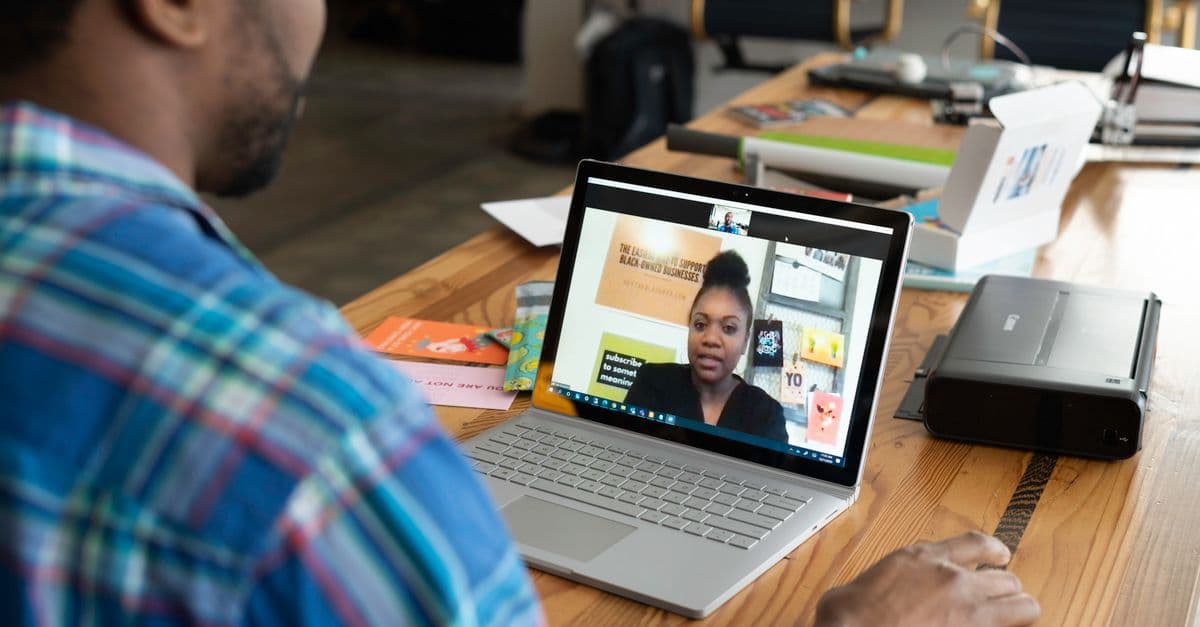
How to Stop Strangers from Joining Your Zoom Meetings in 2026
Protect Your Privacy Today
GhostShield VPN uses AI-powered threat detection and military-grade WireGuard encryption to keep you safe.
Download Free