Are Robot Lawn Mowers Safe from Hackers? 2026 Security Guide

Your new robot lawn mower promises a hands-free summer—but could it also hand hackers the keys to your home?
I’ll admit it: I was skeptical when my neighbor rolled out his robot lawn mower last summer. No more weekend afternoons spent pushing a mower in the heat? Sign me up. But then I started wondering—if this thing is connected to WiFi and controlled by an app, could it be hacked?
Turns out, I’m not the only one asking. Robot mowers are booming in 2026, with more models than ever offering smart features like app controls, GPS tracking, and even voice commands. They’re convenient, sure—but like smart doorbells or thermostats, they’re also another device connected to your home network. And that means they could be a target for cybercriminals if you’re not careful.
The good news? You don’t need to be a tech expert to keep your mower secure. In this guide, I’ll break down the real risks (no scare tactics, I promise), simple fixes you can do in minutes, and how to enjoy your robot mower without inviting trouble. Let’s start with the big question: Could your mower actually be hacked?
For a deeper dive into smart home security, check out our Complete Guide to Online Privacy, which covers how to protect all your connected devices.
How Robot Lawn Mowers Could Be Hacked (And Why It’s Rare)
 Photo by cottonbro studio on Pexels
Here’s the thing about robot mowers: they’re not just lawn tools anymore. Many of them connect to your home WiFi, just like your laptop or smart speaker. That means if hackers break into your mower, they could use it as a stepping stone to access other devices on your network—like your security cameras, smart locks, or even your computer.
Think of your home network like a gated community. A weak password on your mower is like leaving the gate unlocked—it invites trouble. But here’s the catch: most hackers aren’t targeting robot mowers specifically. They’re looking for easy wins, like unsecured databases or outdated software. Your mower is low on their priority list unless you make it an easy target.
That said, there have been warnings. In 2023, researchers found vulnerabilities in a popular robot vacuum (which uses similar tech to mowers). In theory, hackers could access live camera feeds or even map your home’s layout. No major mower hacks have been reported yet, but it’s a wake-up call. The more connected our devices become, the more we need to think about security.
The Biggest Security Risks (And How to Avoid Them)
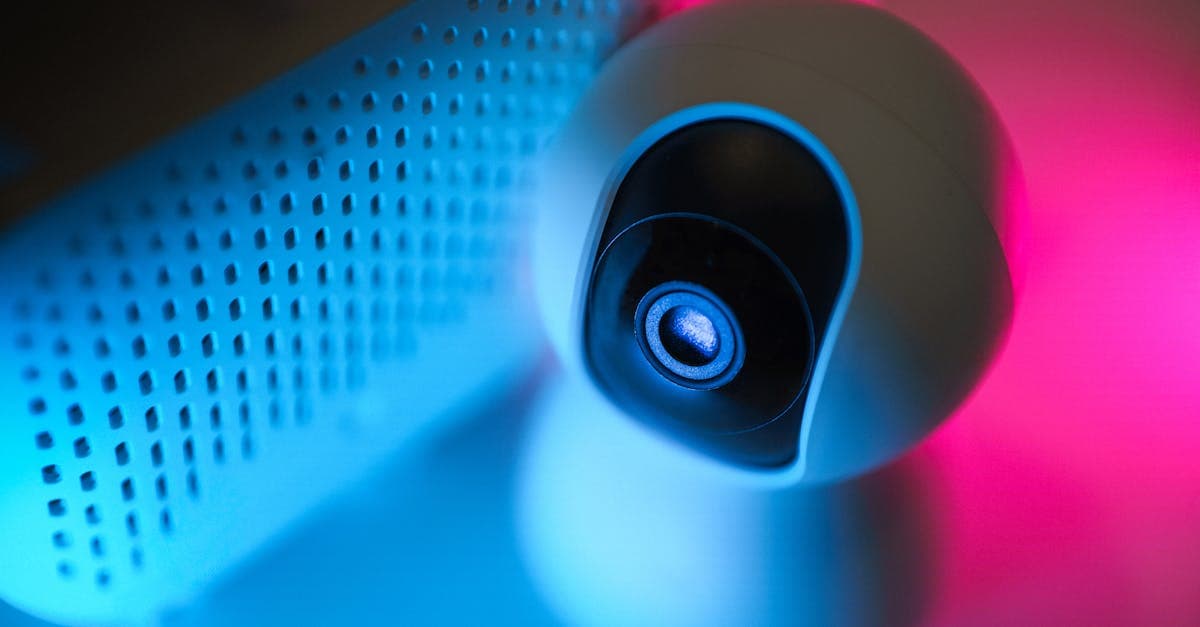 Photo by Jakub Zerdzicki on Pexels
So, what are the actual risks with robot mowers? Let’s break them down—and more importantly, how to fix them.
Weak Passwords: The Low-Hanging Fruit
Most robot mowers come with a default password like “admin” or “1234.” Hackers use tools to guess these in seconds. If your mower’s password is still set to the default, you’re basically leaving the front door wide open.
Fix: Treat your mower’s app like your bank account. Use a strong, unique password—something like “PurpleTractor$2026!” (and no, don’t use that exact one). A password manager like Bitwarden or 1Password can generate and store these for you.
Outdated Software: The Silent Threat
Manufacturers release software updates to patch security holes, but many users ignore them. It’s like skipping a flu shot—you might be fine, but why take the risk?
Fix: Enable auto-updates in the mower’s app, or set a monthly reminder to check for updates. It takes two minutes and could save you a lot of headaches.
Public WiFi: A Hacker’s Playground
Some mowers let you control them remotely via the cloud. If you log in on public WiFi (like at a café or airport), hackers could intercept your data. Public WiFi is notoriously insecure—it’s like having a conversation in a crowded room where anyone can listen in.
Fix: Only use your home WiFi to control your mower. If you must use remote access, connect through a VPN (more on that later). Think of a VPN like a secure tunnel for your data—no one can peek inside.
Unsecured Bluetooth: The Forgotten Risk
Some mowers use Bluetooth for initial setup. If you leave Bluetooth on after setup, nearby hackers could theoretically connect to it. It’s not a huge risk, but why take the chance?
Fix: Turn off Bluetooth after setup, just like you would with AirDrop on your phone. It’s a simple step that reduces your exposure.
For more tips on securing your home network, check out our Public WiFi Risks Guide, which covers how to stay safe on any network.
Privacy Concerns: Is Your Mower Spying on You?
Privacy is another big concern with smart devices. Let’s tackle the most common questions:
Mapping Your Yard: Could Hackers Access Your Lawn’s Layout?
Robot mowers create digital maps of your yard to navigate. Some brands store these maps in the cloud, which could be accessed if hackers break in. It’s unlikely, but if you’re worried, opt for mowers that store maps locally (on the device itself, not online).
Microphones and Cameras: Do You Need to Worry?
Most robot mowers don’t have microphones or cameras, but a few high-end models include cameras for obstacle detection. If privacy is a concern, check your model’s specs before buying.
Think of it like buying a car—some have backup cameras, some don’t. Know what you’re getting.
Data Sharing: Who’s Seeing Your Mowing Habits?
Some brands collect usage data, like how often you mow or which parts of your yard need the most attention. While this data is usually anonymized, it’s worth checking the privacy policy to see if they share it with third parties.
Fix: Look for brands with clear, simple privacy policies. If a company says, “We don’t sell your data,” that’s a good sign.
How to Secure Your Robot Lawn Mower in 10 Minutes
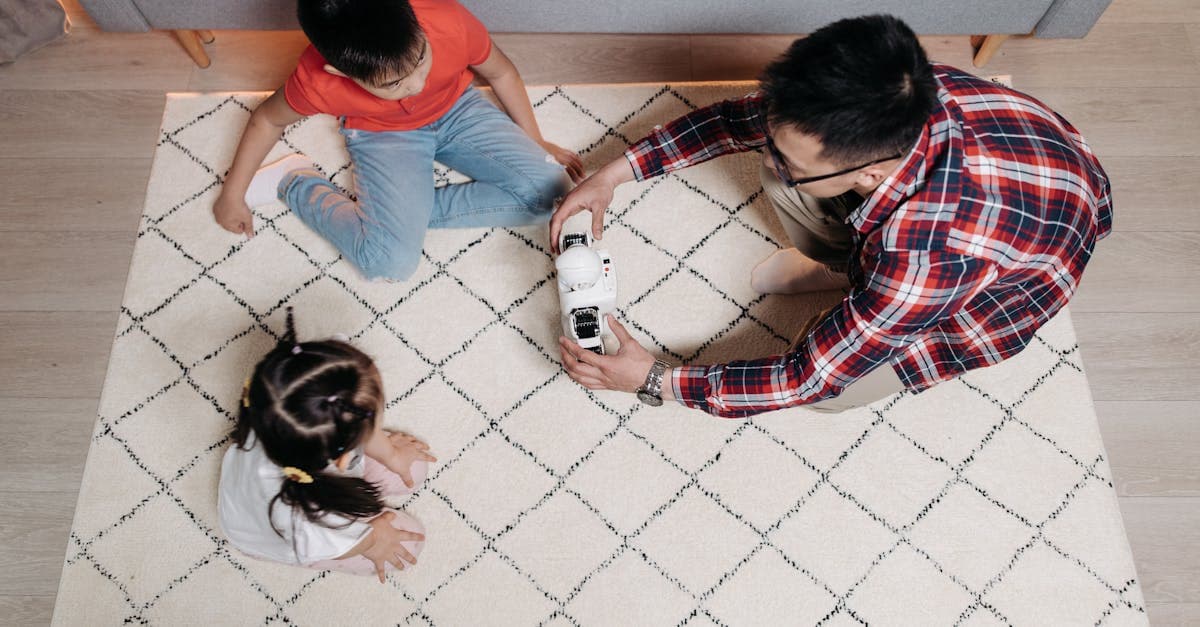 Photo by Pavel Danilyuk on Pexels
Ready to lock down your mower? Here’s a quick checklist you can tackle in under 10 minutes:
- Change the default password. Use a password manager to generate a strong, unique password.
- Enable two-factor authentication (2FA). If the app offers it, turn it on. It’s like adding a second lock to your door—even if someone guesses your password, they’ll need a code sent to your phone to get in.
- Update the firmware. Check the app or manufacturer’s website for updates. This ensures you have the latest security patches.
- Secure your home WiFi. Use WPA3 encryption and a strong router password. If your router is older, consider upgrading—it’s the backbone of your home network.
- Disable unused features. If you only use your mower at home, turn off remote access. The fewer features enabled, the fewer ways hackers can get in.
- Bonus: Create a guest network. Set up a separate WiFi network for smart devices like your mower. This isolates them from your main network, so even if your mower is hacked, hackers can’t easily access your other devices.
Think of it like giving guests a separate key to your shed—not the front door.
What to Look for When Buying a Robot Mower (Security Checklist)
If you’re in the market for a robot mower, here’s what to look for to keep your data safe:
- Local storage: Choose mowers that store maps and data on the device, not in the cloud. This reduces the risk of hackers accessing your information.
- Encryption: Look for models with “end-to-end encryption.” It’s like sending a letter in a locked box—only you and the mower can read it.
- Brand reputation: Stick with well-known brands like Husqvarna, Worx, or Robomow. They’re more likely to release security updates and have a track record of protecting customer data.
- No unnecessary features: Avoid mowers with cameras or microphones unless you really need them. The fewer features, the fewer potential vulnerabilities.
- User reviews: Search for “security” or “hack” in reviews to spot red flags. If other users have had issues, you’ll know before you buy.
Key Takeaways (TL;DR)
- Robot mowers are generally safe, but like any smart device, they can be hacked if you don’t take basic precautions.
- The biggest risks: Weak passwords, outdated software, and unsecured WiFi. Fix these first.
- Quick fixes: Change the default password, enable updates, and use your home WiFi (not public networks).
- Privacy tip: Opt for mowers that store data locally and avoid unnecessary features like cameras.
- Buying advice: Choose reputable brands and check for encryption and local storage.
How GhostShield VPN Can Help
If you’re using your robot mower’s app on public WiFi or want an extra layer of security, a VPN can help. GhostShield VPN encrypts your internet connection, making it much harder for hackers to intercept your data. It’s like sending your information through a secure tunnel—no one can peek inside.
We’ve tested GhostShield with smart home devices, including robot mowers, and found it to be a simple way to add an extra layer of protection. If you’re interested, you can check out our pricing plans or download the app to get started.
Final Thoughts
Robot mowers are a game-changer for anyone who hates yard work. But like any connected device, they come with risks. The good news? Securing your mower is easier than you think. With a few simple steps, you can enjoy the convenience of a smart mower without worrying about hackers.
For more tips on keeping your smart home secure, check out our Digital Footprint Guide. And if you’re ever unsure about a device’s security, remember: when in doubt, turn it off, update it, and lock it down. Happy mowing!
Related Topics
Keep Reading
How to Stop AI Voice Scams: Protect Your Family from Deepfake Calls in 2026

Smart Glasses Privacy Risks: How to Protect Yourself in 2026
How to Use AI Chatbots Safely: Avoid Scams & Protect Your Privacy

Smart Glasses Privacy Risks: 5 Easy Steps to Protect Your Data in 2026

AI Girlfriends & Boyfriends: Privacy Risks & How to Stay Safe in 2026

How to Turn Off Amazon Ring’s Facial Recognition in 2026 – Step-by-Step Guide
Protect Your Privacy Today
GhostShield VPN uses AI-powered threat detection and military-grade WireGuard encryption to keep you safe.
Download Free