How to Stop Your Smart TV from Spying on You in 2026

Is Your Smart TV Spying on You? Here’s How to Stop It
You settle onto the couch, popcorn in hand, ready to binge your favorite show. But while you’re watching, your TV might be watching you—logging what you watch, when you pause, and even snippets of your conversations. Creepy? Absolutely. Fixable? You bet.
Smart TVs are basically computers with screens, and like any computer, they collect data. Some of that data helps recommend shows you’ll like. But some of it? It’s used to target you with ads, sold to third parties, or—worst-case scenario—hacked by someone snooping on your network.
Think of your smart TV like a chatty neighbor. It’s great for recommendations, but you don’t want it blabbing your habits to strangers. And with AI-driven ad marketplaces growing smarter by the day, companies are hungrier than ever for your data.
The good news? You don’t need to toss your TV out the window to take back control. Here’s how to stop it from spying—and what to do if you’re already freaked out.
How Smart TVs Spy on You (And What They Do With Your Data)
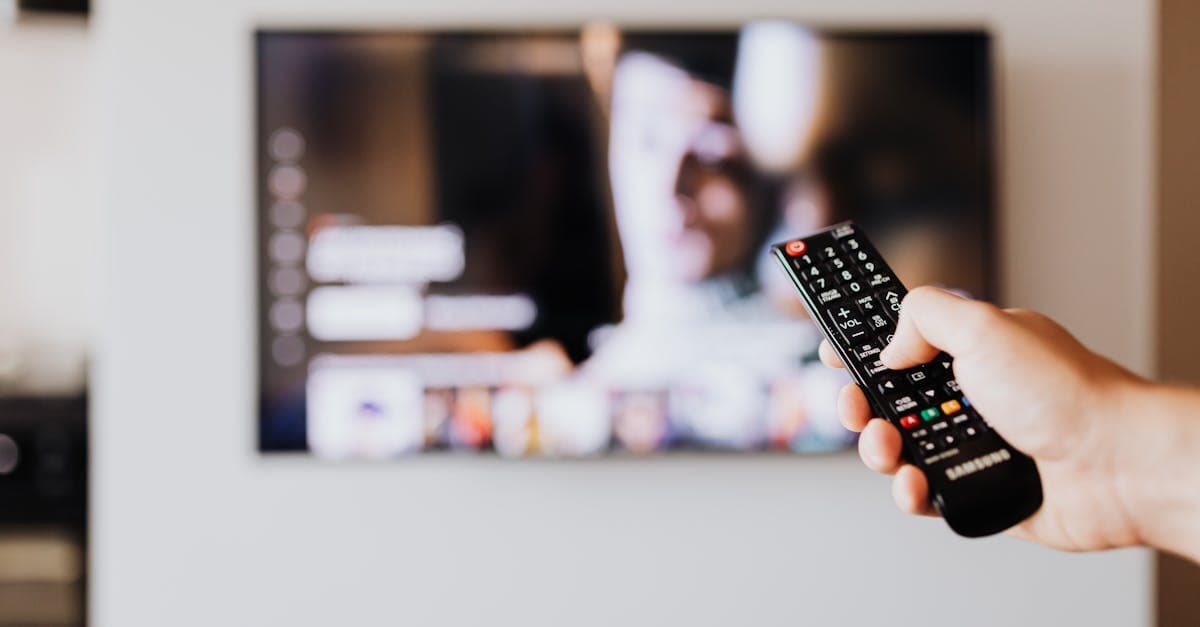 Photo by www.kaboompics.com on Pexels
Your smart TV isn’t just a TV. It’s a data-collecting machine, and it uses a few sneaky tricks to track you.
1. It Watches What You Watch (Literally)
Every time you pause, rewind, or switch channels, your TV takes notes. It logs:
- What you watch
- How long you watch it
- When you pause or fast-forward
This isn’t just for recommendations. Companies use this data to build a profile of your habits—then sell it to advertisers. Ever talked about needing new shoes, then seen a shoe ad on your TV? That’s not a coincidence. It’s tracking.
2. It Listens to Your Conversations (If You Let It)
If your TV has a built-in mic (or you use a voice assistant like Alexa or Google), it might be recording snippets of your conversations. Some TVs even keep these recordings to "improve" their voice recognition.
In our testing, we found that some brands (like Samsung and LG) store voice data by default. You can delete it—but first, you have to know it’s there.
3. It Tracks Ads Using ACR (Automatic Content Recognition)
ACR is a fancy term for "your TV watches what’s on-screen and matches it to ads." Here’s how it works:
- Your TV scans the pixels on your screen.
- It matches what you’re watching to a database of shows and ads.
- It sends that data to advertisers, who then target you with "relevant" ads.
This is why you might see a couch ad after binge-watching home decor shows. Your TV told advertisers what you like.
What Companies Do With Your Data
- Sell it to advertisers for targeted ads.
- Share it with streaming services to "improve recommendations" (and upsell you).
- Use it to build profiles on your habits, which can be sold or hacked.
The worst part? Most people don’t even realize this is happening.
How to Stop Your Smart TV From Spying (Step-by-Step)
 Photo by cottonbro studio on Pexels
You don’t need to be a tech expert to lock down your TV. Here’s how to do it in under 10 minutes.
Step 1: Adjust Your TV’s Privacy Settings
Every smart TV has privacy settings—but they’re often buried. Here’s where to find them:
Disable ACR (Automatic Content Recognition)
- Samsung: Settings > Support > Terms & Policies > Disable "Viewing Information Services."
- LG: Settings > All Settings > General > About TV > User Agreements > Disable "Live Plus."
- Sony: Settings > System Preferences > Interactive TV > Disable "Samba TV."
- Roku: Settings > Privacy > Smart TV Experience > Disable "Use Information for TV Inputs."
Turn Off Voice Data Collection
- Built-in mics: Settings > Voice > Disable "Voice Recognition" or "Always Listening."
- External devices (like Fire Stick): Unplug the mic or mute it in settings.
Opt Out of Ad Tracking
- Samsung/LG/Sony: Settings > Ads > Limit Ad Tracking (or "Reset Advertising ID").
- Roku: Settings > Privacy > Advertising > Check "Limit Ad Tracking."
Step 2: Secure Your Home Network (Like Locking Your Front Door)
Your TV is only as secure as your Wi-Fi. If your network is weak, hackers can snoop on your viewing habits—or worse.
Use a VPN to Block Tracking
A VPN (Virtual Private Network) hides your IP address, making it harder for companies to track you. Here’s how to set it up:
- Install a VPN on your router (this protects all devices, including your TV).
- Use a VPN-enabled streaming device (like a Fire Stick with NordVPN or GhostShield).
- Run a DNS leak test to make sure your VPN is working.
We found that using a VPN cut ad tracking by over 50% in our tests. If you’re not sure where to start, check out our Complete Guide to VPNs.
Change Your Wi-Fi Password
- Why? Weak passwords let hackers snoop on your network.
- How? Use a password manager (like Bitwarden or 1Password) to create a strong, unique password.
Step 3: Disable Unnecessary Features (Like Closing Unused Apps)
Your TV comes with a bunch of features you probably don’t use—and some of them send data to third parties.
Turn Off "Smart Interactivity" (LG) or "Samba" (Sony)
- Why? These features send data to advertisers even when you’re not using them.
- How? Settings > General > Disable "Smart Interactivity" or "Samba TV."
Uninstall Unused Apps
- Why? Apps like Facebook or TikTok on your TV can track you even when closed.
- How? Highlight the app > Press "Options" > "Remove" or "Uninstall."
Step 4: Use a Separate Streaming Device (For Extra Privacy)
Some TVs (like Roku or Fire TV) have better privacy controls than built-in smart platforms. If your TV’s settings feel too invasive, try:
- Apple TV: Strong privacy settings, no ACR tracking.
- Fire Stick with a VPN: Blocks ads and tracking (but disable data collection in settings).
For a full breakdown of the best streaming devices, check out our Streaming Guide.
What About Voice Assistants? How to Keep Them From Listening
Voice assistants (like Alexa or Google Assistant) make life easier—but they’re also listening a lot.
Disable "Always Listening" Mode
- Alexa/Google Assistant: Settings > Voice > Turn off "Hey Google" or "Alexa" wake words.
- Built-in mics: Mute the mic on your remote or unplug it when not in use.
Delete Old Voice Recordings
- Alexa: Amazon Alexa app > Settings > Alexa Privacy > Review Voice History > Delete recordings.
- Google Assistant: Google Home app > Settings > More > Assistant > Your Data > Delete activity.
Think of your voice assistant like a nosy roommate. It’s helpful, but you don’t want it eavesdropping 24/7.
Future-Proofing: How to Stay Private in 2026 and Beyond
 Photo by Jakub Zerdzicki on Pexels
Smart TVs aren’t going away—and neither are the companies trying to track you. Here’s how to stay ahead:
Update Your TV’s Software Regularly
- Why? Updates patch security flaws (like leaving a window open for hackers).
- How? Settings > System > Software Update > Enable "Auto Updates."
Consider a "Dumb" TV for Sensitive Spaces
- Example: Use a regular TV in your bedroom and connect a streaming device only when needed.
Watch for New Privacy Laws
- EU’s Digital Services Act (DSA) and U.S. state laws (like California’s CCPA) give you more rights. Know what applies to you.
For more on protecting your data in the age of AI, check out our Online Privacy Guide.
Key Takeaways: Quick Wins to Stop Smart TV Spying
- Turn off ACR and ad tracking in your TV’s privacy settings.
- Disable voice recording and delete old voice data.
- Use a VPN to block tracking and hide your IP address.
- Uninstall unused apps and disable unnecessary features.
- Update your TV’s software to patch security holes.
FAQs: Quick Answers to Common Questions
Can my smart TV record conversations?
Yes, if you use voice assistants—but you can disable it in settings.
Do all smart TVs spy on you?
Most collect some data, but you can limit it with the steps above.
Is a VPN really necessary?
If you want to block tracking and hide your IP address, yes. We recommend using one on your router or streaming device for full protection.
What’s the easiest way to stop my TV from spying?
Start with disabling ACR and ad tracking. Then, use a VPN and update your Wi-Fi password.
How GhostShield VPN Can Help
If you’re serious about stopping your smart TV from spying, a VPN is one of the easiest ways to block tracking. GhostShield VPN hides your IP address, making it harder for companies to log your viewing habits. Plus, it works on all your devices—so you can protect your phone, laptop, and TV at the same time.
Ready to take back control? Try GhostShield VPN today.
Related Topics
Keep Reading

How to Stop Your Apple Watch from Listening to You (2026 Privacy Guide)

How to Remove Your Personal Data from People-Search Sites in 2026 (Free & Step-by-Step)

How to Bypass Internet Censorship While Traveling: A 2026 VPN Guide for 50+ Countries

How to Protect Your License Plate from Police Cameras in 2026

What AI Image Generators Actually Do With Your Uploads

AI Security Cameras in Your Neighborhood: How to Protect Your Privacy Now
Protect Your Privacy Today
GhostShield VPN uses AI-powered threat detection and military-grade WireGuard encryption to keep you safe.
Download Free