How to Use AI Chatbots Safely: Avoid Scams & Protect Your Privacy
AI Chatbots Are Handy—But Don’t Let Them Scam You
You’re running late for work, and your kid’s school just emailed about a last-minute permission slip. You fire up ChatGPT to draft a quick response—"Hey teacher, sorry for the delay! Can you send the slip again?"—and boom, done in 10 seconds. AI chatbots are like having a super-smart assistant in your pocket, ready to help with emails, vacation planning, or even debugging your kid’s science project.
But here’s the catch: Just like clicking a sketchy link in an email, chatting with AI can expose your personal info if you’re not careful. Earlier this year, a friend of mine asked Meta AI for help planning a surprise party. She didn’t realize the chatbot was tied to her Facebook account—and suddenly, her husband started seeing ads for party supplies. Oops.
AI chatbots like ChatGPT, Meta AI, and Microsoft Copilot are getting smarter by the day, but so are the risks. Companies are racing to dominate AI, and security isn’t always the top priority. The good news? You don’t need a tech degree to stay safe. Here’s how to use AI chatbots without falling for scams, leaking passwords, or letting companies track your every move.
Think of AI chatbots like a helpful but overly curious neighbor. They’re great for borrowing sugar (or brainstorming ideas), but you wouldn’t hand them your house keys—or your bank details.
The Biggest AI Chatbot Risks (And How to Spot Them)
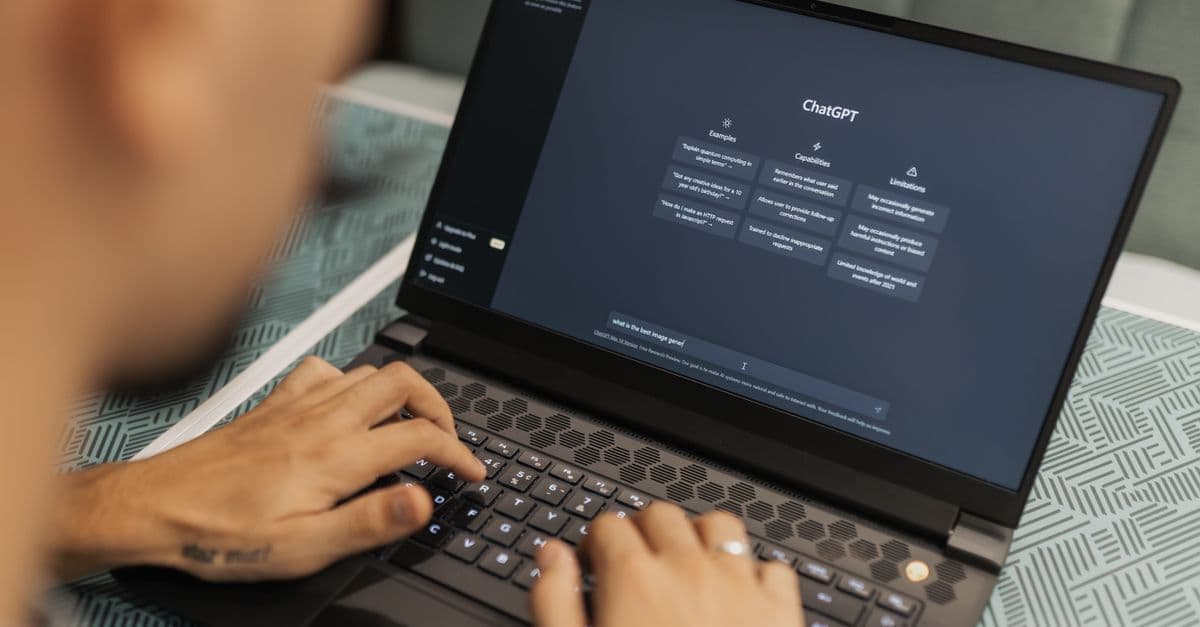
 Photo by Airam Dato-on on Pexels
AI chatbots are convenient, but they’re not risk-free. Here’s what could go wrong—and how to avoid it.
Scams in Disguise
Fake "AI assistants" are popping up everywhere, especially on social media and sketchy websites. They might promise free upgrades, exclusive features, or even "hacking tools" that don’t exist. In reality, they’re just trying to steal your info.
For example, earlier this year, scammers set up fake "Meta AI support bots" on Facebook Messenger. They’d message users claiming their account was "compromised" and ask for their password to "fix" it. Real Meta AI never asks for your password—ever.
Red flag: If an AI chatbot asks you to log in, download a file, or pay a fee, it’s likely a scam.
Data Leaks and Privacy Nightmares
Chatbots remember what you tell them. That’s great if you’re asking for recipe ideas, but not so great if you accidentally share your Social Security number, home address, or your kid’s school name.
Last year, Samsung banned employees from using ChatGPT after workers accidentally leaked confidential code while debugging. The chatbot stored those conversations—and Samsung had no control over who could access them later.
Rule of thumb: If you wouldn’t shout it in a crowded room, don’t type it into a chatbot.
Tracking and Targeted Ads
Some chatbots, like Meta AI, are tied to companies that profit from your data. Your chats might influence the ads you see later. For example, if you ask Meta AI for gym recommendations, don’t be surprised if you start seeing ads for protein powder or workout gear.
It’s like telling a salesperson your life story—they’ll remember, and they might use it to sell you stuff.
How to Use AI Chatbots Safely (Step-by-Step)
 Photo by Kampus Production on Pexels
You don’t need to avoid AI chatbots entirely—just use them wisely. Here’s how to stay safe without missing out on the benefits.
Stick to Official Apps and Websites
Only use chatbots from trusted sources. That means:
- ChatGPT: Use the official website (chat.openai.com) or the official app.
- Microsoft Copilot: Access it through Bing or the Edge browser.
- Meta AI: Use it within WhatsApp, Messenger, or the Meta website.
Red flag: If a chatbot asks you to download a file, "verify your account," or pay a fee, it’s likely a scam. Real AI tools don’t do this.
Lie (a Little) to Protect Your Privacy
You don’t need to share real details to get useful answers. For example:
- Instead of "I live in Brooklyn and need a pediatrician," say "I’m visiting New York and need a pediatrician."
- Instead of "My kid’s name is Emma and she’s 7," say "I have a 7-year-old who needs homework help."
It’s like giving a fake name at a coffee shop—harmless, but it keeps your real info private.
Turn Off Chat History (If You Can)
Some chatbots let you disable chat history so your conversations aren’t stored. Here’s how:
- ChatGPT: Go to Settings > Data Controls and toggle off "Chat History & Training."
- Microsoft Copilot: Use "Private Mode" if available.
It’s like tearing up your notes after a meeting—no paper trail, no worries.
Never Share Sensitive Info
No passwords, credit card numbers, or medical details. Even if the chatbot seems secure, it’s not worth the risk.
For example, if you need help writing a sensitive email, ask the chatbot for a template instead of pasting your real message. Say: "Write a professional email asking for a deadline extension. Don’t include any personal details."
How to Spot an AI Scam (Before It’s Too Late)
Scammers are getting creative with AI chatbots. Here’s how to spot the fakes before it’s too late.
Too-Good-to-Be-True Offers
- "Get GPT-5.6 for free—just pay $5!" (Real AI tools don’t charge random fees.)
- "This AI can hack anyone’s Instagram—DM me!" (Spoiler: It’s a scam.)
If it sounds too good to be true, it probably is.
Urgency or Pressure
- "Your account will be deleted in 24 hours unless you verify now!" (Real companies don’t threaten you.)
- "Someone just tried to log in—click here to secure your account!" (Check the sender’s email—it won’t be from a real company.)
Pro tip: If a chatbot pressures you to act fast, take a step back. Real companies give you time to think.
Weird Links or Downloads
If a chatbot sends a link (e.g., "Click here to upgrade!"), don’t click. Go to the official website instead.
It’s like a stranger handing you a USB drive—would you plug it into your computer? Nope!
What Companies Aren’t Telling You About AI Privacy
 Photo by Dan Nelson on Pexels
AI companies aren’t always upfront about how they use your data. Here’s what you need to know.
Your Chats Might Be Used for Training
Some companies, like OpenAI, use your conversations to improve their AI—unless you opt out. That means your chats could influence future responses, even for other users.
How to opt out:
- ChatGPT: Go to Settings > Data Controls and toggle off "Improve the model for everyone."
- Meta AI: No easy opt-out (yet), so be extra careful what you share.
Your Data Could Be Shared with Third Parties
Meta’s AI, for example, is tied to Facebook’s ad system. Your chats might influence the ads you see. If you ask Meta AI for gym recommendations, don’t be surprised if you start seeing workout ads.
No Chatbot Is 100% Private
Even "secure" chatbots can have data breaches. Treat them like a public forum—don’t share anything you wouldn’t want on a billboard.
Key Takeaways: Your AI Chatbot Safety Checklist
Here’s your quick-reference guide to staying safe with AI chatbots:
✅ Only use official apps/websites—no random downloads or "too good to be true" offers. ✅ Lie about personal details—fake names, generic locations, and no sensitive info. ✅ Turn off chat history (if possible) to limit data storage. ✅ Never click links or share passwords—real chatbots won’t ask for them. ✅ Assume nothing is private—treat AI chats like a public conversation.
One More Thing: How a VPN Can Help
AI chatbots aren’t the only privacy risk online. If you’re using public Wi-Fi (like at a coffee shop or airport), hackers can intercept your data—including your chatbot conversations. A VPN, like GhostShield, encrypts your internet connection, making it much harder for anyone to snoop on your activity.
We found that using a VPN adds an extra layer of security, especially when you’re on the go. It’s like sending your data through a secure tunnel instead of broadcasting it for everyone to see. If you’re curious, you can try GhostShield for free and see the difference for yourself.
Further Reading & Tools to Stay Safe
Want to dive deeper? Here are some helpful resources:
- Complete Guide to Online Privacy: Learn how to protect your data in 2026.
- Public Wi-Fi Risks Guide: Stay safe on unsecured networks.
- Email Leak Checker: See if your email has been exposed in a data breach.
AI chatbots are here to stay, and they’re incredibly useful—if you use them wisely. Stay safe, and happy chatting!
Related Topics
Keep Reading

How to Spot Fake Claude AI Downloads and Avoid Malware Scams

How to Spot AI Scams in 2026: Fake Chatbots, Deepfakes & Phishing Tricks

How to Stop AI Voice Scams: Protect Your Family from Deepfake Calls in 2026

Smart Glasses Privacy Risks: How to Protect Yourself in 2026

AI Girlfriends & Boyfriends: Privacy Risks & How to Stay Safe in 2026
