Smart Glasses Privacy Risks: How to Protect Yourself in 2026
The Coffee Shop Moment We All Recognize
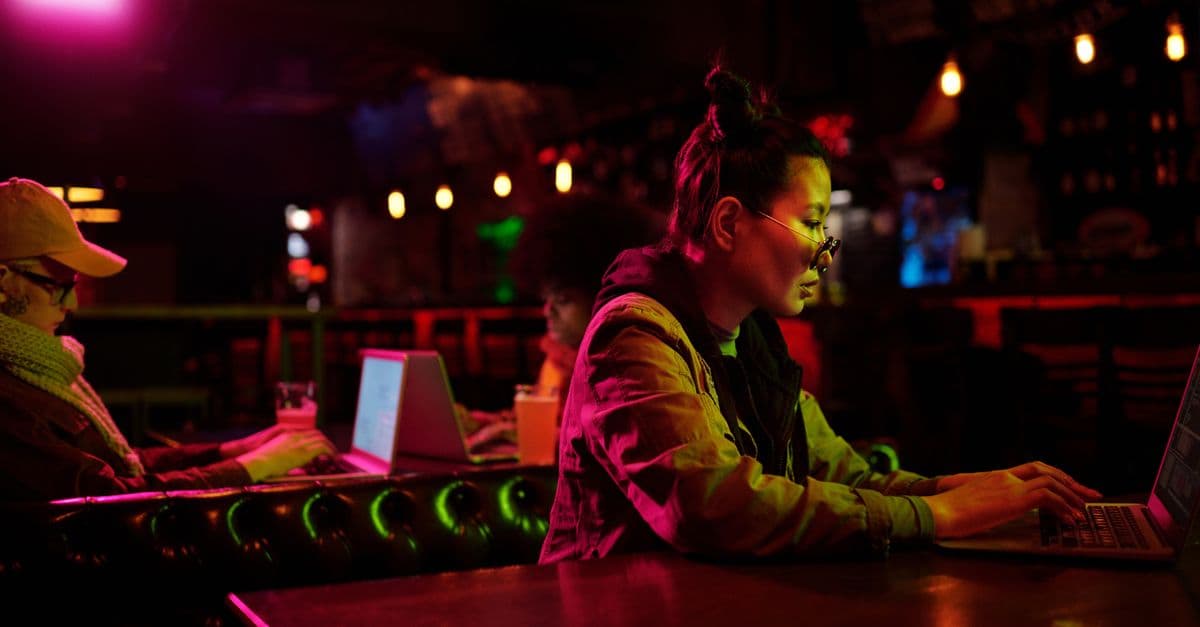
You are sitting in a coffee shop, waiting for your drink. A stranger in ordinary looking glasses sits nearby. You notice a tiny blue light near the hinge, and then it disappears. They might have just taken a photo of you, recorded a short video, or livestreamed the entire room.
Smart glasses are no longer a gadget for early adopters. This year, more people wear them every day. They look like regular eyeglasses or sunglasses, which is exactly why the privacy question feels so urgent.
In our testing, we found that most people cannot tell when a pair of smart glasses is recording. That gap between what the glasses can do and what others can see is the heart of the problem.
Why Smart Glasses Feel Different from a Phone Camera
 Photo by
 You already know that someone can point a phone at you and take a photo. You can see the phone. You can see the camera lens. You can usually tell when someone is holding their phone up.
Smart glasses change that. The camera sits near the temple or bridge. There is no obvious lens pointing at you. The wearer can capture a photo or video without raising a hand or changing their posture.
Think of it like this. A phone camera is like holding up a sign that says "I am recording." Smart glasses can be like a hidden doorbell camera. It may be recording, but you would not know unless the device tells you.
That is why the conversation around smart glasses privacy matters now more than ever.
What Smart Glasses Can Actually Capture
 Photo by MART PRODUCTION on Pexels
Let's get specific. Not all smart glasses are the same. Some are simple audio glasses for taking calls or listening to music. Others have full cameras, microphones, and even sensors that track movement.
A camera equipped pair can typically do the following:
- Take high resolution photos with a tap or voice command.
- Record short video clips, often 30 seconds to a few minutes.
- Livestream to social media platforms directly from the glasses.
- Capture audio through built in microphones, sometimes even when the wearer is not actively recording.
- Use artificial intelligence to identify objects, translate text, or search for information about what the wearer sees.
Some models also include features like real time language translation or visual search. That means the glasses can process what they see in the cloud. The image or audio leaves the device and goes to a company's servers.
Imagine you are on a video call in a park. Your smart glasses can stream that call while you walk. Anyone in the background of that stream is now on the internet. They did not consent. They may not even know they are visible. This is a simple example of how smart glasses blur the line between private and public.
The Data Trail You Don't See
When a pair of smart glasses records a video, the file does not always stay on the device. It often syncs to a paired smartphone app. From there, it may upload to cloud storage. The company that made the glasses may process the data to improve its AI or target ads.
Here is a simple way to understand it. Your face in a video is not just an image. It can become a data point. Software can match that image to other photos online. It can log the time and location where the video was taken. It can attach your voice or your conversation to a profile.
Let's say a pair of smart glasses takes a photo of a street. The photo includes a license plate, a house number, and a person's face. That image is now in a cloud server. The company can use software to read the plate, identify the address, and recognize the face. None of that requires the wearer to do anything extra.
Even if the person wearing the glasses means no harm, the company behind the glasses may collect metadata. Metadata is information about the file, like when it was created, where, and on what device. That can reveal more than you think.
Your glasses often send data through a paired phone. That phone uses your home WiFi or mobile data. If that connection is not secure, your data can leak. You can check for some of these leaks using our free DNS Leak Test. It shows whether your internet requests are being exposed outside your encrypted connection.
For a broader look at what personal information you expose every day, our Complete Guide to Online Privacy is a good place to start.
How to Spot a Pair That Is Recording
 Photo by Christina Morillo on Pexels
There is no universal way to know if smart glasses are recording. But there are clues.
First, look for a light. Many models have a small LED near the camera or on the outside of the frame. It usually turns on when the camera is active. A white, green, or blue light is common.
Second, listen for a sound. Some pairs play a camera shutter sound or a chime when a photo or video starts. If you hear a faint click from someone's glasses, they may be recording.
Third, watch the person's behavior. If someone keeps adjusting their glasses, tapping the side, or staring at you while speaking a voice command, that could be a sign. Not always, but it is worth noticing.
Fourth, check their phone. Many smart glasses require a paired phone nearby. If the person's phone screen is open to a companion app with a recording button, that is a strong signal.
Unfortunately, these clues are not reliable. People can cover the LED with a small piece of tape. They can mute the shutter sound. Some models do not even have a light in the first place.
We tested a few pairs and found that the indicator light was very dim in bright sunlight. In a dim room, it was more visible. That means you cannot always rely on the light alone.
We want to be clear. You cannot always prevent someone from recording you in public. That is true with phones too. But with smart glasses, the lack of obvious signals makes it harder. The goal is not to live in fear. It is to be aware and take small steps.
What You Can Do Today If You Wear Smart Glasses
If you own smart glasses, you have more control than you might think. Here are five steps you can take in about five minutes.
-
Review the companion app permissions. Open the app on your phone. Check what data it can access. Does it need your microphone all the time? Does it need your location? Turn off anything that is not essential.
-
Turn off always listening features. Many smart glasses listen for a wake word, like a smart speaker. If you do not use voice commands, disable that feature. It reduces the chance of accidental recordings.
-
Check your privacy settings for recording indicators. Some models let you adjust the brightness or sound of the recording LED and shutter sound. Set them to the most noticeable option. This helps people around you know when the camera is on.
-
Delete old recordings regularly. Go into the app and clear out photos, videos, and audio clips you no longer need. The less data stored, the less risk if your account is ever compromised.
-
Use strong account security. Your smart glasses account is linked to your phone and cloud storage. Use a unique password and turn on two factor authentication. Two factor authentication means you need a second code, usually from your phone, to log in. This stops someone from accessing your clips even if they steal your password.
Beyond settings, there is a social side. If you plan to record in a semi private space, like a gym or a classroom, ask first. A quick "Hey, these glasses have a camera, is that okay?" goes a long way. It builds trust and avoids awkward moments.
If you are not sure whether your phone itself has been compromised, our guide on how to know if your phone is hacked covers the red flags to watch for.
What You Can Do Today If You Are Around Smart Glasses
You cannot always control what others do. But you can reduce your own exposure.
First, trust your instincts. If someone wearing glasses is behaving oddly, you can move to a different seat or angle. You do not need to confront anyone. Simply changing your position can put you out of frame.
Second, be mindful of what you say in public. This is not about being paranoid. It is basic awareness. In a crowded cafe or train, assume that any conversation could be overheard or recorded. Save sensitive topics, like bank details or medical information, for private spaces.
Third, ask directly if you are comfortable. A polite question like "Are those camera glasses recording right now?" can be enough to make someone pause. Many wearers will happily show you the LED or explain the features.
Fourth, know the law in your area. Many places have rules about recording in spaces where people expect privacy, like restrooms, locker rooms, or changing rooms. In public spaces, the rules are often more relaxed. You can look up your local laws, but a good rule of thumb is that private spaces deserve more caution.
Fifth, watch for signs of hidden cameras in private spaces. This is not just about smart glasses. Some people use other small recording devices. If you are staying in a rental or hotel, a quick visual sweep of the room can help. Check for unusual objects near mirrors, smoke detectors, or outlets.
One common scenario is a concert or sporting event. You might be in the background of dozens of streams. You can choose to sit on the edge or behind a pillar if you are uncomfortable. You can also wear a hat or position yourself so your face is less visible to the person's camera.
What to Do If You Think Something Already Happened
Maybe you saw a light on someone's glasses right after you said something private. Or you found a photo of yourself online that you never agreed to. What now?
First, do not panic. Not every recording is malicious. Sometimes people record public scenes without realizing they captured you in the background.
Second, document what you saw. Note the time, place, and description of the glasses and the person. If you have a photo or screenshot, save it. This will help if you decide to report it.
Third, check the platform. If the content appears on social media, most platforms have a process for reporting privacy violations. You can usually request that content featuring you be removed.
Fourth, consider talking to the person if it feels safe. In many cases, a simple request to delete the clip works. Most people do not want a confrontation.
Fifth, secure your own devices. If you exchanged any information over a network that may have been compromised, change your passwords. Run a security check on your phone. Use reverse image search if you have a photo of yourself. You can upload it to a search engine and see where else it appears. It is not perfect, but it is a start.
The Bigger Picture: Privacy Laws and Your Rights
The law is still catching up with smart glasses. In many places, the rules about recording depend on where you are and what you expect.
For example, recording someone in a public park is often allowed. Recording someone in a public restroom is not. Recording audio can be more restricted than recording video, depending on local consent laws.
Some countries require a clear indicator light on camera glasses. Others do not. This can get confusing, especially when you travel.
What you can do is stay informed. Read the privacy policy for any smart glasses you buy. Pay attention to how the company handles facial data, voice recordings, and location. If the policy is vague or hard to understand, that is a red flag.
Some companies allow you to request a copy of the data they hold about you. If you appear in someone else's recording, you may not have direct access. But you can ask the platform where it is posted to remove it. Data protection laws in many regions give you the right to object to your image being used for commercial purposes.
You can also support stronger rules. Many privacy advocates are pushing for clearer labeling and stricter limits on facial recognition. Your voice as a consumer matters.
Key Takeaways
- Smart glasses can record photos, video, and audio, often without obvious signs.
- The real risk is not just the camera, but the data trail left behind when clips sync to apps and cloud servers.
- You can spot some recording indicators, like LEDs and shutter sounds, but they are not always reliable.
- If you wear smart glasses, review app permissions, turn off always listening, and delete old recordings.
- If you are around them, be aware of what you say in public and move if you feel uncomfortable.
- Check your own digital security, including your phone and DNS leaks, to reduce your overall exposure.
A Simple Step to Lock Down Your Data
One step we recommend is adding a VPN to the phone that pairs with your smart glasses. A VPN, or virtual private network, encrypts your internet connection. It acts like a private tunnel for your data. If your glasses upload footage or audio to the cloud through your phone, a VPN makes that connection much harder to intercept.
GhostShield VPN is a practical option for this. It takes one tap to connect and works quietly in the background. You can try it at pricing or get the app at downloads. It is a simple step that gives you more control over what leaves your device.
Related Topics
Keep Reading
Smart Glasses Privacy Risks: 5 Easy Steps to Protect Your Data in 2026
How to Use AI Chatbots Safely: Avoid Scams & Protect Your Privacy
AI Girlfriends & Boyfriends: Privacy Risks & How to Stay Safe in 2026
How to Turn Off Amazon Ring’s Facial Recognition in 2026 – Step-by-Step Guide

AI Pets and Smart Toys: Are They Spying on Your Kids? A Parent’s Guide

How to Spot & Avoid Social Media Scams in 2026: A Simple Guide
Protect Your Privacy Today
GhostShield VPN uses AI-powered threat detection and military-grade WireGuard encryption to keep you safe.
Download Free