TikTok Super App Privacy Risks: How to Protect Your Data in 2026
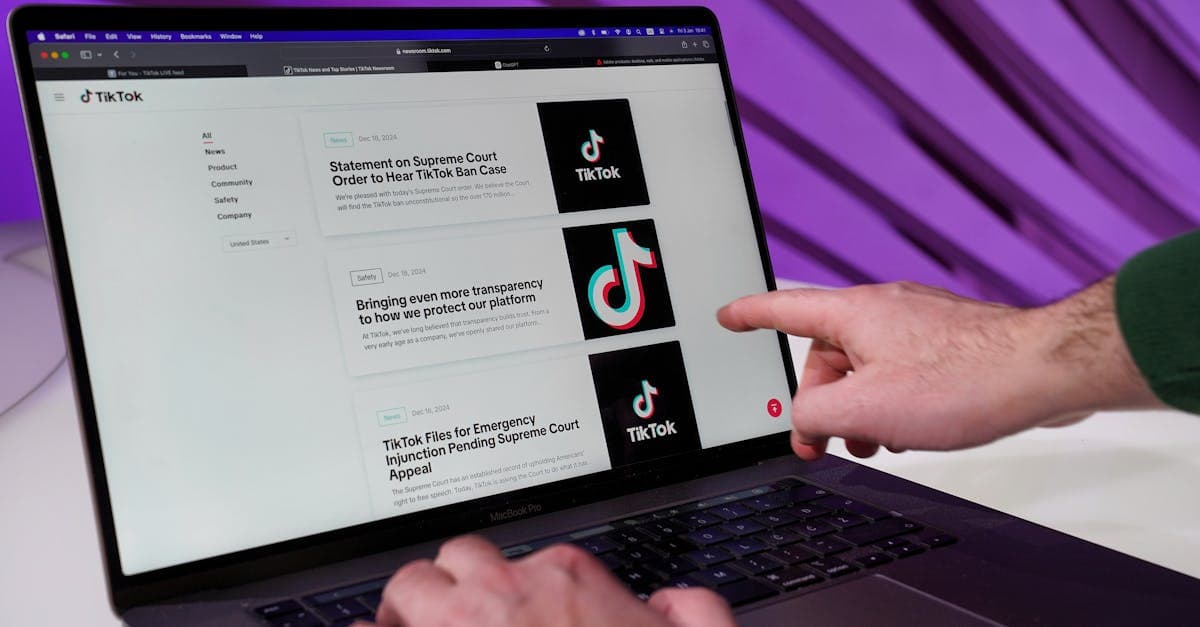
TikTok Used to Be Just for Dancing—Now It Wants to Be Your Wallet, Too
Remember when TikTok was just a fun app for silly videos? These days, it’s trying to be everything—your social network, your messaging app, your online store, and even your digital wallet. That’s a lot of hats for one app to wear.
And here’s the thing: the more TikTok does, the more it learns about you. It’s like a mall security camera that follows you from the food court to the bank to the clothing store. Every stop adds another piece to the puzzle of who you are.
This month, TikTok rolled out even more features to its "super app" model, including in-app payments, expanded messaging, and deeper shopping integrations. That means more convenience—but also more ways for your data to slip through the cracks.
The good news? You don’t have to delete TikTok to protect yourself. Here’s how to use it without oversharing.
What Is TikTok Actually Collecting in 2026?
 Photo by indra projects on Pexels
TikTok has always been a data-hungry app. Even before it became a super app, it tracked:
- What you watch, like, and share (even if you never post anything yourself).
- Your location (if you’ve given it permission).
- Your device info, like your phone model, operating system, and even your battery level.
Think of it like a nosy neighbor who notes every time you take out the trash—and now, they’re following you to the bank, too.
The New Risks of TikTok’s Super App
TikTok’s expansion means it’s collecting even more data:
- Payments and shopping: If you use TikTok Pay or TikTok Shop, the app now sees what you buy, your payment details, and your shipping address.
- Messaging: Private chats could be scanned (similar to how Gmail scans emails to serve ads).
- Third-party trackers: TikTok partners with advertisers who build detailed profiles on you. For example, if you search for "running shoes" in TikTok Shop, don’t be surprised if ads for Nike pop up on Instagram later.
Even if you don’t use TikTok’s shopping or payment features, the app still collects data from your interactions, like which videos you linger on or which creators you follow.
How to Lock Down Your TikTok Account (Step-by-Step)
 Photo by Dan Nelson on Pexels
You don’t have to quit TikTok to protect your privacy. Here’s how to tighten your settings in just a few minutes.
1. Turn Off Ad Personalization
TikTok uses your data to show you ads that feel scarily accurate. Here’s how to stop it:
- Open TikTok and tap your profile icon in the bottom right.
- Tap the three lines in the top right to open Settings.
- Go to Privacy > Ads.
- Toggle off "Personalized Ads."
Why it helps: This stops TikTok from using your activity to target you with ads. You’ll still see ads, but they won’t be based on your behavior.
2. Disable Location Tracking
TikTok can track your location if you’ve given it permission. Here’s how to turn it off:
- In TikTok’s Settings, go to Privacy > Location Services.
- Turn off "Precise Location."
- Pro tip: Also revoke location access in your phone’s settings:
- iPhone: Go to Settings > Privacy > Location Services > TikTok > Never.
- Android: Go to Settings > Apps > TikTok > Permissions > Location > Deny.
Analogy: Location tracking is like leaving your front door unlocked. You might not notice until someone walks in.
3. Limit Who Can Message You
TikTok’s messaging feature is convenient, but it’s also a hotspot for spam and scams. Here’s how to control who can DM you:
- In Settings, go to Privacy > Direct Messages.
- Set it to "Friends" or "No One."
Bonus: While you’re here, disable "Suggest Your Account to Others" to avoid strangers finding you.
4. Opt Out of Data Sharing with Third Parties
TikTok shares data with advertisers and other partners. Here’s how to stop it:
- In Settings, go to Privacy > Data Sharing.
- Toggle off "Allow TikTok to share data with partners."
Analogy: This is like telling a gossip to stop blabbing about you to their friends.
Extra Layers of Protection: VPNs and Beyond
TikTok’s settings only go so far. For stronger privacy, try these extra steps.
Use a VPN to Hide Your IP Address
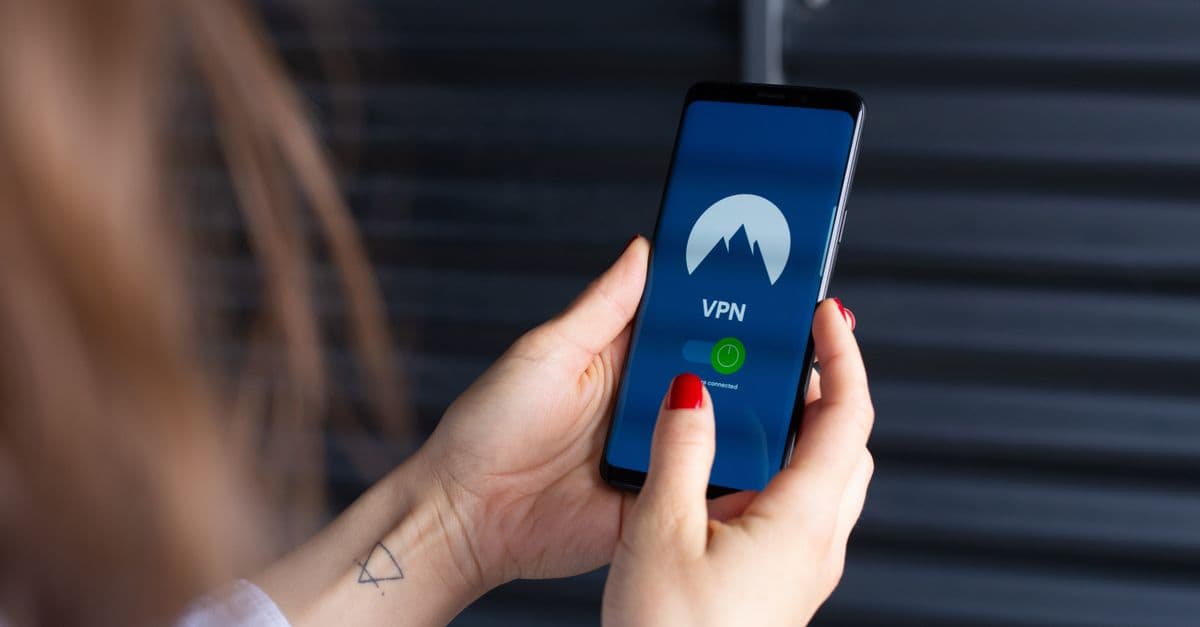
A VPN (Virtual Private Network) masks your IP address, making it harder for TikTok to track your location. Here’s how it works:
- What it does: A VPN routes your internet traffic through a secure server, hiding your real location.
- How to pick one: Look for a VPN with a "no-logs" policy, meaning it doesn’t store your data. ProtonVPN and NordVPN are solid options.
Analogy: A VPN is like sending your mail through a PO box instead of your home address. It keeps your real location private.
If you’re new to VPNs, check out our Complete Guide to VPNs for a simple breakdown.
Avoid Linking Other Accounts
TikTok lets you log in with Facebook, Google, or your email. But linking accounts gives TikTok even more data about you. Here’s what to do instead:
- Use a separate email just for TikTok.
- Don’t link social media accounts like Facebook or Instagram.
Clear Your Watch History Regularly
TikTok uses your watch history to recommend content—and build a profile on you. Here’s how to clear it:
- In Settings, go to Privacy > Watch History.
- Tap "Clear All."
Why it helps: Clearing your history resets TikTok’s recommendations, making it harder for the app to predict your behavior.
Is TikTok’s Super App Really Safe?
 Photo by
 TikTok’s encryption is decent—your messages are private from hackers, at least. But there’s a bigger issue: TikTok’s parent company, ByteDance, is based in China, where laws require companies to share data with the government if asked.
Even if TikTok promises not to share your data, no app is 100% private—especially one that wants to be your everything.
The Bottom Line
TikTok’s super app is convenient, but convenience often comes at the cost of privacy. The choice is yours: Use it wisely or risk oversharing.
Key Takeaways: Quick Privacy Checklist
Here’s a quick recap of what you can do today to protect your privacy on TikTok:
- ✅ Disable ad personalization to stop TikTok from profiling you.
- ✅ Turn off location tracking in TikTok and your phone’s settings.
- ✅ Use a VPN to hide your IP address and browsing activity.
- ✅ Limit who can message you to avoid spam and scams.
- ✅ Clear your watch history regularly to reset TikTok’s recommendations.
For more tips on staying safe online, check out our Complete Guide to Online Privacy.
FAQs: Your TikTok Privacy Questions, Answered
Q: Can TikTok see my bank details if I use TikTok Pay?
TikTok claims payment data is encrypted, but it’s still stored on their servers. For extra safety, use a separate payment method like PayPal instead of linking your bank account directly.
Q: Will deleting TikTok delete all my data?
No. If you delete TikTok, you’ll need to request your data deletion separately. Here’s how:
- Go to Settings > Privacy > Request Data Deletion.
- Follow the prompts to submit your request.
Q: Is TikTok safer than Facebook or Instagram?
All three apps collect tons of data, but TikTok’s ties to China make it riskier for some users. If privacy is a top concern, consider limiting your use of all social media apps.
A Simple Way to Stay Safer Online
TikTok isn’t the only app that tracks you—most social media platforms do. But if you’re using TikTok’s super app features, like payments or messaging, it’s worth taking extra precautions.
One easy step? Use a VPN to hide your IP address and browsing activity. GhostShield VPN does both: it encrypts your connection and routes it through its own servers. It’s especially useful if you’re using TikTok on public Wi-Fi or traveling abroad.
For more ways to protect your digital footprint, check out our guide to erasing your online presence.
Final Thought: Convenience vs. Privacy
TikTok’s super app is designed to keep you engaged—and the more you use it, the more it learns about you. That’s not necessarily a bad thing, but it’s worth asking: How much am I willing to share for the sake of convenience?
The good news? You don’t have to choose between fun and privacy. With a few tweaks, you can enjoy TikTok without handing over your entire digital life.
Now go forth and scroll—safely! 🚀
Related Topics
Keep Reading
5 Warning Signs Your Phone Is Hacked & How to Fix It Fast (2026 Guide)

How to Check for Spyware on Your Phone in 2026: 5 Warning Signs & Fixes

AI Chatbot Privacy Risks in 2026: 5 Easy Steps to Stay Safe

Tata Electronics Data Breach: How to Check & Protect Your Data Now

How to Stay Safe Using AI Chatbots in 2026: Privacy Tips You Can Use Today