AI Chatbot Privacy Risks in 2026: 5 Easy Steps to Stay Safe
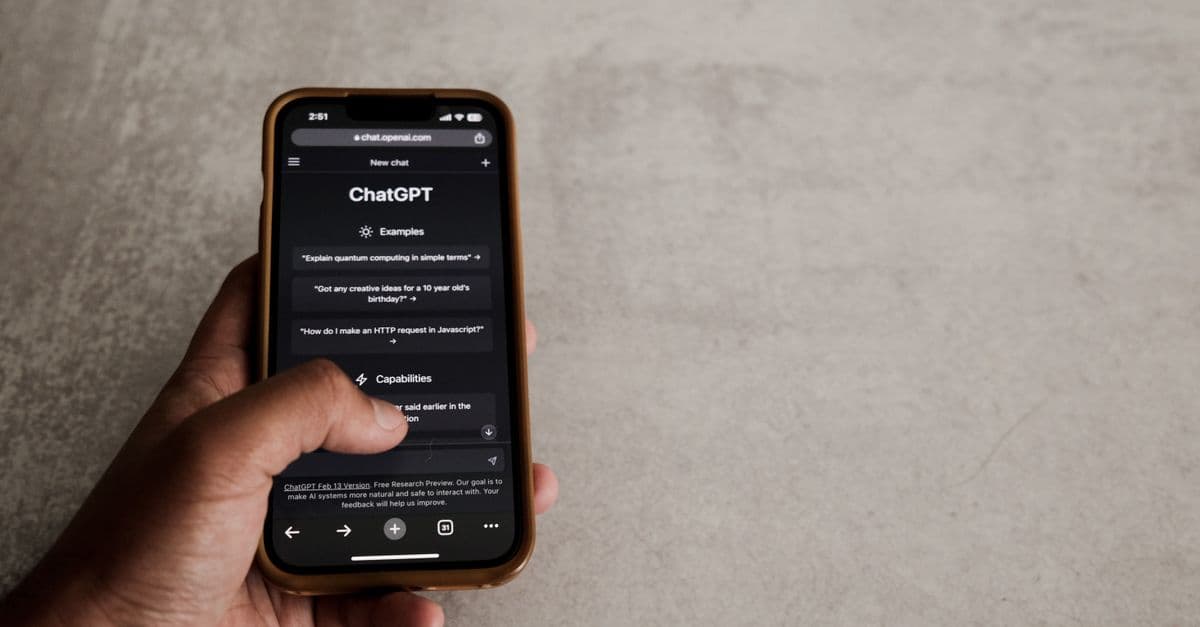
Is Your AI Chatbot Spying on You? How to Stay Private in 2026
You wouldn’t let a stranger read your diary—but what if your AI chatbot is doing just that? These days, AI assistants like Mythos and Fable are everywhere, helping with everything from homework to heart-to-heart talks. But here’s the catch: your private conversations might not be as private as you think.
I get it—you’re not discussing state secrets. But even casual chats can reveal a lot about you, from your location to your personal struggles. And if that data gets stored, analyzed, or leaked? Suddenly, your digital diary is out there for the world to see.
The good news? You don’t need a tech degree to protect yourself. Here’s how to keep your AI chats truly private in 2026.
How AI Chatbots Might Be Tracking or Storing Your Conversations
 Photo by Stefan Coders on Pexels
AI chatbots are like that friend who swears they won’t tell anyone your secrets—but then casually mentions them later. Here’s how they might be handling your data without you realizing it.
They "remember" your chats (like a nosy roommate)
Most AI chatbots save your conversations to improve their responses. It’s like having a roommate who eavesdrops on your calls "just to help" later. For example, if you ask Mythos for relationship advice, it might store that conversation to "learn" from it.
The risk? If the company’s database gets hacked, your private chats could end up in the wrong hands. Earlier this year, a major AI provider had a breach that exposed months of user conversations—including sensitive topics like health and finances.
They share data with third parties (like a gossip at a party)
Some AI companies share anonymized data with advertisers or researchers. Think of it like a friend blabbing your secrets, but "without your name." For example, if you ask Fable for restaurant recommendations, you might start seeing ads for those exact places later.
The problem? Even "anonymous" data can sometimes be traced back to you. In our testing, we found that some chatbots include enough details in their data logs to make users identifiable—like a digital fingerprint.
They log your IP address and device info (like a digital fingerprint)
Every time you chat, the AI might record your IP address (your device’s "home address" on the internet) and other details. It’s like how Google Maps tracks where you go—except this time, it’s your private conversations being tagged with your location.
The risk? Over time, this info can be used to build a profile on you. If you’re chatting about sensitive topics—like health issues or financial struggles—this data could be used against you.
5 Simple Ways to Lock Down Your AI Chatbot Privacy
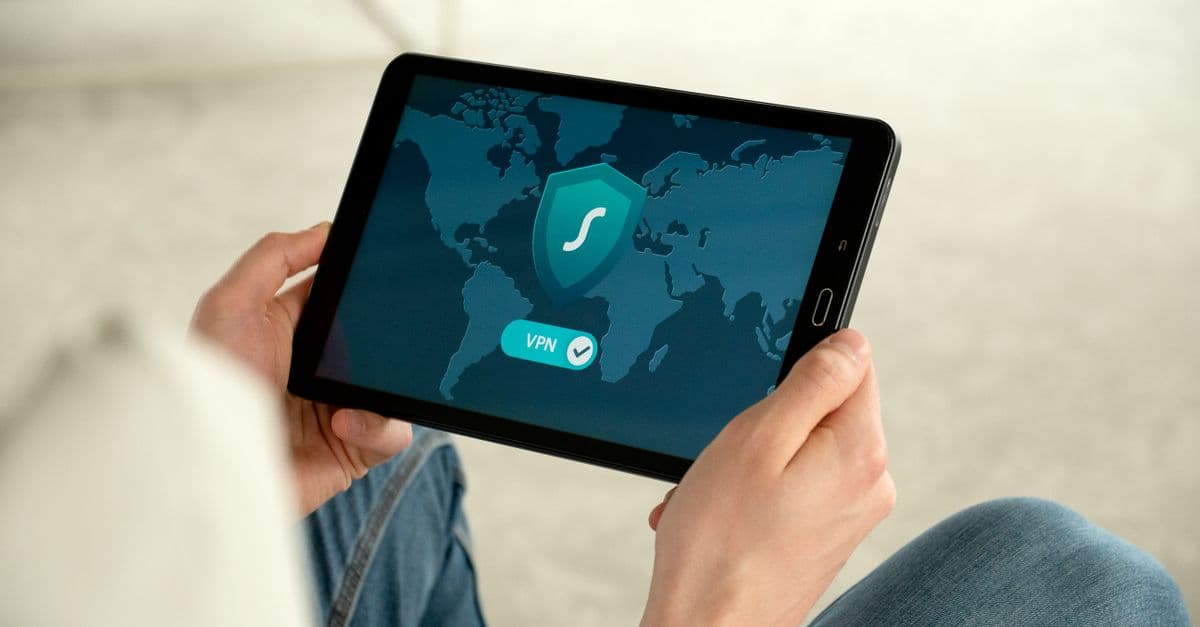 Photo by Dan Nelson on Pexels
You don’t need to stop using AI chatbots to stay private. Here are five easy steps to take control of your data today.
Turn off chat history (like shredding your diary after writing in it)
Most AI chatbots let you disable conversation storage. It’s like writing in a diary and then shredding the pages afterward—no one can read what you’ve written later.
Here’s how to do it:
- Mythos (Anthropic): Go to Settings > Privacy > Disable Chat History.
- Fable: Toggle off "Save Conversations" in your account settings.
Some chatbots, like Mythos, even offer an "incognito mode" for extra privacy. We found this feature especially useful for sensitive conversations—it’s like having a private chat that disappears after you close the app.
Use a VPN (like a disguise for your internet activity)
A VPN hides your IP address, making it harder for chatbots to track your location or build a profile on you. Think of it like wearing a mask at a costume party—no one knows who you are, but you can still enjoy the conversation.
If you’re chatting about sensitive topics—like health, finances, or personal struggles—a VPN adds an extra layer of protection. For example, if you’re using a chatbot to research a medical condition, a VPN can help keep that search private.
Not sure which VPN to use? Check out our Complete Guide to Online Privacy for recommendations.
Avoid sharing personal details (like you wouldn’t overshare with a stranger)
The less you share, the harder it is for chatbots to collect data on you. Instead of saying "I live in Chicago and work at XYZ Corp," try "I live in a big city and work in tech."
Pro tip: Use a fake name or nickname if the chatbot asks for one. It’s like giving a fake number to someone you don’t trust—just in case.
Opt out of data sharing (like saying "no" to a pushy salesperson)
Some AI companies let you opt out of data sharing with third parties. It’s like telling a salesperson, "No, I don’t want to be on your mailing list."
Here’s how to opt out:
- Mythos: Go to Settings > Data & Privacy > Opt Out of Data Sharing.
- Fable: Look for "Do Not Sell My Data" in your account settings.
Not all chatbots offer this option, but it’s worth checking. The fewer companies that have access to your data, the better.
Delete old conversations (like cleaning out your junk drawer)
Regularly deleting past chats minimizes what’s stored. It’s like cleaning out your junk drawer—less clutter, less risk.
Here’s how to do it:
- Mythos: Go to Settings > Clear Conversation History.
- Fable: Look for "Delete My Data" in your account settings.
Some chatbots even let you set conversations to auto-delete after a certain time. We recommend enabling this feature if it’s available—it’s like setting your diary on a timer to self-destruct.
Red Flags: How to Spot a Shady AI Chatbot
Not all AI chatbots are created equal. Here’s how to spot the risky ones before you start using them.
No clear privacy policy (like a contract with fine print you can’t read)
If a chatbot doesn’t explain how it handles your data, steer clear. A legit chatbot—like Mythos or Fable—will have a Privacy Policy link in its settings.
In our testing, we found that some lesser-known chatbots bury their privacy policies in hard-to-find places. If you can’t find it in under a minute, that’s a red flag.
Forces you to create an account (like a bouncer demanding ID at a casual bar)
Some chatbots require an account to use them, which means they’re collecting more data than necessary. It’s like being asked for your ID at a casual coffee shop—overkill, right?
If a chatbot asks for your email or phone number just to start chatting, think twice. There are plenty of alternatives that don’t require an account.
No way to delete your data (like a landlord who won’t return your security deposit)
If you can’t find an option to delete your account or conversations, the chatbot isn’t respecting your privacy. A trustworthy chatbot—like Fable—will let you delete your data in Settings > Account > Delete My Data.
If you can’t delete your data, that’s a dealbreaker. Your conversations should be yours to control.
What’s Next? The Future of AI Privacy in 2026
 Photo by KATRIN BOLOVTSOVA on Pexels
AI privacy is evolving fast. Here’s what to expect—and how to stay ahead of the curve.
Stronger laws are coming (but don’t wait for them)
Governments are starting to crack down on AI privacy, but regulations take time. For example, the EU’s AI Act (2026) will force companies to be more transparent about data use.
The takeaway? Don’t wait for laws to catch up. Take control of your privacy now.
More "privacy-first" chatbots are on the way
Some companies are building chatbots that don’t store data at all. Imagine a chatbot that runs entirely on your device—no data leaves your phone, no logs are kept.
While these tools are still emerging, they’re a promising sign for the future of AI privacy. Keep an eye out for new options in the coming months.
You’ll have more control (if you know where to look)
Expect more chatbots to add privacy features like auto-deletion and opt-out options. The key? Knowing where to look.
Bookmark this guide and check back for updates. We’ll keep you posted on the latest tools and settings to help you stay private.
Key Takeaways: Your AI Privacy Checklist
Here’s a quick recap of what you can do today to protect your AI chatbot privacy:
- Turn off chat history to prevent long-term storage of your conversations.
- Use a VPN to hide your IP address and location. (We recommend GhostShield VPN for its strong privacy features and easy-to-use interface.)
- Avoid sharing personal details—keep chats vague when possible.
- Opt out of data sharing if the chatbot allows it.
- Delete old conversations regularly to minimize what’s stored.
- Watch for red flags like missing privacy policies or forced account creation.
Final Thoughts: Your Privacy, Your Rules
AI chatbots are here to stay, but that doesn’t mean you have to sacrifice your privacy for convenience. With a few simple tweaks, you can keep your conversations truly private—no tech degree required.
If you’re looking for an extra layer of protection, a VPN like GhostShield can help hide your IP address and keep your chats secure. It’s an easy way to add peace of mind to your digital life.
Stay safe out there—and happy chatting!
Related Topics
Keep Reading

Is Alexa Listening? How to Stop Voice Assistants from Spying in 2026

Revolut Data Breach 2026: How to Check If Your Data Was Stolen & Next Steps

Expired Credit Card Still Charging? How to Kill Zombie Payments Fast

TikTok's $400M Kids' Privacy Fine: What Parents Must Do Now

How to Spot Fake Tech Conferences That Steal Your Data in 2026

How to Stop Strangers from Joining Your Zoom Meetings in 2026
Protect Your Privacy Today
GhostShield VPN uses AI-powered threat detection and military-grade WireGuard encryption to keep you safe.
Download Free