How to Secure Your Instagram Account from Hackers in 2026 (Easy Steps)
Imagine waking up to find your Instagram account posting spam, sending weird DMs—or worse, completely gone.
That’s exactly what’s happening to thousands of users in 2026. Hackers are tricking Meta’s AI support chatbot into stealing accounts, and the scams are getting smarter. The good news? You don’t need to be a tech genius to protect yourself.
Instagram isn’t just for photos anymore—it’s tied to memories, businesses, and even your identity. If your account gets hacked, it’s not just annoying; it can feel like losing a piece of yourself. But with a few simple steps, you can lock it down and keep hackers out.
Want to protect all your social media? Check out our Complete Guide to Online Privacy for simple tips to stay safe everywhere.
How Hackers Are Breaking Into Instagram in 2026
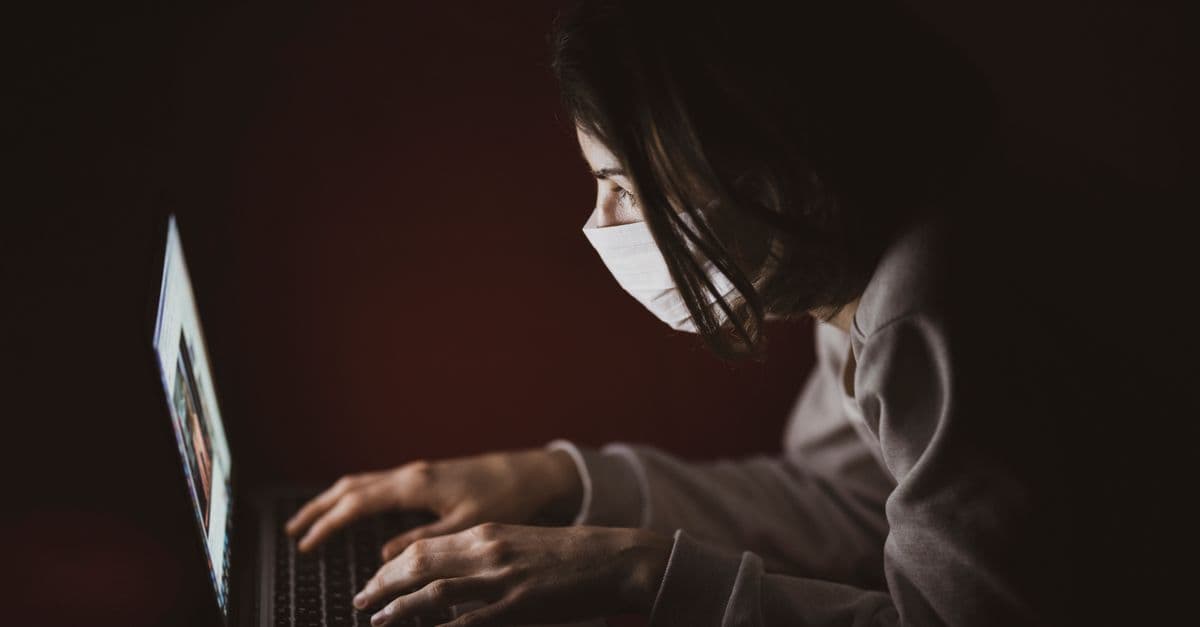
 Photo by dlxmedia.hu on Pexels
Hackers are getting sneakier, and Instagram is a prime target. Here’s how they’re tricking users in 2026—and why it’s easier than ever to fall for it.
The Meta AI Support Scam
Hackers are sending fake "security alerts" via DM or email, claiming your account is at risk. They’ll ask for a login code (sent to your phone) or direct you to a fake "Instagram Support" page. Once they have that code, they can log in as you and take over your account.
Think of it like this: It’s like a thief calling you, pretending to be your bank, and asking for your PIN. Instagram (or Meta) will never ask for your login code or password in a DM. If someone does, it’s a scam.
Other Sneaky Tricks
Hackers are using a few other tricks to break into accounts:
- "Your account will be deleted!" scams: They’ll send urgent messages claiming your account is at risk unless you act now. The goal? To panic you into handing over your info.
- Fake "verified badge" offers: They’ll promise to verify your account for a fee (e.g., "Pay $20 to get verified!"). Spoiler: It’s a scam.
- Malicious links in DMs: You might get a message like "Check out this funny video!" with a link. Clicking it could give hackers access to your account.
Why It’s Worse in 2026
Hackers are using AI to make scams look more convincing. Fake "Meta Support" profiles now have official-looking logos and even AI-generated responses that sound real. Plus, more people use Instagram for work (creators, small businesses), making accounts a bigger target.
5 Simple Steps to Lock Down Your Instagram Account
 Photo by
 You don’t need to be a tech expert to protect your Instagram. Here are five easy steps to keep hackers out—no jargon required.
1. Turn on Two-Factor Authentication (2FA) the Right Way
Two-factor authentication (2FA) adds a second layer of security to your account. It’s like a PIN sent to your phone to prove it’s really you logging in.
How to set it up:
- Go to Settings → Security → Two-Factor Authentication.
- Choose Authentication App (like Google Authenticator or Duo Mobile) instead of SMS. Why? Because hackers can intercept text messages.
- Save your backup codes in a safe place (like a password manager or printed copy).
Why SMS is risky: Think of SMS codes like writing your ATM PIN on a sticky note—it’s easy for hackers to steal.
2. Spot (and Avoid) Fake "Instagram Support" Messages
Hackers love pretending to be Instagram Support. Here’s how to spot the fakes:
- Red flags:
- Messages from accounts with no verification badge (even if the name says "Instagram Support").
- Urgent threats ("Your account will be deleted in 24 hours!").
- Requests for login codes, passwords, or payments.
- What to do instead:
- Only contact Instagram through the official Help Center (in-app or help.instagram.com).
- If a stranger knocked on your door claiming to be from the electric company, you’d ask for ID. Do the same with Instagram messages!
3. Use a Strong, Unique Password (and a Password Manager)
Reusing passwords is like using the same key for your house, car, and office—if a hacker gets it, they get everything.
How to create a strong password:
- Use 12+ characters, a mix of letters, numbers, and symbols (e.g.,
PurpleTurtle$2026!). - Avoid personal info (birthdays, pet names) or common words ("password123").
Password manager tip: Use Bitwarden or 1Password (free options available) to generate and store passwords. Need help picking one? Check out our Password Strength Checker to test your passwords.
4. Check (and Clean Up) Your Login Activity
Hackers might already be logging into your account without you knowing. Here’s how to check:
- Go to Settings → Security → Login Activity.
- Look for unknown devices or locations (e.g., a login from "Moscow" when you’re in Chicago).
- Tap "Log Out" next to any suspicious sessions.
Why it’s important: It’s like checking your bank statement for weird charges—catching a hacker early can save your account.
5. Limit Who Can Tag You and DM You
Fewer strangers messaging you means fewer chances for hackers to trick you.
How to adjust settings:
- Tags: Go to Settings → Privacy → Tags → Choose "People You Follow" (instead of "Everyone").
- DMs: Go to Settings → Privacy → Messages → Set "Don’t Receive Requests" for people you don’t follow.
Why it helps: It’s like putting a "No Solicitors" sign on your door—fewer strangers can bother you.
Your Instagram Got Hacked—Now What?
If the worst happens and your account gets hacked, don’t panic. Here’s what to do:
Step 1: Try Logging In with Email or Phone
- Go to the Instagram login page → Tap "Forgot Password?" → Enter your email or phone number.
- If hackers changed your info, use the "Need More Help?" option to submit a recovery request.
Step 2: Report the Hack to Instagram
- Fill out the Hacked Account form (bookmark this link!).
- Include your username, email, and phone number (even if hackers changed them).
- Instagram may ask for a photo of your ID to verify your identity.
Analogy: It’s like filing a police report for a stolen wallet—you need proof it’s yours.
Step 3: Warn Your Followers
If the hacker is posting spam, post a Story or comment saying, "My account was hacked—don’t click any weird links!"
Key Takeaways
- Turn on 2FA (use an authentication app, not SMS).
 Photo by
 - Never share login codes or passwords—Instagram will never ask for them in a DM.
- Use a strong, unique password and a password manager.
- Check your login activity regularly for suspicious logins.
- Limit who can tag and DM you to reduce scams.
- If hacked, report it to Instagram immediately and warn your followers.
How GhostShield VPN Can Help
Even with all these steps, hackers can still intercept your data on public Wi-Fi or track your online activity. That’s where GhostShield VPN comes in. It encrypts your connection, making it nearly impossible for hackers to steal your info—whether you’re scrolling Instagram at a coffee shop or working remotely.
A VPN adds an extra layer of security, especially when you log into accounts on unsecured networks. If you’re serious about protecting your online privacy, it’s a simple step that makes a big difference.
Stay safe out there—and keep your Instagram (and the rest of your digital life) secure!
Related Topics
Keep Reading
How to Stop Your Apple Watch Listening to You (2026)

How to Remove Your Personal Data from People-Search Sites in 2026 (Free Step-by-Step Guide)
How to Bypass Internet Censorship While Traveling: A 2026 VPN Guide for 50+ Countries

How to Protect Your License Plate from Police Cameras in 2026
What AI Image Generators Actually Do With Your Uploads