Smart Glasses Privacy in 2026: Simple Ways to Protect Yourself

Smart Glasses Privacy 2026: How to Stay Safe Without Paranoia
Imagine walking into your favorite coffee shop, ordering your usual latte, and suddenly wondering: Is that person in the corner recording me through their smart glasses? It’s not just a sci-fi scenario anymore—smart glasses are everywhere now, from tech conferences to grocery stores. And with Realities’ new camera-free model making headlines this month, the conversation around privacy is louder than ever.
The good news? You don’t need to be a tech expert to protect yourself. Whether you’re worried about being recorded in public or just curious about how these gadgets work, here’s everything you need to know—without the paranoia.
1. Can Smart Glasses Secretly Record You? (The Truth in Plain English)
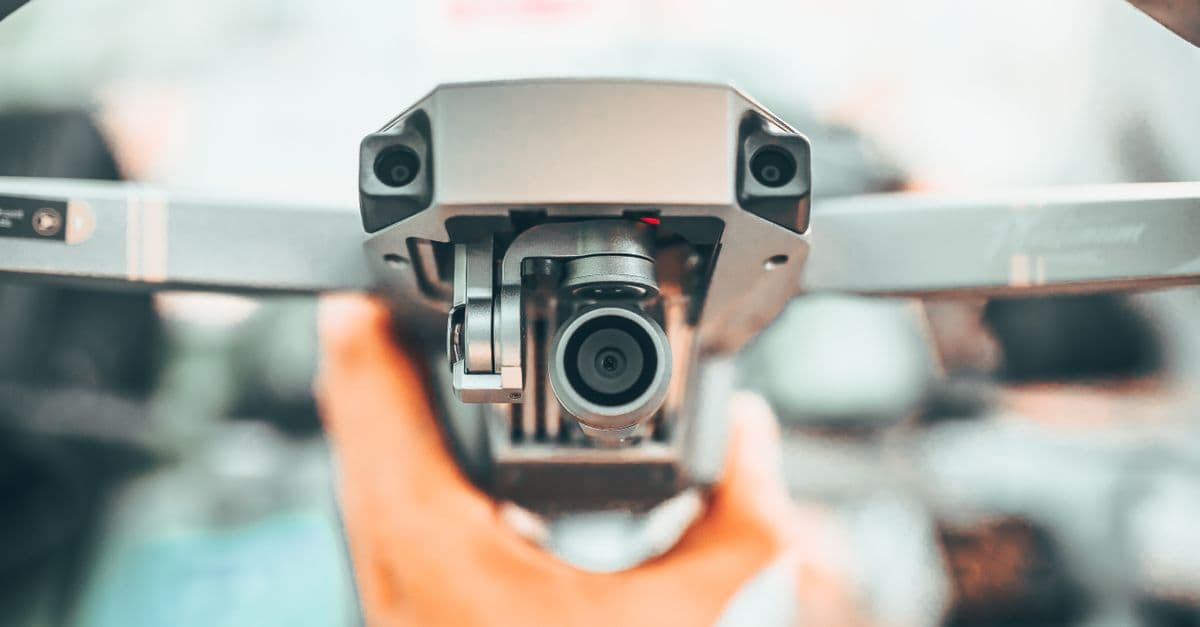 Photo by
 Smart glasses are basically sunglasses with a tiny computer (and sometimes a camera) built into the frame. Think of them like a smartphone you wear on your face—except instead of pulling out your phone to take a picture, you might just blink or say a voice command.
Some models can record without you noticing. For example:
- Blink-to-record: A quick double-blink might snap a photo or start a video.
- Voice commands: Saying something like “Hey Glass, record” could activate the camera without any visible signs.
- Always-on recording: Some glasses are designed to constantly capture what’s in front of them, like a dashcam for your face.
But here’s the catch: Not all smart glasses have cameras. Realities’ new model, for example, is designed for productivity (think virtual monitors and voice assistants) and skips the camera entirely. That’s a big deal for privacy—no camera means no chance of being recorded without your knowledge.
Real-world example: Let’s say you’re in a dressing room trying on clothes. If someone nearby is wearing smart glasses with a camera, could they be recording you? Technically, yes—but it’s not as common as you might think. Most people use smart glasses for work, navigation, or fitness tracking, not sneaky recording. Still, it’s worth knowing how to spot the difference.
2. How to Spot Smart Glasses in Public (No Tin Foil Hat Required)
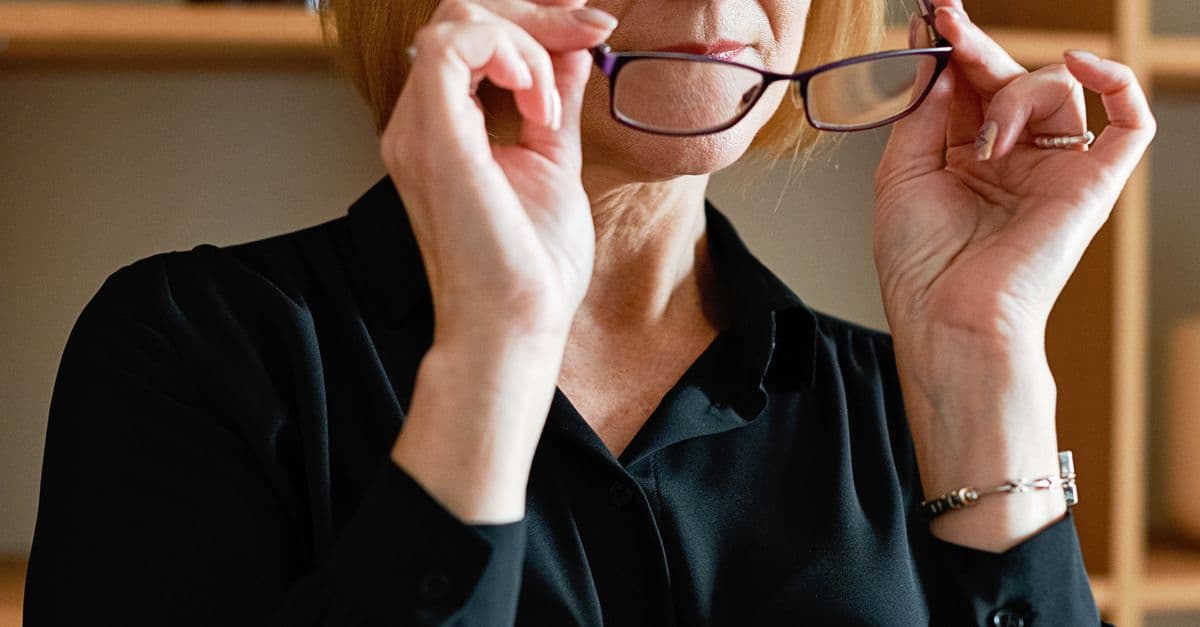 Photo by Mikhail Nilov on Pexels
You don’t need to be a detective to figure out if someone’s wearing smart glasses. Here’s what to look for:
Visual Clues
- Thick or bulky frames: Smart glasses often have extra hardware (like batteries or processors) that make the frames thicker than regular glasses.
- Tiny lenses or sensors: Look for small, unusual lenses near the hinges or on the sides of the frames. These could be cameras or microphones.
- LED lights: Some smart glasses have tiny lights that blink when they’re recording or connected to Wi-Fi. If you see a small, steady light, it might be a sign.
Behavioral Red Flags
- Staring too long: If someone seems to be staring at you for no reason, they might be using their glasses to record or take photos.
- Adjusting their glasses repeatedly: Fiddling with the frames could mean they’re trying to get the camera angle just right.
- Talking to themselves: Many smart glasses respond to voice commands, so if someone’s muttering “take a picture” or “record this,” they might be using a wearable device.
What to Do If You’re Unsure
If you’re uncomfortable, there’s no harm in asking. Try something casual like:
- “Hey, are those smart glasses? I’ve been thinking about getting a pair.”
- “Do those have a camera? I’m just curious.”
Most people will be happy to explain—especially if they’re using them for work or fitness. And if they get defensive? That’s a red flag.
Analogy: Spotting smart glasses is a lot like noticing a hidden camera in an Airbnb. You don’t need to be a tech genius—just observant. If something looks off, trust your gut.
3. Privacy Risks of Smart Glasses in 2026 (What’s Really at Stake?)
Smart glasses might seem like a fun gadget, but they come with real privacy risks. Here’s what you need to know:
The Big 3 Risks
-
Unwanted Recording
- Smart glasses can capture photos, videos, or even audio without your consent. This is especially concerning in private spaces like bathrooms, dressing rooms, or at work.
- Some models can even livestream what they’re recording, meaning someone could be watching in real time.
-
Facial Recognition
- If a smart glass has a camera, it might also have facial recognition software. That means your face could be scanned, identified, and even added to a database without your knowledge.
- This is a huge concern for activists, journalists, or anyone who values anonymity.
-
Location Tracking
- Many smart glasses have GPS built in, so they can log where you’ve been. If someone’s wearing them in a sensitive location (like a protest or a doctor’s office), they could be tracking movements without permission.
Who’s Most at Risk?
- Celebrities and public figures: Paparazzi or fans could use smart glasses to snap photos or videos without being obvious.
- Activists and journalists: Facial recognition and location tracking could put them in danger.
- Everyday people in sensitive spaces: Think dressing rooms, bathrooms, or even your own home if someone visits with smart glasses.
Real-world example: Remember when Google Glass first came out? People wearing them in public were called “Glassholes” because of the privacy concerns. Bars and restaurants even banned them. Fast-forward to 2026, and the technology has evolved—but the risks haven’t gone away.
4. How to Stop Smart Glasses from Spying on You (Easy Fixes)
 Photo by Atahan Demir on Pexels
Worried about being recorded? You don’t need to wear a tinfoil hat or avoid public spaces altogether. Here are some simple ways to protect yourself:
Low-Tech Solutions
- Cover your face: If you’re in a sensitive space (like a dressing room), turn away or wear a hat. It’s not foolproof, but it makes recording harder.
- Use privacy screens: Polarized glasses or anti-surveillance stickers can block cameras from capturing clear images of you. Think of them like sunglasses for your privacy.
- Be aware of your surroundings: If someone seems to be staring at you for too long, they might be using smart glasses. Trust your instincts and move if you feel uncomfortable.
Tech-Savvy (But Simple) Fixes
- Enable “privacy mode”: If you own smart glasses, check the settings for a privacy mode that disables recording in certain areas (like bathrooms or workplaces).
- Use camera-detecting apps: Apps like Hidden Camera Detector can help you spot recording devices in public spaces. Think of it like a metal detector, but for sneaky lenses.
- Check for LED indicators: Some smart glasses have lights that turn on when recording. If you see a blinking light, it’s a sign that the camera might be active.
Legal Protections
- Know your local laws: In some states and countries, recording someone without their consent is illegal. If you suspect you’ve been recorded, you can report it to local authorities.
- Look for signs: Some businesses post signs banning recording devices. If you see one, it’s a good idea to leave your smart glasses at home.
Pro tip: If you’re in a situation where privacy is critical (like a doctor’s office or a meeting), it’s okay to ask people to remove their smart glasses. Most will understand—and if they don’t, that’s a red flag.
5. Are Smart Glasses Safe? The Future of Wearable Tech
Smart glasses aren’t going away anytime soon, but the industry is starting to listen to privacy concerns. Here’s what’s changing:
The Shift Toward Privacy-Friendly Models
Realities’ new camera-free glasses are a great example. Instead of focusing on recording, they’re designed for productivity—think virtual monitors, voice assistants, and hands-free navigation. This is a big win for privacy, especially in workplaces or public spaces.
Other brands are following suit. Some are adding physical shutters to cover cameras when they’re not in use, while others are giving users more control over when and where recording is allowed.
Why Companies Are Rethinking Cameras
- Backlash: Early adopters of smart glasses faced a lot of criticism for invading privacy. Brands don’t want to repeat that mistake.
- Regulations: Governments are starting to crack down on recording without consent. Companies that ignore privacy laws risk fines or bans.
- Consumer demand: People are more aware of privacy risks than ever. Brands that prioritize privacy are winning over customers.
What to Look for When Buying Smart Glasses
If you’re in the market for smart glasses, here’s what to consider:
- Does it have a camera? If privacy is a concern, look for camera-free models like Realities’.
- Can you disable recording? Some glasses let you turn off the camera with a physical switch or in the settings.
- What’s the data policy? Check how the company stores and uses your data. If they’re vague about it, that’s a red flag.
Analogy: Think of smart glasses like cars. Some are built for speed (like recording and sharing), while others are built for safety (like privacy and productivity). It’s all about choosing the right model for your needs.
Key Takeaways (TL;DR)
- Smart glasses can record you, but not all of them do. Some models (like Realities’) are camera-free, which is great for privacy.
- You can spot smart glasses by looking for thick frames, tiny lenses, or LED lights. If someone’s staring at you too long, they might be using them to record.
- Protect yourself with simple tricks like turning away, using privacy screens, or asking directly if someone’s wearing smart glasses.
- The future is shifting. More brands are ditching cameras for privacy-friendly designs, and regulations are catching up.
- Stay informed. Check local laws, opt for camera-free models if privacy is a concern, and don’t be afraid to speak up if you feel uncomfortable.
How GhostShield VPN Can Help
If you’re worried about privacy—whether it’s smart glasses, public Wi-Fi, or just your everyday online activity—GhostShield VPN is a simple way to stay protected. It encrypts your internet connection, making it harder for anyone to track what you’re doing online. Whether you’re working remotely, traveling, or just browsing at home, GhostShield keeps your data private and secure.
Try GhostShield VPN today and take control of your online privacy.
Want to Learn More?
- Complete Guide to Online Privacy: Dive deeper into how to protect your digital life.
- How to Detect Hidden Cameras: A Beginner’s Guide: Learn how to spot recording devices in public spaces.
- Public Wi-Fi Risks Guide: Stay safe when using public networks.
Related Topics
Keep Reading

Apple AI Glasses Privacy Risks: How to Protect Your Data Now
Smart Glasses Privacy Risks: 5 Easy Steps to Protect Your Data in 2026

How to Lock Down Your WhatsApp Username in 2026 to Stop Scammers
How to Stop Meta Smart Glasses from Scanning Your Face in Public

Social Media Ban for Kids Under 16: UK Laws & What Parents Can Do Now

How to Keep Kids Safe on Social Media in 2026: A Parent’s Guide
Protect Your Privacy Today
GhostShield VPN uses AI-powered threat detection and military-grade WireGuard encryption to keep you safe.
Download Free