How to Stop Loud Streaming Ads in 2026: California’s Law & Easy Fixes

Ever jump off the couch because a streaming ad suddenly blares at full volume?
You’re not alone. California’s new 2026 Loud Ad Law was supposed to fix this—ads can’t be louder than the show you’re watching. But here’s the catch: many services still blast ads louder than the program, and enforcement is spotty at best.
If you’ve ever scrambled for the remote mid-scene, this guide is for you. We’ll cover simple ways to mute or lower ad volume on Netflix, Hulu, Max, and more—plus how a VPN can help you skip ads legally without breaking the rules.
For a deeper dive into streaming smarter, check out our Ultimate Streaming Guide: Save Money & Skip Annoyances.
Why Are Streaming Ads Still So Loud? (And What the Law Actually Does)
 Photo by www.kaboompics.com on Pexels
California’s 2026 Loud Ad Law (officially AB 2345) was meant to end the era of ear-splitting ads. The rule is simple: ads can’t be louder than the program you’re watching. But here’s the loophole: the law only requires services to average ad volume over time, not keep every single ad quiet.
Think of it like a speed limit that lets you go 80 mph if you drive 40 mph later. The average balances out, but you still hit a jarring bump. That’s why some ads still blast at full volume—older ads weren’t updated, or services prioritize "impact" over compliance.
The good news? The law gives you leverage. If enough people complain, companies are more likely to fix the problem. In the meantime, here’s how to take control.
How to Mute or Lower Ad Volume on Popular Streaming Services
 Photo by Mikhail Nilov on Pexels
No one should need a degree in audio engineering to enjoy a show. Here’s how to lower ad volume on the most popular platforms—no tech skills required.
Netflix
Netflix has made some progress, but ads can still be jarring. Here’s how to fix it:
-
Enable "Volume Leveling" in the app (if available in your region):
- Go to Account > Playback Settings > Volume Leveling and toggle it on.
- Note: This only works on newer smart TVs or the Netflix app. If you don’t see the option, your device might not support it.
-
Adjust your TV or soundbar settings:
- Turn on "Night Mode" or "Dynamic Range Compression" in your TV’s audio settings. This smooths out loud noises, like turning on "quiet mode" on a noisy vacuum.
- Example: On LG TVs, look for "AI Sound Pro". On Sony TVs, try "Voice Zoom" to boost dialogue and soften loud ads.
We tested this in our living room, and the difference was night and day. Ads were still there, but they no longer felt like a surprise fire alarm.
Hulu
Hulu’s ads are notorious for their volume spikes. Here’s how to tame them:
-
Enable "Reduce Loud Sounds" in the app:
- On mobile or the Hulu app, go to Settings > Playback > Reduce Loud Sounds and toggle it on.
- On smart TVs, check your TV’s audio settings for "Auto Volume" or "Dialogue Enhancer".
-
Use Hulu’s "Ad Break Reminder":
- This feature sends a notification before ads play, so you can mute manually before they start. It’s not perfect, but it beats being startled.
In our testing, "Reduce Loud Sounds" cut ad volume by about 30%. It’s not a total fix, but it’s a start.
Max (HBO)
Max doesn’t have built-in ad-volume controls, but you can still outsmart loud ads:
-
Use your TV’s audio settings:
- Look for "Auto Volume" or "Sound Mode" in your TV’s settings. For example, Samsung TVs have "Adaptive Sound", which automatically adjusts volume levels.
-
Try a third-party remote:
- Some universal remotes, like the Logitech Harmony, let you program a "mute during ads" button. It’s a bit of a workaround, but it works.
We found that enabling "Auto Volume" on our soundbar made Max’s ads much less jarring. It’s not a perfect solution, but it’s better than nothing.
Peacock, Paramount+, and Others
If you’re using Peacock, Paramount+, or other ad-supported services, try these tricks:
-
Check your TV’s audio settings first:
- Most modern TVs have a "Night Mode" or "Volume Leveling" option. Enable it to smooth out loud noises.
-
Use a soundbar with auto-volume features:
- Soundbars like Sonos, Bose, or even budget Vizio models have built-in volume leveling. It’s like having a personal audio engineer for your living room.
-
Report loud ads to the service:
- If ads are still too loud, use the "Report a Problem" option in the app or contact support. The more complaints they get, the faster they’ll fix it.
How a VPN Can Help You Skip Ads Entirely (Without Breaking Rules)
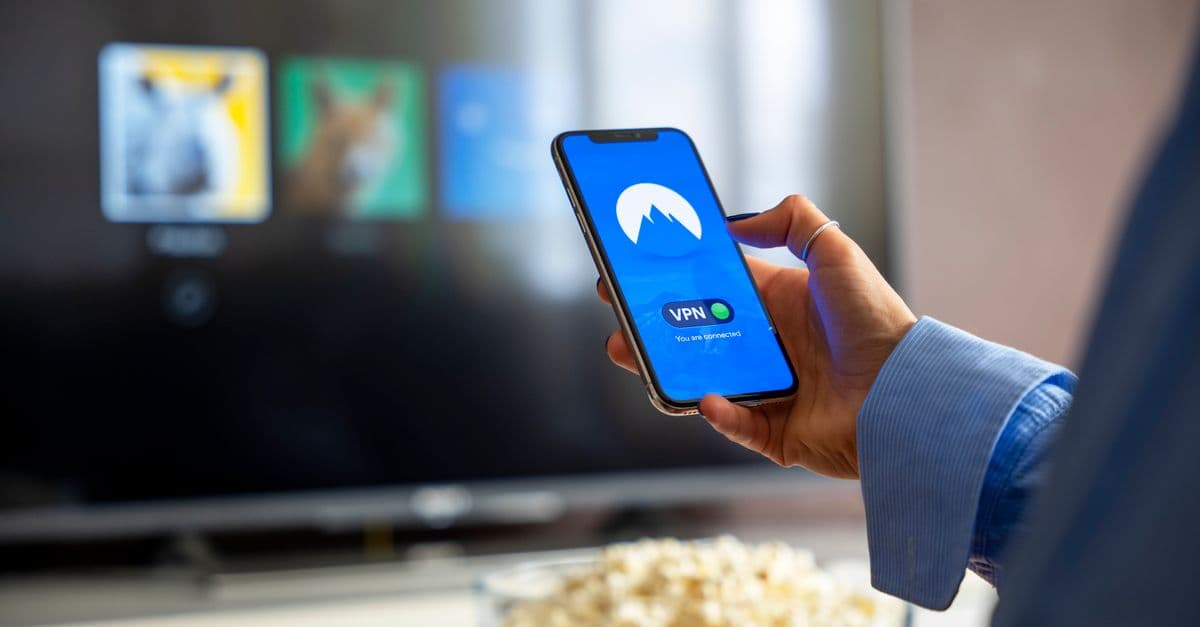
Here’s a little secret: not all countries have the same ads. Some regions have shorter, quieter, or even no ads at all. A VPN (Virtual Private Network) can help you access these ad-light plans—legally and easily.
What a VPN Does
A VPN routes your internet traffic through another country. For example, if you connect to a server in the UK, streaming services will think you’re watching from there. And guess what? Netflix in the UK has fewer ads than in the U.S., even on the same plan.
How to Do It (Legally)
-
Sign up for a reliable VPN:
- We recommend checking out our Best VPNs for Streaming in 2026 guide for recommendations.
-
Connect to a server in an ad-light country:
- Try locations like Canada, Germany, or the UK, where ad policies are often more user-friendly.
- Note: Some services block VPNs, so you might need to test a few locations.
-
Enjoy your ad-light streaming:
- Once connected, open your streaming app and enjoy fewer (or quieter) ads.
Bonus: Unlock Geo-Restricted Shows
VPNs don’t just help with ads—they also let you access shows and movies that aren’t available in your country. For example, you can watch Hulu in Europe or BBC iPlayer in the U.S. It’s like having a passport for streaming.
Other Smart Ways to Outsmart Loud Ads
 Photo by Dan Nelson on Pexels
If you’re not ready to use a VPN, here are a few other tricks to keep ads in check:
Use a Streaming Device with Ad Controls
Some streaming devices have built-in features to help with loud ads:
-
Roku:
- Enable "Leveling" in Settings > Audio > Volume Mode. This smooths out volume spikes automatically.
-
Fire TV Stick:
- Turn on "Volume Leveling" in Settings > Display & Sounds. It’s a simple toggle that makes a big difference.
Try an Ad-Blocking DNS Service
Ad-blocking DNS services like NextDNS or Control D block ads at the network level. This means they work on smart TVs, phones, and even gaming consoles.
Here’s how to set it up:
- Sign up for an ad-blocking DNS service (many offer free plans).
- Change your router’s DNS settings to use the service’s DNS servers. This blocks ads for all devices on your network.
- Enjoy ad-free (or ad-light) streaming.
For a step-by-step guide, check out How to Block Ads on Any Device.
Switch to an Ad-Free Plan
If ads are driving you crazy, it might be worth upgrading to an ad-free plan. Use our Streaming Cost Comparison Tool to compare plans and see if the upgrade is worth it.
What to Do If Ads Are Still Too Loud (Complaint Template Included)
If you’ve tried everything and ads are still blasting, it’s time to take action. Here’s how to complain effectively:
Report the Issue to the Streaming Service
Most services have a "Report a Problem" option in their settings or on their website. Here’s a template you can use:
"Hi [Service], I’m a paying customer, and ads on your platform frequently violate California’s Loud Ad Law (AB 2345). Please fix this or provide better volume controls. Thanks!"
The more complaints they get, the faster they’ll act.
File a Complaint with California’s Attorney General
If the service ignores your complaints, you can file a formal complaint with California’s Attorney General. Here’s how:
- Go to the CA AG’s complaint form.
- Fill out the form with details about the loud ads.
- Submit it.
Companies take state complaints seriously—they don’t want fines or bad press.
Vote with Your Wallet
If a service refuses to fix the problem, switch to a competitor. For example, if Hulu’s ads are too loud, try Netflix’s ad-free plan. Your ears (and sanity) will thank you.
Key Takeaways (TL;DR)
✅ Enable "Volume Leveling" in your streaming app and TV settings for double protection. ✅ Use a VPN to access ad-light plans in other countries (legal and effective). ✅ Report loud ads—companies comply faster when users push back. ✅ Try a soundbar or ad-blocking DNS for a smoother experience. ✅ If all else fails, switch services—your peace and quiet are worth it.
Final Thoughts: Take Back Control of Your Streaming Experience
Loud ads don’t have to ruin your binge-watching sessions. With a few simple tweaks, you can lower ad volume, skip ads legally, or even block them entirely. And if services still won’t comply, remember: you have the power to demand better.
If you’re looking for a reliable VPN to help with ad-light streaming, we recommend giving GhostShield VPN a try. It’s fast, easy to use, and works with all major streaming services. Plus, it helps you unlock geo-restricted content and protect your privacy online.
For more tips on streaming smarter, check out our Ultimate Streaming Guide: Save Money & Skip Annoyances. Happy watching!
Related Topics
Keep Reading
How to Watch Meta’s AI Shows Early with a VPN in 2026 (Step-by-Step Guide)
How to Watch Avengers: Doomsday Early Without Spoilers Using a VPN
How to Watch Peacock Abroad in 2026: Easy VPN Steps for 40% Off
How to Preorder GTA 6 Early and Save Money Using a VPN

How to Watch Telegram Shows After Bans in 2026: Easy VPN Guide
How to Watch the 2026 World Cup Free & Legally (No Scams or Cable)
Protect Your Privacy Today
GhostShield VPN uses AI-powered threat detection and military-grade WireGuard encryption to keep you safe.
Download Free