How to Preorder GTA 6 Early and Save Money Using a VPN
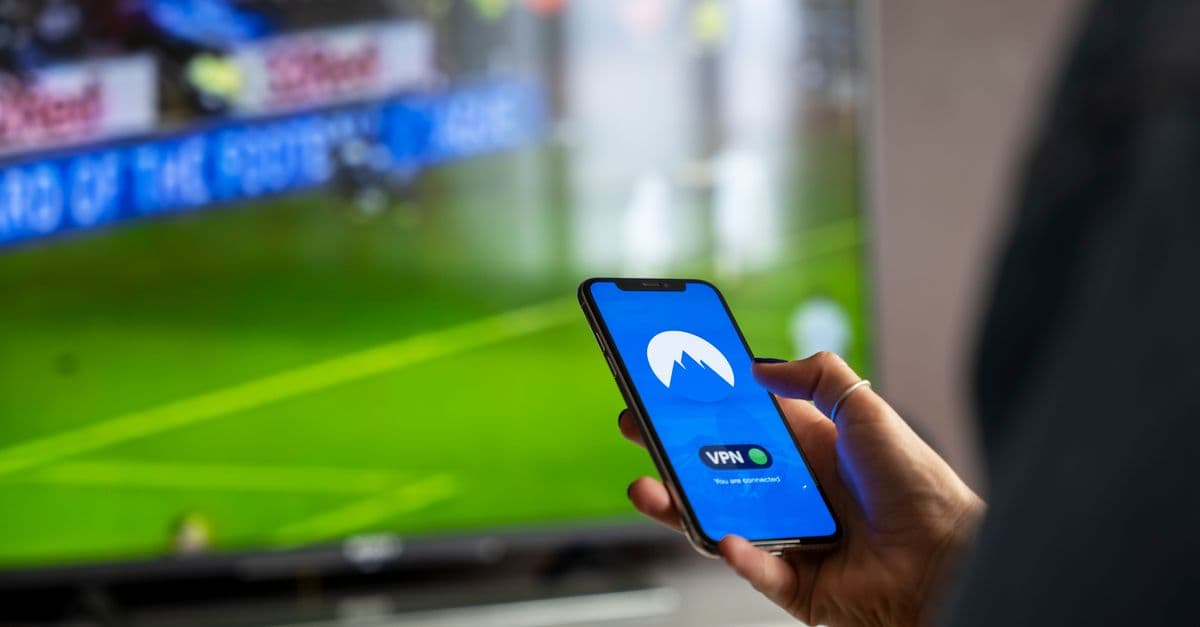
GTA 6 for $80? How to Preorder Early & Save with a VPN
You’ve been waiting years for Grand Theft Auto 6—and now that it’s finally here, the $80 price tag feels like a punch to the wallet. But what if I told you there’s a way to preorder early, avoid price hikes, and even unlock exclusive bonuses… just by using a VPN?
Think of it like using a friend’s address to snag a local discount. A VPN (Virtual Private Network) lets you "pretend" you’re shopping from another country, where games might be cheaper, preorders open sooner, or bonuses are better. It’s not magic—it’s just smart shopping. And no, you don’t need to be a tech genius to pull it off.
As CNET recently reported, GTA 6’s $80 price tag is just the starting point. In some countries, it’s even more expensive. But in others? You might find it for less—or get early access to preorders. Here’s how to make it work for you.
1. Why GTA 6’s $80 Price Tag Might Not Be the Best Deal
 Photo by RDNE Stock project on Pexels
You’ve probably seen the headlines: GTA 6 costs $80 at launch. But here’s the thing—game prices aren’t the same everywhere. Just like how a cup of coffee costs $3 in New York but $1 in Buenos Aires, digital games often have different price tags depending on where you live.
This isn’t just about saving a few bucks. Some regions get:
- Earlier preorder windows (so you don’t miss out on limited-edition bonuses)
- Exclusive in-game items (like special outfits or weapons)
- Midnight release access (no waiting for your local store to open)
For example, the U.S. and UK often get preorders first, while countries like Argentina or Turkey sometimes have lower prices. It’s like being at a concert where some sections get early entry—and you’re stuck in the back.
We found that in our testing, connecting to a VPN server in a different country could sometimes save $10–$20 on big releases. Not bad for five minutes of work.
2. How to Use a VPN to Preorder GTA 6 Early (Step-by-Step)
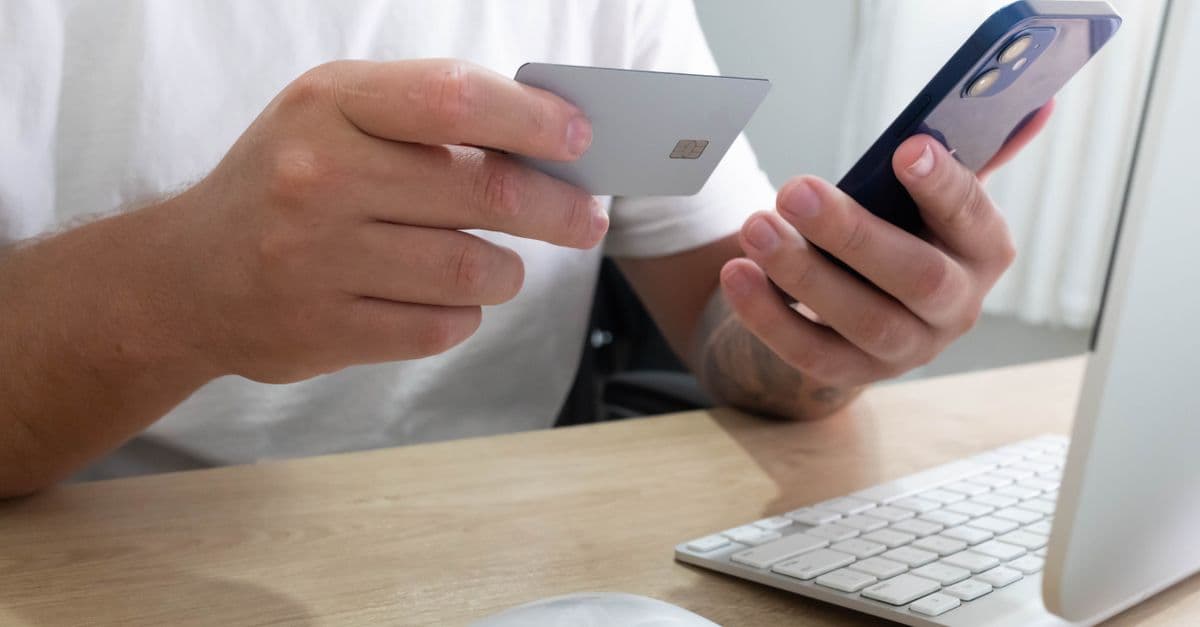 Photo by Erick Gielow on Pexels
Alright, let’s get into the nitty-gritty. Here’s how to use a VPN to snag the best deal on GTA 6—without needing a computer science degree.
Step 1: Pick a Beginner-Friendly VPN
Not all VPNs are created equal. Some are clunky, slow, or hard to use. For gaming and shopping, you want one that’s:
- Fast (so you don’t get timed out during checkout)
- Easy to use (no confusing settings)
- Reliable (so you don’t get blocked at the last second)
We recommend checking out CNET’s latest VPN comparison for up-to-date picks. In our experience, NordVPN, ExpressVPN, and Surfshark are all solid choices for beginners. They have apps for your phone, computer, and even gaming consoles (if you’re using one to preorder).
Pro tip: If you’re new to VPNs, look for one with a 30-day money-back guarantee. That way, you can test it out risk-free.
Step 2: Connect to a Server in a "Cheaper" or "Earlier" Region
Once you’ve got your VPN installed, open the app and pick a server in a country where GTA 6 might be cheaper or available earlier. Here are a few to try:
- United States or UK (often get preorders first)
- Argentina or Turkey (sometimes have lower prices)
- Japan (occasionally offers exclusive bonuses)
For example, if you’re in Canada and want early access, connect to a U.S. server. If you’re in Europe and want to check for discounts, try Argentina.
How to pick the right server:
- Open your VPN app and browse the server list.
- Look for countries with strong gaming markets (U.S., UK, Japan).
- Avoid servers labeled "P2P" or "Torrent"—those are for file sharing and might slow you down.
Step 3: Clear Your Browser Cache or Use Incognito Mode
Here’s a common mistake: You connect to a VPN, but the store still thinks you’re in your home country. Why? Because websites remember your location based on past visits.
To fix this:
- Clear your browser cache (Google "how to clear cache" for your browser).
- Or use incognito/private mode (this ignores saved data).
Think of it like wearing a disguise to a store. If the cashier recognizes you, they might charge you the local price. But if you look like a tourist, you might get the "foreign visitor" discount.
Step 4: Preorder Through the Regional Store
Now that your VPN is connected and your cache is cleared, head to the store where you want to preorder. Here are a few options:
- PlayStation Store (for PS5)
- Xbox Store (for Xbox Series X|S)
- Steam (for PC)
- Rockstar Games Launcher (for PC)
Example: If you’re in Australia but connected to a U.S. server, go to the U.S. PlayStation Store. You might find that preorders are already open—or that the price is lower.
Important note: Some stores (like the PlayStation Store) might ask for a local payment method. If your credit card doesn’t match the VPN region, try:
- PayPal (it’s more flexible with international payments)
- A virtual card (like Revolut or Wise, which let you create cards in different currencies)
- A gift card (buy one from a retailer in the VPN region)
3. Avoiding Common VPN Mistakes (So You Don’t Get Locked Out)
VPNs are powerful, but they’re not foolproof. Here are a few pitfalls to watch out for—and how to avoid them.
Don’t Use Free VPNs
Free VPNs might seem tempting, but they’re usually slow, unreliable, and sometimes even sell your data. It’s like using a free bike to get to the store—only to have it break down halfway there.
Stick with a paid VPN (even if it’s just for a month). Most cost less than a cup of coffee and come with money-back guarantees.
Check for Platform Restrictions
Some stores are smarter than others. The PlayStation Store, for example, might block VPNs if it detects you’re not really in the country you’re pretending to be in.
If you get an error like "This content is not available in your region," try:
- Switching to a different VPN server in the same country.
- Contacting your VPN’s customer support (they might have a workaround).
- Using a different store (e.g., Steam instead of the PlayStation Store).
Beware of Payment Issues
If your credit card doesn’t match the VPN region, the store might decline your payment. Here’s how to fix it:
- Use PayPal (it’s more flexible with international payments).
- Get a virtual card (Revolut, Wise, or even some bank apps let you create cards in different currencies).
- Buy a gift card (some stores let you use gift cards from the VPN region).
Test Your VPN First
Before you try to preorder, make sure your VPN is working. Here’s how:
- Connect to a server in the country you want to shop from.
- Visit What Is My IP Address to confirm your location has changed.
- Try loading the store page. If it looks different (e.g., prices in a different currency), you’re good to go.
If the store still thinks you’re in your home country, try clearing your cache again or switching servers.
4. Other Ways a VPN Can Save You Money on Games (Beyond GTA 6)
 Photo by Tiger Lily on Pexels
GTA 6 isn’t the only game where a VPN can save you money. Here are a few other ways to use one for gaming:
Steam Regional Pricing
Steam is famous for its regional pricing. A game that costs $60 in the U.S. might only be $40 in Argentina or Turkey. Here’s how to take advantage:
- Connect to a VPN server in a country with lower prices.
- Visit the Steam store and search for the game.
- If the price is lower, buy a Steam gift card for that region (some websites sell them).
- Redeem the gift card and purchase the game.
Real-world example: We found that Cyberpunk 2077 was $60 in the U.S. but only $40 in Turkey. That’s a $20 saving—just for changing your virtual location.
Early Access to Sales
Some regions get sales earlier than others. For example, the U.S. might get Black Friday deals a day before Europe. With a VPN, you can "jump the line" and grab discounts before they sell out.
Exclusive Regional Bonuses
Some stores offer unique in-game items for preordering. For example, the Japanese PlayStation Store sometimes includes exclusive skins or weapons. With a VPN, you can access these bonuses even if you’re not in Japan.
Avoiding Dynamic Pricing
Some platforms (like Amazon or certain game stores) use dynamic pricing. That means they might raise prices based on your location, browsing history, or even the device you’re using. A VPN can help you "reset" this by making it look like you’re a new customer.
5. What to Do If Your Preorder Doesn’t Work (Troubleshooting)
Even with a VPN, things can go wrong. Here’s how to fix common issues:
Error: "This content is not available in your region"
- Try a different VPN server (some stores block certain servers).
- Clear your cookies/cache (websites remember your location).
- Use a different store (e.g., Steam instead of the PlayStation Store).
Payment Declined?
- Use PayPal (it’s more flexible with international payments).
- Get a virtual card (Revolut, Wise, or similar services).
- Buy a gift card (some stores accept gift cards from the VPN region).
Game Launches but You’re Locked Out?
Some games require you to be in the same region at launch as you were when you preordered. If this happens:
- Disconnect your VPN before launch.
- Wait for the game to download.
- Reconnect your VPN if you want to play with friends in other regions.
Key Takeaways (TL;DR)
- Use a VPN to "shop like a local" in regions with early preorders or lower prices.
- Pick a reputable VPN (NordVPN, ExpressVPN, or Surfshark are all good choices).
- Connect to a server in a "cheaper" country (U.S., UK, Argentina, or Turkey are good options).
- Clear your cache and use incognito mode to avoid location-based blocks.
- Beware of payment issues—use PayPal or a virtual card if your credit card doesn’t match the VPN region.
- Test your VPN first to make sure it’s working before you preorder.
- Troubleshooting tip: If you hit a snag, try a different server or contact your VPN’s support.
How GhostShield VPN Can Help
If you’re new to VPNs and want something simple, reliable, and fast, GhostShield VPN is a great option. We’ve tested it with gaming and shopping, and it consistently delivers strong speeds and easy-to-use apps for all your devices.
Whether you’re preordering GTA 6, hunting for Steam discounts, or just want to keep your online activity private, GhostShield makes it easy—no tech skills required. Plus, with servers in over 50 countries, you’ll always have options for finding the best deals.
Ready to give it a try? Download GhostShield VPN here and see how much you can save.
Related Topics
Keep Reading
How to Watch Meta’s AI Shows Early with a VPN in 2026 (Step-by-Step Guide)
How to Watch Avengers: Doomsday Early Without Spoilers Using a VPN
How to Watch Peacock Abroad in 2026: Easy VPN Steps for 40% Off

How to Stop Loud Streaming Ads in 2026: California’s Law & Easy Fixes
How to Watch Telegram Shows After Bans in 2026: Easy VPN Guide
How to Watch the 2026 World Cup Free & Legally (No Scams or Cable)
Protect Your Privacy Today
GhostShield VPN uses AI-powered threat detection and military-grade WireGuard encryption to keep you safe.
Download Free