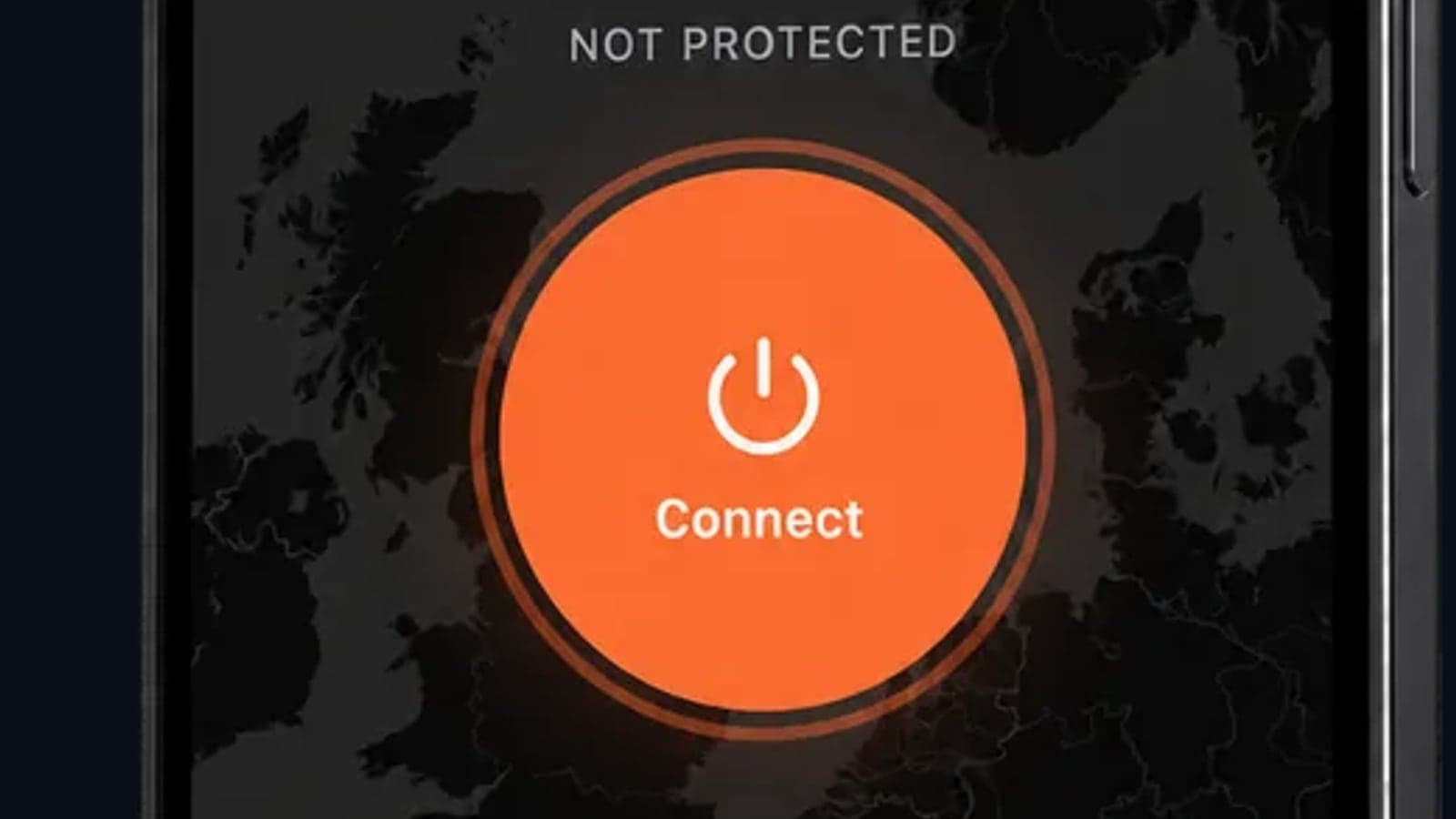
How to Use a VPN for Crypto Trading in 2026: Avoid Bans & Stay Safe
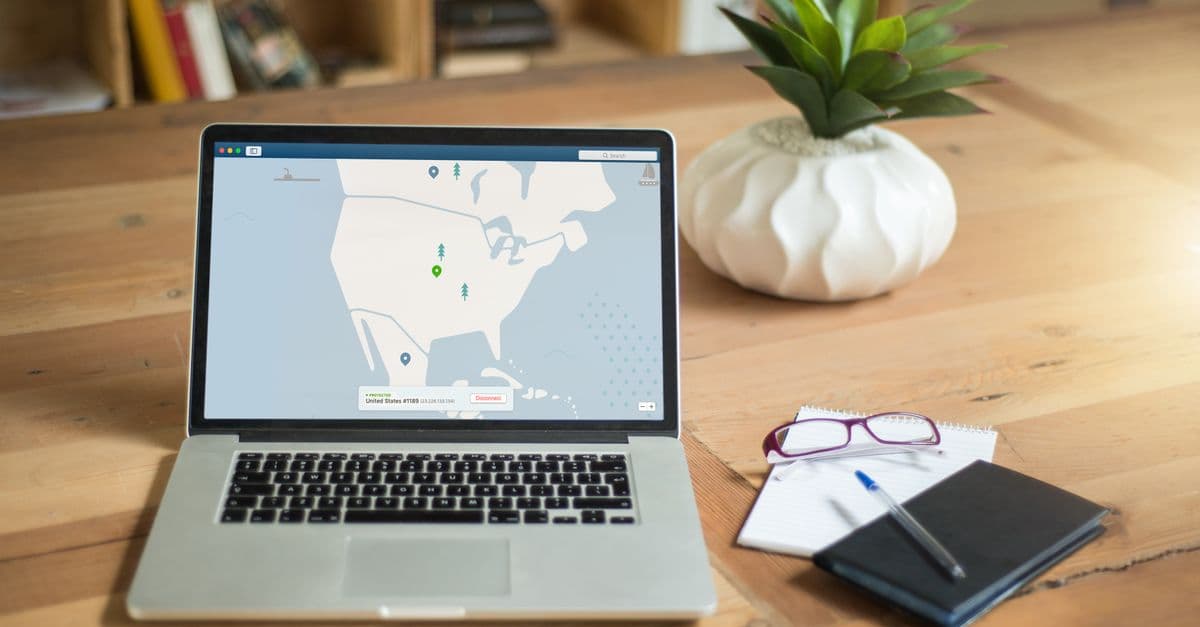
You check your portfolio on the office coffee break, expecting just another sideways Tuesday. Instead, you see a screen you never want to see: "Account Restricted. Verification required." Your heart sinks because you have funds in there, and you were just about to cash out that little profit to cover rent. The exchange explains the restriction: your login came from an unrecognized location, and their automated security flagged it as suspicious.
Sound like a nightmare? It happens to traders every single day. And often the "unrecognized location" is just you, using a VPN the wrong way, or worse, not using one at all and getting caught in a blanket ban on your country. In 2026, a VPN isn't a toy for grabbing foreign Netflix. It's essential safety gear for anyone who trades crypto, and using it correctly can make the difference between a secured portfolio and a frozen account. Let's walk through exactly how to do this, in plain terms, without the tech babble.
Why a VPN Is No Longer Optional for Crypto Trading
Think of your IP address like your home address on the internet. Every time you visit a crypto exchange, the site sees your IP and knows, roughly, where you're connecting from. Exchanges use this to decide if you're allowed to trade, and sometimes to block entire countries. Hackers also scan for IPs tied to known traders, and if they find a connection to your name from a data breach, they can start piecing together a profile to target you.
In 2026, this gets more serious. Exchanges have gotten aggressive. Many enforce geo-restrictions that lock accounts if you log in from an IP outside your registered country. At the same time, government surveillance and cybercriminals are always sniffing for unencrypted traffic. A single IP leak during a KYC data breach can dox you, meaning your real name, home address, and trading activity get linked and sold on dark web forums. It's not just about hiding your browsing. It's about keeping your identity from being assembled like a jigsaw puzzle.
If you're new to the whole VPN thing, here's a simple primer on What Is a VPN and How Does It Work?. In a nutshell, a VPN creates an encrypted tunnel between your device and a server somewhere else. To the exchange, it looks like you're connecting from that server's location, not your actual living room. It's like renting a private PO box in a different city; your real address stays hidden, and your mail seems to come from there. This simple shift keeps your personal IP off the radar, making you far less trackable.
How Exchanges Detect and Block VPNs (And How to Fix It)
 Photo by Jakub Zerdzicki on Pexels
You might think, "Great, I'll just turn on a VPN and log in." Then you try it, and Binance or Coinbase slaps you with an "Access Denied" or a scary message about restricted regions. What gives? Exchanges aren't stupid. They maintain massive lists of IP addresses that belong to known VPN providers and data centers. If your IP shows up as a data center block used by dozens of other VPN users, they flag it. It's like trying to enter a private club with a fake ID that says "John Doe" from a tiny town nobody's heard of. The bouncer knows it's a print shop template.
Fortunately, there are two solid fixes. First, switch to a dedicated residential IP. This is an IP address that belongs to a real home internet connection, not a server farm. Because it looks like you're connecting from a genuine household broadband line, exchanges rarely flag it. Think of it as showing a real driver's license from a neighborhood the club bouncer actually knows. Second, you can use obfuscated servers. These disguise your VPN traffic to look like regular HTTPS browsing, so the exchange's detection system doesn't even realize you're using a VPN. It's as if you walked into the club with a group of regulars, blending in perfectly.
Most top-tier VPNs now offer these options. Residential IPs cost a bit more, but if you're moving serious money, they're worth every cent to avoid the heart-dropping account lockout.
Step-by-Step: How to Use a VPN for Crypto Trading Without Getting Flagged
 Photo by Stefan Coders on Pexels
Here's a checklist anyone can follow. I'll keep it as dead simple as I can. Do these things every single time you trade, and you'll dramatically reduce your chances of getting flagged.
Before you log in:
- Connect to a VPN server in the same country your exchange account is registered to. If you signed up using a US address, pick a US city. Even better, pick one in the same region you originally used. Consistency is key.
- Clear your browser cookies and cache. This wipes any old session data that still whispers to the exchange, "Hey, last time I saw you, you were in a different country."
- Consider using a separate browser profile just for crypto trading. Chrome and Firefox let you create profiles; keep your trading activity isolated so nothing leaks from your regular browsing.
KYC-safe setup:
- Enable the VPN's kill switch. This feature instantly cuts your internet connection if the VPN unexpectedly drops. Without it, your real IP can leak for a split second, and that's all an exchange's automated system needs to flag you. It's like your circuit breaker tripping to prevent a surge.
- If your VPN offers a "block connections outside the VPN" feature (often called a network lock), turn that on too. That way, no app sneaks out with your real IP.
Every time you trade:
- Connect to the VPN first.
- Open a new tab and check your new IP by searching "what's my IP" on Google. You can also use a tool like our DNS Leak Test to make sure no DNS requests are leaking your real location.
- Only then open the exchange and log in.
- When you're done trading, log out, and then disconnect the VPN. No need to keep it running forever unless you want to.
Following this simple routine is like always wearing the same recognizable disguise to a secret meeting. Consistency and small checks keep you invisible without looking suspicious.
Which VPN Is Best for Crypto Trading in 2026? (3 Must-Have Features)
Not all VPNs are built for the job. If you're trading crypto, you need more than just a blinking green icon that says "protected." Here are the three features you shouldn't compromise on, and I'll explain why in human terms.
1. A no-logs policy that's been independently audited. A VPN's promise to "delete no logs" means nothing if it's just a marketing line. You need proof. Independent auditors (think of them as outside accountants) check the provider's server setup and code to confirm no data is stored. Why does this matter? Because if a government or a hacker demands information about you, a logless VPN genuinely has nothing to hand over. It's like your lawyer being unable to testify against you because they don't keep records. Your VPN shouldn't be able to snitch.
2. Access to residential IPs and dedicated servers. We covered this earlier. Data center IPs get blacklisted. Residential IPs, tied to actual home broadband lines, fly under the radar. Look for a VPN that lets you lease a static residential IP just for you. With a dedicated IP, you're the only person using it, so its reputation stays clean. It's like having a second home address that nobody else shares; nobody else's sketchy activity can get your street banned.
3. Fast speeds built on WireGuard protocol, with servers in financial hubs. Crypto prices twitch in milliseconds. A slow VPN can mean the difference between buying at $60,000 and buying at $60,050 as the market jumps. The WireGuard protocol is modern, lean, and fast. On top of that, make sure your VPN has servers in key financial cities like London, Singapore, and New York. That way, your data doesn't have to travel halfway around the world to reach an exchange's matching engine.
You can compare the top VPN picks and see which ones check all these boxes in our detailed VPN comparison hub. But regardless of which you choose, make sure those three features are present before you trust it with your trades.
Trade Crypto Anonymously: Beyond the VPN (KYC Leak Protection)
 Photo by Joshua Mayo on Pexels
A VPN hides your IP, but the exchange still has your driver's license and selfie from the KYC process. If that database gets breached (and that's happened to even massive platforms in the past), your personal documents are out in the wild. To truly protect your identity, you need to think one layer deeper.
Using a VPN is like wearing a mask at a protest, but if you're holding your ID card up to the camera the whole time, the mask doesn't help much. True anonymity means leaving the license at home and using a pseudonym. In crypto terms, that means considering non-KYC exchanges or decentralized platforms that don't ask for your passport. These platforms let you trade directly from a wallet, and all they see is a transaction from an IP that appears to be in Buenos Aires, not your name and address. Paired with a VPN, your physical location is hidden, and your identity stays off their servers entirely.
If you must use a KYC exchange (and many of us do, for liquidity or convenience), you can still limit the damage of a future leak. Use a dedicated email address just for that exchange, never the one tied to your banking or social media. Get a separate VoIP phone number for SMS verifications. And never, ever reuse passwords across your trading accounts. That way, if a data breach spills your KYC docs, a scammer can't connect that random email and burner phone number to your real-life Facebook or LinkedIn profile. It's compartmentalization 101, just like keeping your work laptop and personal laptop completely separate.
Our Data Breach Response Guide has more steps on what to do if you suspect your information has already leaked, but the best defense is keeping the information as sparse as possible in the first place.
VPN Pitfalls That Could Get Your Crypto Account Frozen
Simple mistakes can get an account frozen for weeks. Here are the two biggest ones, and how to avoid them.
Frequent server hopping. Logging in from Japan at 9 AM, then Germany at 9:15 AM, then Brazil at 9:30 AM is physically impossible unless you're teleporting. Exchanges' security systems flag impossible travel patterns instantly. Stick to one consistent location per session. If you need to switch regions, log out, wait a while, then connect to a new server and log in again as if you've just arrived there naturally. Better yet, pick one server country for the day and stay there.
Free VPNs are dangerous, period. A free VPN has to make money somehow, and usually that means selling your browsing data or injecting ads. Their IP addresses are nearly always on blacklists because they're overused and abused. Trying to save five bucks a month while trading thousands of dollars of crypto is like leaving your front door unlocked because door locks cost money. A frozen account with $50,000 in it is not the time to learn this lesson. Pay for a reputable VPN; the peace of mind is worth a hundred times the monthly cost.
Key Takeaways
- Always connect your VPN to a location matching your exchange account's registered country before you even open the trading app.
- Upgrade to a residential or dedicated IP. Shared data center IPs are the #1 reason traders get flagged and banned.
- Activate the kill switch to prevent even a split-second IP leak that could expose your real location.
- For maximum privacy, combine a no-logs VPN with non-KYC platforms or compartmentalized contact details to protect against data breaches.
- Avoid free VPNs and server-hopping. Both are fast tracks to a locked account and a painful support ticket.
If you want to try GhostShield VPN for trading, it runs on WireGuard, has servers in London, Singapore and New York, and comes with a kill switch and a no-logs policy. Every plan starts with a 7-day free trial, so you can check how it works with your exchange before you pay. You can see the plans on the pricing page.
Related Topics
Keep Reading
Best VPN for Torrenting in 2026: Fast and Private Setup Guide
ExpressVPN Alternatives in 2026: Pick by Why You're Leaving
VPN Best Paid in 2026: What $3 to $15 a Month Buys You

OpenVPN UDP vs TCP: Which to Use, and When

VPN for Fubo: Watch Your US Plan While Traveling (2026)