Smart Home Security: 7 Easy Steps to Block Hackers and Hide from Your ISP

When a Smart Plug Phones Home
Picture this: you buy a cheap smart plug from an online marketplace, and it works fine. Then one evening you open your router's activity log and see the plug sending small bursts of data to a server you have never heard of, at 3 a.m., when nobody is home.
That cheap gadget has become a small privacy leak, and you invited it onto your home network yourself. This guide is for anyone with a video doorbell, a smart speaker, a thermostat, or even a set of internet connected light bulbs. You don't need to be a security expert to make your smart home dramatically safer. You just need to understand where the risks come from and take a few simple steps.
Why Smart Home Devices Are Different from Laptops
 Photo by Artem Podrez on Pexels
A laptop has a screen, a keyboard, and an operating system that gets regular security patches. A smart bulb does not. Most smart home gadgets are built to be cheap and easy to set up, not to be secure over the long term.
They also run 24/7, even when you sleep. Many have microphones or cameras. And because they connect to your home WiFi, they can act as a bridge into every other device on your network, including your phone, computer, and stored files. If you want the bigger picture on protecting your data, our Complete Guide to Online Privacy walks through the basics.
What Hackers Actually Want from Your Smart Home
 Photo by Helena Lopes on Pexels
Hackers rarely care about your smart bulb itself. They care about what that bulb can give them access to.
Your Internet connection
A hacked device can be added to a botnet, a network of thousands of compromised gadgets used to flood websites or send spam. You probably won't notice. Your internet might feel a little slower, but the real damage happens somewhere else.
Your camera and microphone
A compromised baby monitor or indoor camera is an obvious privacy nightmare. Hackers have used these devices to watch families and even talk through speakers. It sounds like a horror movie, but it happens more often than you'd think.
Your personal data
Smart devices collect data about when you're home, when you sleep, and what you say near them. That data can be used for scams, targeted break-ins, or identity theft.
Think of each smart device as a small, inexpensive lock on a side door of your house. A thief doesn't need to pick the front door if the side door has a lock made of plastic.
How Your ISP Watches Your Smart Home
Your internet service provider, or ISP, is the company you pay for home internet. They can see a lot more than you might expect.
When your smart speaker sends a request to a server, your ISP can see which server it's talking to. Even if the actual content of the message is encrypted, the ISP sees the "envelope": the destination address, the time, and the size of the data. Over time, those envelopes create a detailed picture of your habits.
For example, your ISP can tell when you're home based on when your devices connect. It can see when your smart lock is activated. It can even see which brands of devices you own because each device calls home to a unique server.
If you want a plain English explanation of how a VPN scrambles those envelopes, our What Is a VPN and How Does It Work? guide covers it with simple analogies.
Step 1: Change Default Passwords Today
 Photo by energepic.com on Pexels
Every smart device comes with a default username and password. These defaults are often published online, which means anyone can look them up.
The first thing you should do with any new device is change the password to something long and unique. Don't reuse the password from your email or bank account. If remembering dozens of passwords feels impossible, use a password manager. It stores your passwords in an encrypted vault and fills them in for you.
This step alone stops a huge number of break-ins. It takes about two minutes per device.
Step 2: Create a Separate WiFi Network for Your Devices
Most modern routers let you create a guest network. Instead of putting your smart devices on the same network as your laptop and phone, put them on a guest network.
Why does this matter? If a hacker compromises a smart plug, they won't automatically reach your computer or stored photos. A guest network acts like a separate room in your house. Even if one room gets messy, the rest stays locked.
Check your router's app or settings for "guest network" or "IoT network." Enable it with a different strong password and connect only your smart home devices to it.
Step 3: Turn Off Features You Never Use
Smart devices often ship with extra features turned on by default. Remote access, voice control, location tracking, and camera cloud storage are common examples.
If you never check your doorbell camera when you're away from home, turn off remote access. If you don't use voice commands on your TV, disable the microphone. The fewer features a device has running, the fewer ways someone can misuse it.
This takes five minutes per device. Open the app, go to settings, and look for anything you don't actively use. Turn it off.
Step 4: Turn On Two-Factor Authentication
Two-factor authentication (2FA) adds a second check when you log in to an app. It might be a code sent to your phone or generated by an app.
Even if someone steals your password, they can't get in without that second code. This is one of the highest impact changes you can make, and it usually takes less than a minute per account.
Start with the app you use to control your smart devices. Then enable 2FA on your main email account, because that's often the recovery account for everything else.
Step 5: Update the Firmware
Firmware is the software that runs inside a device. Just like your phone gets updates, smart home devices occasionally get updates that fix security holes.
The problem is that many people never install them. Some devices don't update automatically, so you need to open the app and check.
Set a recurring reminder to check for updates once a month. If a device hasn't received a firmware update in over a year, consider replacing it. An old, abandoned device is a permanent weak spot in your home network.
Step 6: Encrypt Your Router's Traffic
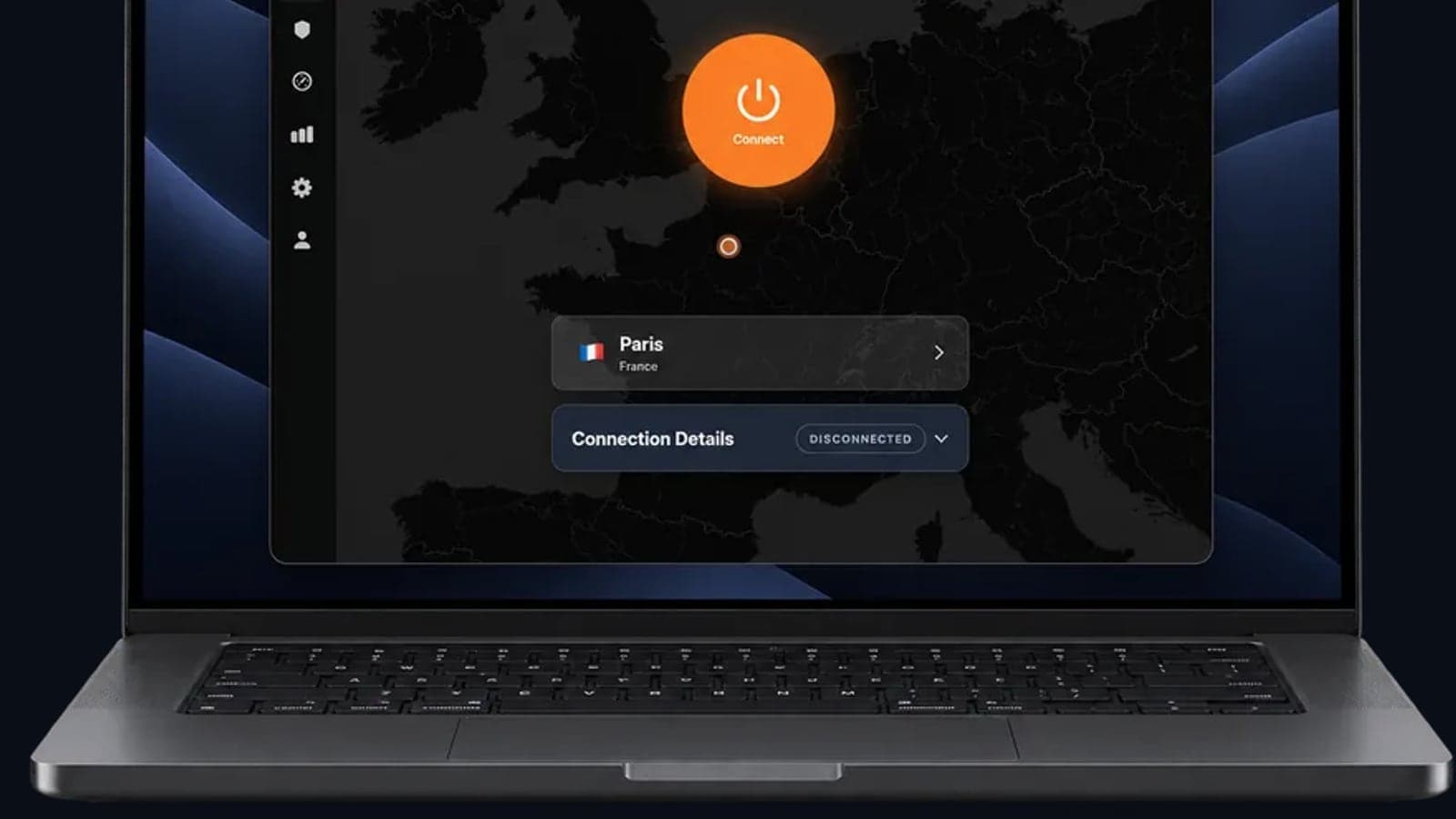
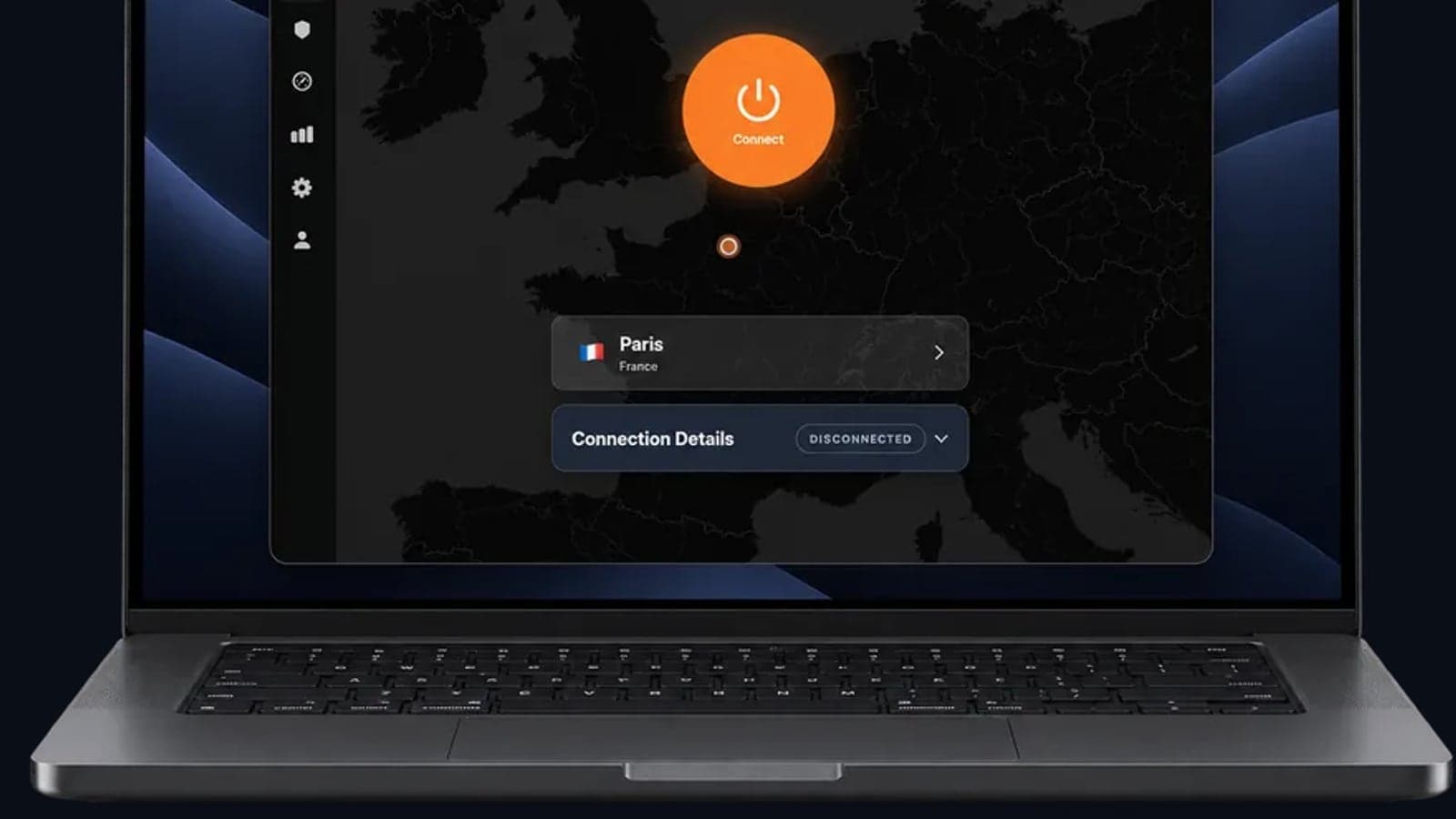
A VPN, or virtual private network, creates an encrypted tunnel between your devices and the internet. When you run a VPN on your router, every device in your home uses that tunnel automatically. Your ISP sees only that you're connected to a VPN server, not which smart devices are phoning home or when.
Running the VPN on your router is the simplest way to cover devices that don't have their own VPN settings, like smart bulbs and speakers. You set up the VPN once on the router, and everything connected to your WiFi gets the same protection.
This doesn't make a hacked device safe by itself, but it does hide your smart home activity from your ISP and anyone snooping on your network.
Step 7: Check for Leaks and Exposures
Once you've made changes, test your setup. A DNS leak test shows whether your internet traffic is still leaking your device requests to your ISP. You can run a free test with our DNS Leak Test tool.
You should also check what your public IP address reveals. Your IP address is like a digital return address, and it can show your approximate location and internet provider. If the test shows your real IP or your ISP's DNS servers, your VPN is not working correctly. Disconnect and reconnect, or check your router's VPN settings.
Key Takeaways
- Change every default password on your smart devices, and use a unique password for each one.
- Put smart home devices on a separate guest WiFi network to limit the damage if one gets hacked.
- Disable features you don't use, especially remote access and microphones.
- Turn on two-factor authentication for your device apps and your email.
- Update firmware monthly and replace devices that no longer receive updates.
- A VPN on your router hides your smart home activity from your ISP and outside snoops.
- Run a DNS leak test and check your IP address to confirm your protections are working.
One Simple Way to Wrap It All Together
Smart home security is a series of small habits, not a one time fix. The steps above work best together. If you want a single control point that covers every device at once, setting up GhostShield VPN on your router is a practical starting point. It takes the guesswork out of encrypting gadgets that don't have their own settings. You can see plans at GhostShield Pricing or grab the app from GhostShield Downloads.
Related Topics
Keep Reading
OpenVPN UDP vs TCP: Which to Use, and When

VPN for Fubo: Watch Your US Plan While Traveling (2026)
VPN iPhone Not Connecting? 12 Fixes, Most Likely First
TLS VPN vs IPsec: Key Differences and Where WireGuard Fits
Best VPN With No Logging: How to Check the Claim (2026)