How to Stop AI Chatbots from Using Your Personal Data in 2026

When a Chatbot Seems to Know Your Home Address
Picture this: you ask an AI writing assistant to help you draft a polite email to your landlord about a leaking faucet. Without you ever typing your address, it suggests a template that already includes your street name and apartment number.
It got that information from somewhere. Maybe a previous conversation, maybe a connected app, maybe a public record. The point is, you never gave it permission to know where you live.
If you have ever felt like an AI chatbot knows a little too much about you, you are not imagining it. These tools are designed to be helpful, but that helpfulness often comes from collecting and remembering a shocking amount of personal data. The good news is you can do something about it. Let us walk through how AI chatbots gather your information, why that matters, and what you can do today to stop them from using your personal data.
The Uncomfortable Truth: AI Chatbots Have a Memory Problem
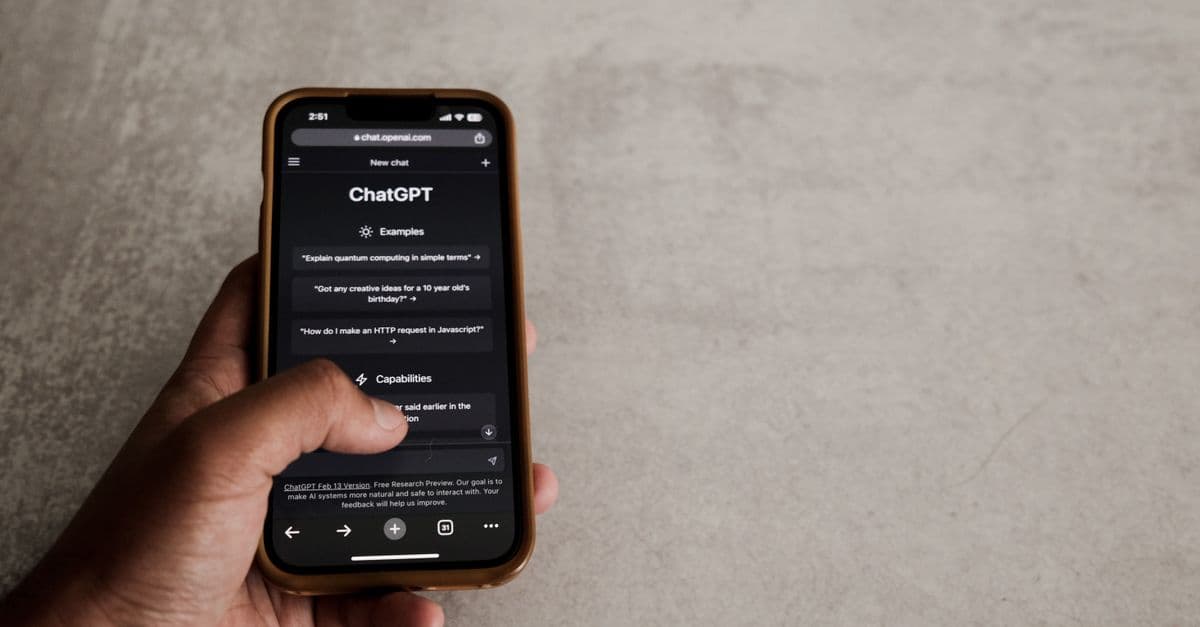 Photo by Airam Dato-on on Pexels
Most people think of AI chatbots like a helpful friend who forgets everything after each conversation. That used to be true for some early tools. But in 2026, many popular chatbots have long term memory features turned on by default. They remember your name, your job, your favorite restaurants, and sometimes even details you only mentioned once months ago.
This is not a bug. It is a feature. Companies say memory makes the assistant more useful. For example, if you tell a chatbot you are a vegetarian, it will remember that and suggest meat free recipes without being asked. That sounds convenient, but the same memory system can store sensitive information like health conditions, financial struggles, or family problems.
It's easy to have no idea what your chatbot remembers about you until you dig into the settings. And by then, the data may have already been used to train the next version of the model or to personalize ads.
How AI Chatbots Collect Your Data (Without You Realizing It)
 Photo by Helena Lopes on Pexels
There are three main ways chatbots gather personal information. Understanding these is the first step toward protecting yourself.
1. Direct conversations. This is the obvious one. Anything you type into a chatbot can be stored. That includes questions about medical symptoms, job interviews, relationship advice, or even your full name and phone number if you paste them in. Most companies say they anonymize this data, but anonymization is not always perfect.
2. Connected apps and services. Many people link their cloud storage, email, calendar, or messaging apps to their AI assistant. This allows the chatbot to "help" by reading your documents and schedule. But it also means the chatbot can see your flight confirmations, bank alerts, and private messages if you are not careful with permissions.
3. Public data and data brokers. Even if you never type a word into a chatbot, the company behind it may already have a profile on you. They buy data from brokers who collect information from public records, loyalty cards, social media, and app usage. That is how a chatbot can know your address without you ever telling it.
If you want a deeper dive into how all your online activities create a trail, take a look at our Complete Guide to Online Privacy. It explains the basics in plain language.
What Chatbots Do With Your Data
You might be thinking, "So what if a chatbot knows my address? I have nothing to hide." But the risk is not about hiding. It is about control.
When a chatbot stores your personal data, that data can be used for several purposes. First, it can be used to train future AI models. That means your private conversation could influence how a future chatbot talks to someone else. Second, it can be used for targeted advertising. Third, it can be shared with third parties, including law enforcement or data brokers, depending on the company's privacy policy.
There is also the risk of a data breach. If the company that runs the chatbot gets hacked, your stored conversations could leak online. Breaches like this have happened at other online services, and AI companies are a tempting target because they hold so much personal data in one place.
What You Can Do Today: Five Simple Steps
 Photo by Stefan Coders on Pexels
You do not need to be a cybersecurity expert to take back control. Here are five practical steps you can complete in under an hour.
Step 1: Find and Delete Your Chatbot Memory
Most major chatbots now have a memory or history section in their settings. Go there and see what the bot has stored about you. You will probably be surprised. Delete anything you are not comfortable with, and turn off memory or set it to not save new conversations by default.
For example, in some tools you can say, "Forget everything you know about me." This is a command, not just a suggestion. Try it. Then check the settings to make sure memory is off.
Step 2: Unlink Unnecessary Apps and Services
If you connected your email, calendar, or cloud storage to an AI assistant, ask yourself if you really need that connection. The convenience is not worth the privacy risk for most people. Go into the chatbot's settings and disconnect any apps you do not absolutely need. You can always reconnect them later for a specific task and then disconnect again.
Step 3: Turn Off Data Sharing for Training
Many AI companies have a separate toggle for whether your conversations can be used to train their models. This is often hidden in a privacy or data controls menu. Turn it off. It does not make the chatbot less useful for you. It just stops the company from using your words to improve their product without your consent.
Step 4: Remove Yourself from Data Broker Sites
This step takes longer but has a big impact. Data brokers collect your personal information from public records and sell it to companies, including AI developers. You can request removal from many of these sites, but the process is tedious. Some services will do it for you, but you can also tackle the biggest brokers yourself. Start with the ones that show up when you search your name plus "background check."
For a step by step walkthrough on reducing your overall digital footprint, check out our guide on How to Erase Your Digital Footprint. It includes templates you can copy and paste.
Step 5: Use a Separate Email Address for AI Tools
This is a smart habit that takes two minutes. Create a free email address just for signing up to AI chatbots and other experimental tools. That way, if the company shares or leaks your data, your real inbox stays clean. You can also use a password manager to generate strong, unique passwords for each AI service. We have a free Password Generator if you need one.
Beyond the Basics: How to Keep Chatbots Guessing
After you have done the five steps above, you can go further with some ongoing habits.
Lie a little. You do not have to give a chatbot your real birthday, your real city, or your real job title. Use a nickname instead of your legal name. Say you live in a nearby large city instead of your exact suburb. This is not dishonest in a harmful way. It is just controlling what information you hand over.
Avoid pasting sensitive text. If you want a chatbot to proofread a legal document or a medical letter, do not paste the whole thing with your real name and account numbers. Replace identifying details with placeholders first. You can always put them back later.
Use incognito or guest mode. Some chatbots offer a temporary conversation mode that does not save history. Use that for anything you would not want stored forever. Just remember that even incognito mode may not stop the company from logging the conversation on their end, but it does reduce the personalization.
Check your IP address occasionally. Your IP address is like your home address for the internet. It can reveal your approximate location. If you want to see what information websites and chatbots see about you, try our free What Is My IP Address tool. It shows you exactly what is visible to any service you use.
What About VPNs? Do They Help?
A VPN, or virtual private network, is a tool that encrypts your internet connection and hides your real IP address. It does not directly stop a chatbot from storing your conversation, but it adds an important layer of protection. If you use a VPN, the chatbot company cannot easily link your activity back to your home address or internet provider. This makes it harder for them to build a profile on you.
Think of it like this. A chatbot might remember what you say, but without your real IP address it cannot easily connect those words to your physical location or your household. That is a meaningful privacy win. With a VPN on, websites see the VPN server's IP address and location instead of yours.
If you are curious about how VPNs compare, we put together a straightforward comparison of GhostShield vs NordVPN that breaks down the key differences without any tech jargon.
Key Takeaways
- AI chatbots often have memory features turned on by default, storing details you may not realize you shared.
- Your data can come from direct conversations, connected apps, or public data brokers.
- You can delete chatbot memory, unlink apps, and turn off training data sharing in just a few minutes.
- Using a separate email address and a VPN adds extra layers of protection against unwanted data collection.
- Small habits like lying about your birthday or using guest mode can significantly reduce your digital exposure.
One Simple Layer of Protection
If you want to make it much harder for AI chatbots and other services to piece together your personal life, a VPN is one of the easiest tools you can set up today. GhostShield VPN encrypts your connection and replaces your real IP address with a GhostShield server's address, so the services you use see the server instead of your home connection. It takes about two minutes to install, and it works on your phone, laptop, and tablet.
We are not saying a VPN solves everything. You still need to manage your chatbot settings and be careful about what you share. But combined with the steps above, it gives you a solid foundation for keeping your personal data out of the hands of AI systems you never agreed to share it with. You can get started at https://www.ghostshield.ai/downloads.
Related Topics
Keep Reading

How to Opt Out of AI Training in 2026: Keep Your Data Private Without Deleting Accounts

How to Bypass Age Verification Blocks in 2026 Without Uploading Your ID

How to Watch England vs India Cricket Live Anywhere Without Cable in 2024
5 Simple Steps to Use AI Chatbots Safely in 2026 Without Risking Privacy

How to Use Passkeys in 2026: Ditch Passwords for Good in Minutes