How to Watch Avengers: Doomsday Early Without Spoilers Using a VPN
1. The Problem: Marvel Just Handed You 42 Hours of Homework (And Spoilers Are Everywhere)
A major Wired headline recently pointed out something many fans already felt: Marvel reportedly expects viewers to watch about 42 hours of previous movies and Disney+ shows before Avengers: Doomsday fully makes sense. That is not a typo. It is two full days of setup, and most of us do not have that kind of free time.
The real problem is not the homework itself. It is the spoiler minefield that starts the moment early screenings end. Your group chat will be live-texting every twist. Your coworker will "just ask if you saw it yet" before dropping a massive reveal. Your TikTok feed will push clips with titles like "THAT scene explained" before you even open the app.
Trying to "just stay off the internet" does not work when you still need to watch the older stuff first. You cannot pause the world for two days. The solution is to set a personal spoiler curfew, a date after which you treat every Marvel-related post, comment, and thumbnail as a potential spoiler. Pick that date a full week before release, not the night before. Once your curfew starts, mute the words, close the tabs, and treat social media like a room full of people who have already seen the ending.
2. Your Early Streaming Toolkit: VPNs, Time Zones, and Accounts in Plain English
 Photo by
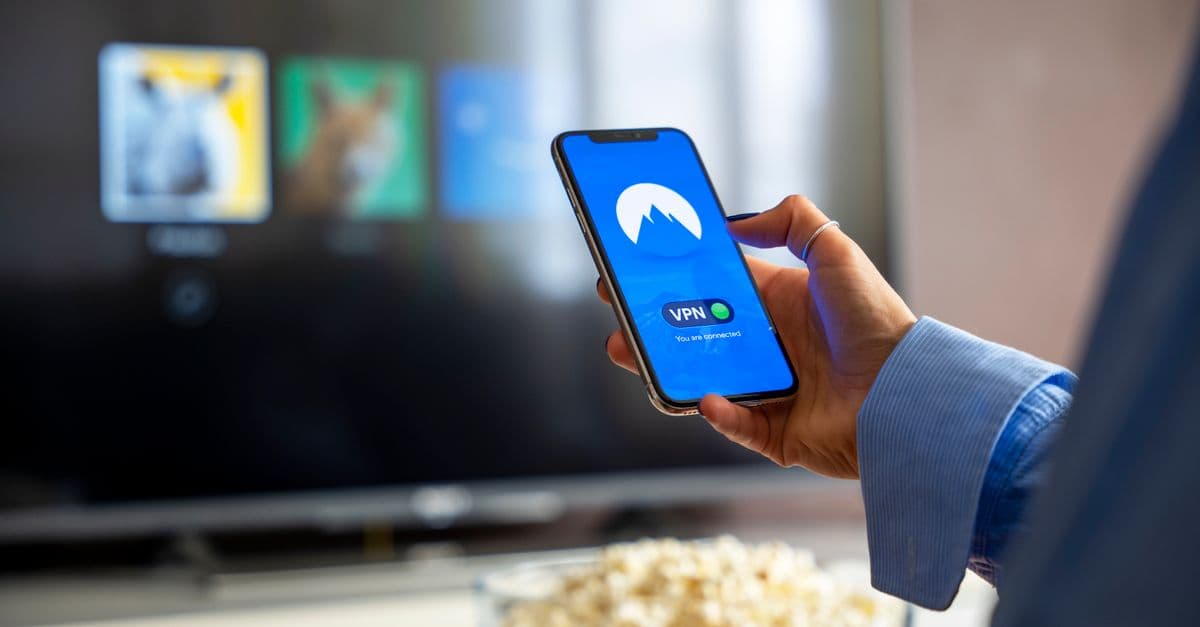
 A VPN sounds technical, but it is really just a change-of-address card for your internet. Imagine your connection as a letter. Normally, websites see the return address as your actual city. A VPN lets you use a different return address in another country. Streaming sites then think you are there, not at home.
This matters because time zones are your friend. New Zealand and Australia hit midnight before the United States does. If Disney+ releases Avengers: Doomsday at midnight local time, viewers in Sydney can watch while New York is still eating lunch. It is like New Year's Eve. Sydney celebrates while the ball in Times Square has not even dropped yet.
You do not need a complicated setup. Download a reputable VPN, log into your own Disney+ account, and test a recent Marvel trailer a few days before release. If the trailer loads without buffering, you are ready. If it stutters, try a different server or check your internet speed with a free speed test. For a quick look at which VPNs handle Disney+ well, see our reputable VPN comparison page.
3. How to Watch 'Avengers: Doomsday' Early with a VPN (The Safe, Non-Pirate Way)
 Photo by Jakub Zerdzicki on Pexels
Here is the step-by-step, plain English version.
First, connect to a VPN server in an early-release country like New Zealand or Australia. Your VPN app will have a list. Pick one and tap connect.
Second, open Disney+ in your browser or app. You do not need a new account. Log into your own subscription, the one you already pay for. The VPN just changes where the service thinks you are, not who you are.
Third, search for Avengers: Doomsday. If the movie is live in that country, it will appear in your normal Disney+ library. Press play. That is it. No weird file downloads, no sketchy pop-up windows.
Keep it legitimate. Use a VPN to access your home Disney+ library while traveling, or to watch in a region where you already have a valid subscription. Avoid shady mirror sites and free streaming links. Those often carry malware, intrusive ads, and spoiler-filled thumbnails. If a random site promises the movie for free in HD, it is probably not a gift.
For broader context on unblocking content and country-specific release times, check out our Complete Guide to How to Stream Anything from Anywhere. It walks through region switching, account tips, and what to do if a title does not show up.
4. Spoiler-Proofing Your Social Media Before You Watch
You do not have to delete your apps. You just need to put your feeds on noise-canceling mode.
On X or Threads, use the mute word feature. Add terms like "Doomsday," "Avengers," the names of major characters you care about, "spoiler," and common hashtags. You can also mute accounts that live-tweet premieres. Do this a few days before release, not after spoilers start trending.
On TikTok and YouTube, the algorithm is not your friend during release week. If you watch one Marvel theory video, it will feed you ten more. Tap "Not interested" on any Marvel spoiler video. Clear your watch history. Pause YouTube history so a spoiler-filled review does not autoplay after a normal video.
Think of your feed like a party where everyone has already seen the movie. You can either leave the room or wear noise-canceling headphones until you have watched it yourself. The mute button is your headphones.
5. What If You Travel or the Movie Isn't Available in Your Country Yet?
 Photo by Tima Miroshnichenko on Pexels
Disney+ libraries are not the same everywhere. A movie that is live in the U.S. might be delayed in another country due to licensing. That can happen even on release day. If you are traveling, this is especially annoying. You paid for your subscription back home, but now the catalog looks different.
A VPN can help. Connect to a server in your home country and your Disney+ account will likely show the same library you are used to. This is not a trick to get free content. It is a way to keep access to the subscription you already pay for while abroad.
If the movie is not live in your country yet, check Disney's official release time maps or the app itself. Do not click random links that claim to have an early stream. Unofficial streams are the fastest way to get spoilers, malware, and a ruined weekend. Official maps tell you when the title will appear in your region.
For step-by-step region switching and recommendations on which servers to use for streaming, revisit the Complete Guide to Streaming Anything from Anywhere. The same guide covers what to do when Disney+ shows "not available in your region."
6. Your Spoiler-Free Opening Weekend Checklist
Here is the practical checklist, broken into two simple parts.
24 hours before release: Install and test your VPN. Connect to an early-release server and load a Disney+ trailer to verify speed. Mute spoiler words on X, Threads, and any other social app you use. Pause YouTube history. Update the Disney+ app to the latest version.
Day of release: Connect to your chosen early-release server at least 30 minutes early. Do not open social media at all until after the credits roll. If you need to kill time, read a book, play a game, or rewatch a Marvel movie you already know by heart.
After you watch, you can safely rejoin the conversation. If you cannot watch immediately, keep your spoiler mutes active and avoid Marvel subreddits until you do. The internet will still be there after the movie.
Key Takeaways
- Set a personal "spoiler curfew" before release week and mute Marvel-related words on all social platforms.
- Use a reputable VPN to stream Avengers: Doomsday through your own Disney+ account from a country where it drops first. No piracy needed.
- Test your VPN with a Disney+ trailer a few days early.
- Pause YouTube watch history and mark TikTok spoiler videos as "Not interested" to keep spoilers out of your algorithm.
- Bookmark the Complete Guide to Streaming Anything from Anywhere for updated release times, region-unblocking steps, and VPN recommendations.
If you want one less thing to worry about on opening night, GhostShield VPN is a simple option. It has fast servers in early-release countries and a one-tap setup that works with Disney+. You can check it out at GhostShield pricing before the spoiler curfew starts.
Related Topics
Keep Reading
How to Watch Meta’s AI Shows Early with a VPN in 2026 (Step-by-Step Guide)
How to Watch WWDC 2026 Live from Anywhere with a VPN (Step-by-Step Guide)
Watch Summer Game Fest 2026 Live Anywhere with a VPN (Easy Guide)
How to Watch Premier League Anywhere Without Blackouts (2026 VPN Guide)

How to Watch Euphoria Season 3 from Anywhere with a VPN (Easy Guide)
