7 Simple Steps to Secure Your Crypto Wallet in 2026 (No Tech Skills Needed)
The One Notification That Makes Your Stomach Drop
You wake up, check your phone, and see a notification from your crypto wallet. It says a transfer just went out. Only you did not send anything. You open the app and watch your balance hit zero.
That is the nightmare scenario for crypto owners. Unlike a stolen credit card, there is no bank to call and no chargeback. Crypto transactions are final and mostly anonymous. If someone gets into your wallet, your money is gone.
This guide walks through seven non-negotiable steps to secure your crypto wallet in 2026. They are practical, mostly free, and you can start right now. No security degree required.
Why Crypto Security Is Different From Banking Security
 Photo by Gustavo Fring on Pexels
Banks protect you in several ways. They freeze accounts, reverse fraudulent charges, and have fraud departments. Your credit card company will often call you if something looks odd.
Crypto does not work like that. It is a bearer asset, which means whoever holds the private key owns the funds. A private key is a long secret code that unlocks your coins on the blockchain. If someone copies it, they control your wallet. No one can reverse that transaction.
This is why security is your job. You do not need to be a programmer. You just need to follow a few habits that make you far less likely to be a target.
Step 1: Get a Hardware Wallet (Yes, It Is Worth the Money)
 Photo by Dan Nelson on Pexels
A software wallet is an app on your phone or computer. It is convenient, but it stores your private key on a device that connects to the internet. Malware, phishing, or a hacked device can expose that key.
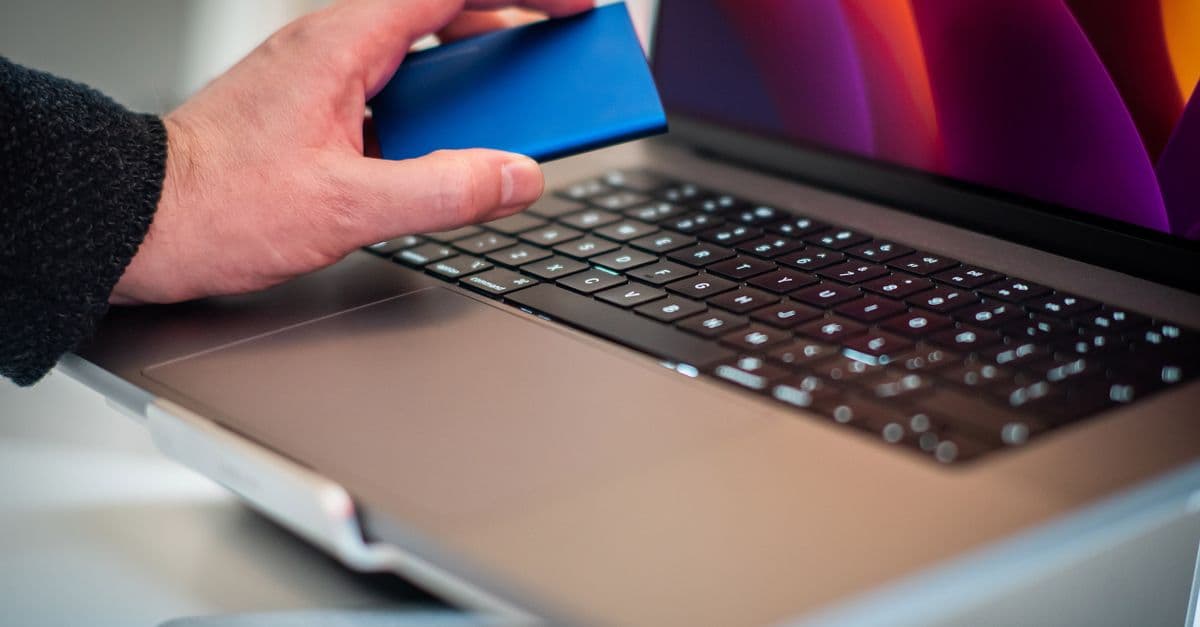
A hardware wallet is a small physical device, like a USB stick, that keeps your private key offline. When you want to send crypto, you plug it in, confirm the transaction on the device, and unplug it. The key never leaves the device.
Think of it like a safe deposit box. You can still access your money when you need it, but the key is not sitting in your pocket while you walk around the internet.
Prices for reliable hardware wallets are usually between $50 and $100. If you hold more than that in crypto, it is a no-brainer. Buy directly from the manufacturer's official website. Avoid third-party sellers, because a tampered device can steal your funds before you even start.
Step 2: Treat Your Seed Phrase Like Physical Cash
When you set up a hardware or software wallet, the app gives you a seed phrase. It is a list of 12 to 24 random words, like "river, chair, candle, sunset." That phrase is a master key. Anyone who has it can restore your wallet on their device and drain it.
So treat it like a stack of cash. Never type it into a website, a form, or a message. Never store it in your notes app, Google Drive, or email. Never take a photo of it. If you put it online, someone can find it.
Instead, write the phrase on paper or stamp it into a metal backup plate. Store it somewhere safe, like a home safe or a locked drawer. Some people split the phrase into parts and store them in different places. The key is to keep it offline and out of sight from cameras.
If someone asks you for your seed phrase, they are trying to steal from you. No wallet company, exchange employee, or support agent will ever ask for it. That is true in 2026, and it will be true in 2046.
Step 3: Use a Separate Email Address for Crypto Only
 Photo by Morthy Jameson on Pexels
Your everyday email address is probably connected to banking, social media, and shopping. If a hacker breaks into it, they can use password reset links to access your exchange account or wallet backups.
Create a new email address that you only use for crypto. Do not sign up for newsletters, coupons, or random websites with it. Use a long, unique password. I like to use a password manager that generates and stores strong passwords. If you do not have one, start with a simple tool like the Password Generator and store the result offline.
This separation makes it much harder for attackers. They cannot guess your crypto email if it is not tied to your public identity. And if your everyday email gets breached, your crypto account remains out of reach.
Step 4: Turn On Two-Factor Authentication (But Not SMS)
Two-factor authentication, or 2FA, means you need two things to log in: something you know, like your password, and something you have, like a code from an app. That second step stops most hackers even if they steal your password.
But avoid SMS codes. A phone number can be hijacked in a SIM swap attack, where a criminal convinces your mobile carrier to transfer your number to their phone. Once they have your number, they get your 2FA codes.
Use an authenticator app instead, like Google Authenticator, Authy, or Duo. These apps generate a fresh code on your device every 30 seconds. The code never travels through your phone carrier, so it cannot be intercepted. Even better, some authenticator apps work entirely offline.
Write down the backup codes the service gives you. Store them with your seed phrase. If you lose your phone, those codes will get you back in.
Step 5: Protect Your Internet Connection, Especially on Public WiFi
Public WiFi at a coffee shop, airport, or hotel is convenient. It is also a favorite hunting ground for thieves. An attacker on the same network can try to intercept your traffic or set up a fake hotspot that looks like the real one.
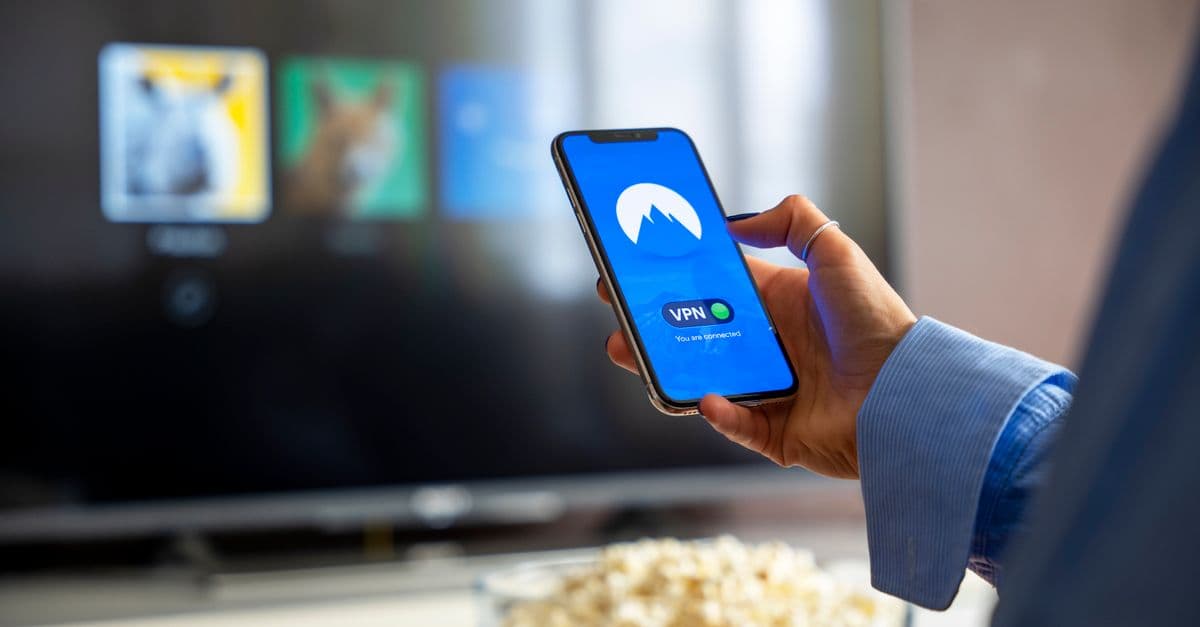
A virtual private network, or VPN, creates an encrypted tunnel between your device and the internet. Anyone trying to snoop on the network sees scrambled noise instead of your wallet activity. This is basic protection, and it takes two minutes to set up.
In our testing, we found that checking a wallet app on an open WiFi network without a VPN is far too risky. With a VPN, the risk drops dramatically, and the small speed difference is barely noticeable. You can check your balance without broadcasting your activity to everyone nearby.
Before you connect to public WiFi, turn on your VPN. You can read more about the risks in our public WiFi risks guide. If you want to check that your VPN is hiding your real location, open the What Is My IP Address tool before and after connecting. The IP address should change.
Step 6: Keep Your Devices Clean and Updated
Malware on your laptop or phone can record what you type, steal your clipboard, or swap crypto addresses when you copy and paste. That last one is especially nasty: you copy a wallet address, paste it to send funds, but the malware replaces it with the attacker's address.
Update your operating system, wallet apps, and browser as soon as updates are available. Updates patch security holes. Do not install random browser extensions or cracked software, because those are common ways malware gets in.
Run a reputable antivirus scan regularly. Be cautious about what you download. If you hold a large amount of crypto, consider using a dedicated old laptop or phone just for wallet transactions. That device should have nothing else on it.
Double-check every crypto address you send to, character by character. A quick glance is not enough. Some malware only changes the last few characters, hoping you will not notice.
Step 7: Spot Phishing Before It Spots You
Phishing is when an attacker tricks you into entering your password or seed phrase on a fake website that looks like the real thing. These scams have gotten extremely convincing, with fake exchange login pages and fake wallet support chat windows.
Type exchange and wallet URLs by hand instead of clicking links in emails or DMs. If you search for a wallet site, verify the address carefully. Fake sites often use small misspellings, like an extra letter or a swapped character.
No legitimate service will ever ask for your seed phrase, private key, or password in a direct message. If a "support agent" asks, it is a scam. If a random person sends you a link to a "free airdrop" or a "wallet synchronization" tool, ignore it.
For large transfers, send a tiny test amount first. Wait for it to arrive. Then send the rest using the same address. This avoids losing everything if you somehow pasted the wrong address.
What to Do If Something Feels Wrong
If you notice a transaction you did not make, act fast. Move any remaining funds to a new wallet with a new seed phrase. Disconnect the affected device from the internet. Change your passwords and enable 2FA on every account connected to crypto.
You can follow a step by step process in our Data Breach Response Guide. It explains how to lock down your accounts after a breach and what to check first.
Do not feel embarrassed. Scammers target everyone, including tech-savvy people. The goal is to limit the damage and learn from it.
Key Takeaways
- Use a hardware wallet for any crypto amount you would be sad to lose.
- Write your seed phrase on paper or metal and never store it online.
- Create a dedicated email address for crypto, protected by a unique password.
- Turn on 2FA with an authenticator app, not SMS text codes.
- Always use a VPN on public WiFi before checking your wallet.
- Keep your devices updated and scan for malware regularly.
- Verify every address and sender. Send a test transaction first.
One extra layer that helps with step five is using a VPN like GhostShield VPN. It encrypts your connection and hides your activity from snoops on shared networks, which is one less thing to worry about when you check your wallet away from home. You can try it at https://www.ghostshield.ai/pricing or download the app from https://www.ghostshield.ai/downloads.
Related Topics
Keep Reading

2026 Android Malware Protection: Secure Pix & Crypto from BeatBanker & BrasDex
How to Stop AI Voice Scams: Protect Your Family from Deepfake Calls in 2026

Smart Glasses Privacy Risks: How to Protect Yourself in 2026
How to Watch Meta’s AI Shows Early with a VPN in 2026 (Step-by-Step Guide)

AI-Powered Malware in 2026: Simple Steps to Protect Your Devices Now

How to Stop Your Smart TV from Spying on You (Keep All Streaming Apps)
Protect Your Privacy Today
GhostShield VPN uses AI-powered threat detection and military-grade WireGuard encryption to keep you safe.
Download Free