VPN Free Trials in 2026: How to Test Before You Buy
What a VPN Free Trial Actually Gets You
You're in a hotel room, the Wi-Fi network is called something like "HOTEL_GUEST_FREE," and you want to check your bank balance before dinner. That little moment of hesitation, "is this safe?" is exactly why most people go looking for a VPN in the first place.
A VPN is a private tunnel for your internet traffic. Instead of your data traveling across the open internet where anyone on the same network can potentially peek at it, it travels through an encrypted tunnel that scrambles everything along the way. Think of it like sending a letter in a sealed, locked box instead of a postcard anyone can read.
If you want the fuller picture, our What Is a VPN and How Does It Work? guide walks through it in plain language. But for now, the key point is this: a VPN free trial is a test drive. It lets you find out whether a service actually works with your phone, your laptop, your TV, and the Wi-Fi you use in real life, before you commit any money.
Here's where people get confused. A free trial and a money-back guarantee are not the same thing, and mixing them up is how people end up annoyed.
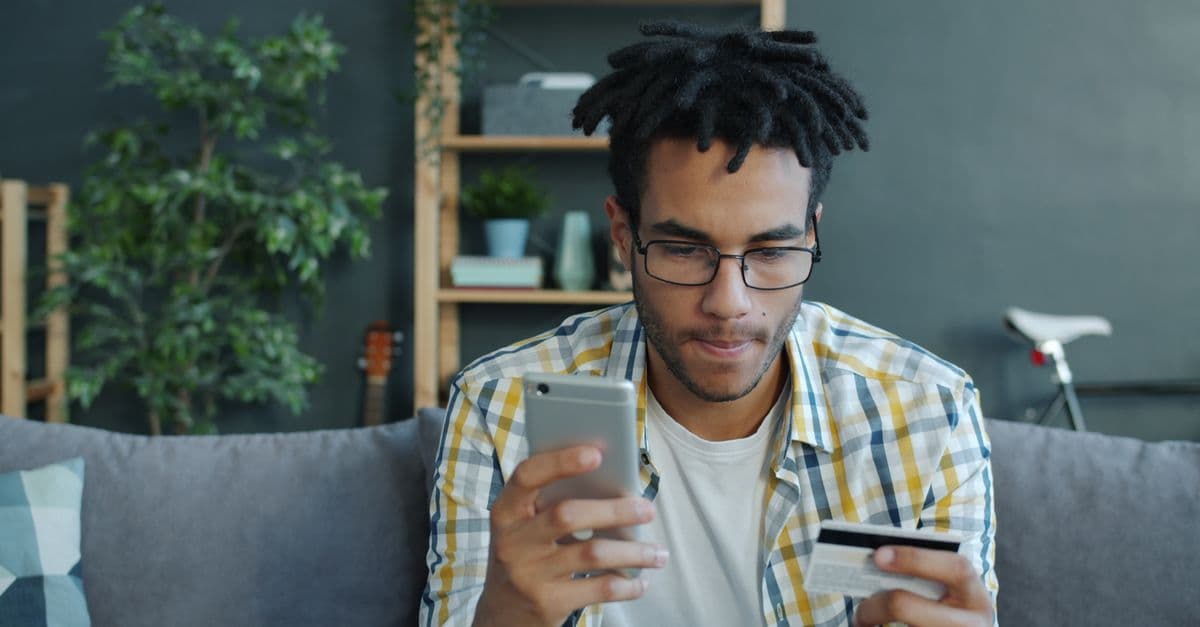
- A free trial means you pay nothing if you cancel in time. With GhostShield, that's 7 days, a card is required to start, and if you cancel within those 7 days you pay nothing at all.
- A money-back guarantee means you pay upfront, then you can ask for a refund inside a window. GhostShield's is 30 days.
The simplest way to hold this in your head: a trial is test-driving the car. A money-back guarantee is buying the car and returning it within 30 days if you change your mind.
Why does the difference matter? Trials are for the question "does this work with my TV and my phone?" Guarantees are for the question "does this still work for me a month in, once the novelty wears off?"
Why Most Free Trials Ask for a Card (And Why That's Not a Scam)
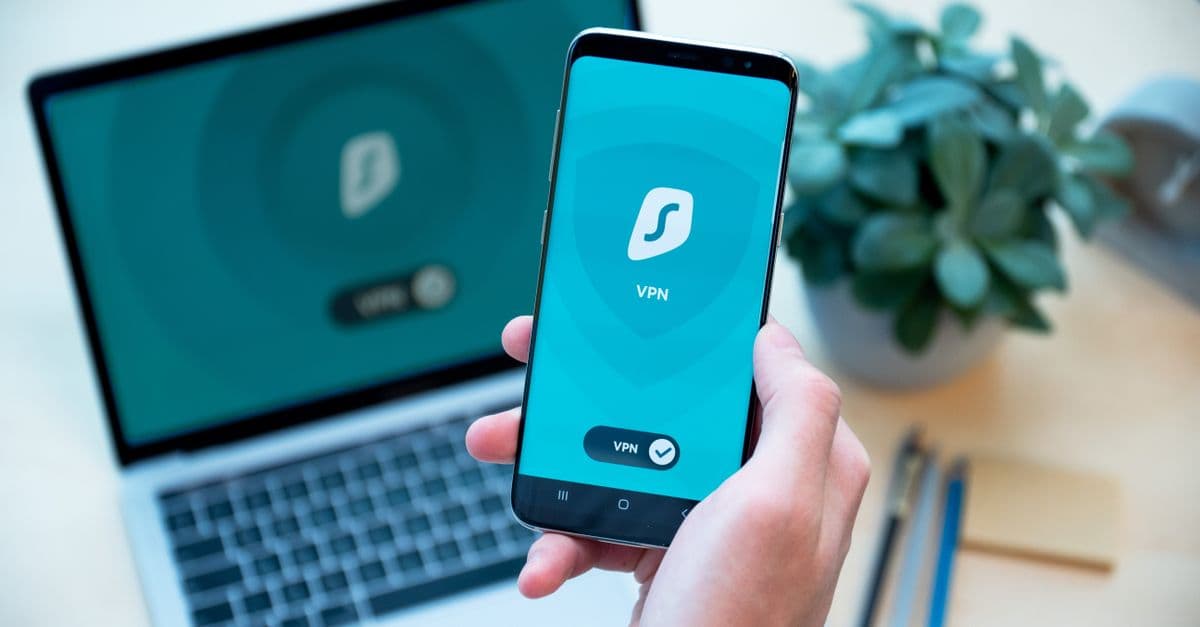 Photo by Dan Nelson on Pexels
The first time you click "start free trial" and see a card field, it feels like a trap. It usually isn't.
The honest reason services ask for a card is simple. It confirms you're a real person, it stops people from burning through endless free trials under fake accounts, and it means the service keeps running smoothly if you decide to stay. Without some friction, free trials get abused until companies stop offering them at all.
What "card required" really means is this: you are not charged during the trial, but you will be charged when it ends unless you cancel. That single sentence is the number one thing people miss, and it's the source of almost every "I got charged for a VPN I forgot about" story.
So how do you tell a normal trial from a shady one?
Normal practice looks like this:
- Card required, stated clearly before you sign up
- Cancel instructions that are easy to find
- An email reminder before the charge hits
- A visible price for what happens after the trial
Red flags look like this:
- No visible price anywhere for the post-trial period
- A cancel button that seems to move every time you look for it
- No confirmation email when you sign up or cancel
- Pressure language like "only 2 spots left" on a software page
GhostShield's own terms are a reasonable example of the normal category. You can join for a year at $4.99 a month, then $6.99 month to month with no commitment after that. There's a 7-day free trial, a card is required, and if you cancel within the 7 days you pay nothing. The terms are on the page before you enter any details, which is exactly how it should work.
One more thing worth knowing: a card requirement is not the same as a hidden charge. If the price after the trial is printed plainly and the cancel path is obvious, you're dealing with a normal business, not a trick.
How to Cancel Before You're Charged (Step by Step)
 Photo by August de Richelieu on Pexels
This is the part that saves people money, so read it even if you're excited about the trial.
Set a phone reminder for day 5. If you're on a 7-day trial, day 5 gives you two days of buffer. Do not trust your memory here. You will be busy, and the charge will arrive quietly.
Cancel the same way you signed up. That means going into your account settings on the provider's website. Deleting the app from your phone does not cancel anything. This trips up a surprising number of people, because removing the app feels like removing the service. It isn't.
Screenshot your cancellation confirmation. If a charge shows up later anyway, a screenshot ends the argument in about ten seconds. Proof beats panic every time.
Know your safety net. If you miss the trial window entirely, you're not necessarily stuck. GhostShield's 30-day money-back guarantee still applies, so you can request a refund inside that window rather than writing off the charge.
If you're the type who likes checklists, our Complete Guide to Online Privacy has more habits like this, the small ones that quietly protect you.
What to Test During Your Trial Days
Here's the part most trial advice skips. Everyone tells you to "try it out." Nobody tells you what to actually test.
A trial is only worth something if you use it the way you'll use the service in real life. So treat these seven days like a checklist.
Day 1-2: Every device you own
Phone, laptop, tablet, and your TV or streaming stick. Install from the GhostShield downloads page and confirm each device connects without drama.
This matters more than people expect, because not every VPN supports every platform equally. GhostShield has apps for Windows, macOS, Android, iPhone and iPad, and Google TV. Linux and routers work through a manual WireGuard setup, which is a bit more hands-on. There's no browser extension, and no Fire TV, Apple TV, Roku or games console app. If one of those is your main screen, better to find out on day one than day thirty.
Day 2-3: Your streaming services
Does your show still play? Try it on the actual TV, not just your phone, because that's where the real test lives. Our streaming guides explain how a VPN lets a traveler reach the library they already pay for at home.
One honest caveat: no VPN can promise that every service will unblock every time. Streaming platforms change how they detect VPNs constantly. Test it yourself during the trial and let your own results decide.
Day 3-4: Real-world Wi-Fi
Use it on public Wi-Fi at a coffee shop, a hotel, or an airport. This is the exact scenario you bought a VPN for, so test it there rather than on your home network where everything already works. If you want a deeper look at why public networks are risky, our Public WiFi Risks Guide covers it.
Day 5-6: Speed check
Run a speed test with the VPN on and compare it to your normal connection. You're not looking for identical numbers, since some slowdown is normal with any VPN. You're looking for whether video calls stutter, pages crawl, or files take forever. If they do, that's your answer, and it's better to know now.
Day 6-7: Decide
Keep it or cancel it. Either way, you now know something real instead of guessing from a review.
One thing to know before you travel
GhostShield runs on WireGuard with ChaCha20-Poly1305 encryption, and that's it. There's no obfuscation or stealth mode, which is the technology some VPNs use to disguise traffic as something ordinary.
That means GhostShield is not reliable in China, Russia, Iran, or the UAE, where networks actively block VPN traffic. If you're heading to one of those places, read the matching country guide first, like Best VPN for China, so you know what you're walking into.
Also worth knowing: GhostShield has RAM-only servers in 16 countries across 20 locations. That's a focused network, not a sprawling one. For most people that's plenty, but if you need a very specific country, check the list before your trial ends.
Trial, Guarantee, or Neither? Picking What Fits You
 Photo by Tranmautritam on Pexels
Both options are good. They just suit different people.
Choose a free trial if you want zero risk and you can act within a week. It's the cleanest way to test a service without spending anything, as long as you set that day 5 reminder.
Choose a money-back guarantee if you want a full month of real use before deciding. Some things only show up over time, like how the service behaves on a work trip or during a busy streaming weekend. GhostShield gives you 30 days for that.
The best combo is to start with the 7-day trial. If you love it, join for a year at $4.99 a month, then $6.99 month to month with no commitment after that. If you want the lowest monthly rate, the 3-year plan comes in at $3.99 a month. All the current terms are on the GhostShield pricing page.
The everyday analogy: the trial is the sample spoon at the ice cream shop. The guarantee is the "if you don't like it, bring it back" policy. Both let you try before you're stuck, just at different moments.
Key Takeaways
- Trials and money-back guarantees are different tools. A trial costs nothing if you cancel in time. A guarantee refunds you after you've paid.
- Card required is normal. It's how trials stay available to everyone. Just set a reminder to cancel before day 7.
- Test on your real devices and real Wi-Fi. Phone, laptop, TV, and public hotspots, not just a speed test at home.
- GhostShield's terms in one line: 7-day free trial (card required, cancel within the 7 days and pay nothing), then a year at $4.99 a month, then $6.99 month to month with no commitment, plus a 30-day money-back guarantee.
- Cancel in your account settings, screenshot the confirmation, and keep the guarantee as your backup.
- Know the limits. WireGuard only, no stealth mode, so not reliable in China, Russia, Iran, or the UAE, and servers in 16 countries.
If you've been meaning to sort out your privacy on public Wi-Fi and haven't gotten around to it, a trial is the lowest-stakes way to start. GhostShield gives you 7 days to test it on your actual devices and your actual coffee shop network, and a 30-day money-back guarantee if you'd rather take the full month. You can grab the apps from the downloads page and see the current plans on pricing. Set that day 5 reminder, and you've got nothing to lose.
Related Topics
Keep Reading
Best VPNs for Privacy in 2026: 7 Checks to Test Before You Buy
Best iPhone VPN 2026: 6 Things to Check Before You Buy
Smart Home Privacy: How to Stop Your TV, Fridge & Doorbell Spying on You

5 Safe Ways to Access Blocked Sites on School Chromebooks (No Downloads)
Cash App Data Breach Settlement 2026: Step-by-Step Guide to Claim Up to $2,500