Best VPNs for Privacy in 2026: 7 Checks to Test Before You Buy

Do VPNs Actually Protect Privacy? (The Honest Answer)
The best VPNs for privacy are the ones that can prove, not just promise, that they keep no logs, protect against leaks, and block trackers before they load. Before you trust any VPN, run the seven checks below during a free trial.
This is a buyer's checklist, not a brand ranking. And one honest note up front: no VPN makes you invisible. We'll show you exactly what it does and doesn't hide, so you can judge for yourself.
Think of a VPN as an unmarked delivery van for your internet traffic. Your internet provider sees a van pull up and drive away, but not what's inside. That's genuinely useful. But the company running the van still knows where it's going, unless they've built things so they can't know.
That last part is the whole ballgame. Most of this article is about how to tell the difference.
What you're actually protecting yourself from
The real threats are boring ones. Your internet provider logging which sites you visit. Someone on café Wi-Fi watching your traffic. Advertisers following you from site to site and building a profile of your habits, your purchases, your health searches.
It's not hackers in hoodies. It's the quiet, constant collection of data about ordinary people doing ordinary things. For the bigger picture on how that data gets used, our Complete Guide to Online Privacy walks through it in plain language.
A good VPN hides your traffic from your internet provider and masks your IP address from websites. What it does not do is make you anonymous while you're logged into Google, Facebook, or your bank. Those companies still know exactly who you are.
Check 1: A Real No-Logs Policy (and Proof, Not Just Promises)
 Photo by freestocks.org on Pexels
"No logs" should mean the company keeps no browsing history, no connection timestamps, and no IP addresses tied to your activity. The key word is should.
Here's the analogy that matters. A genuinely private VPN is like a hotel with no guest register at all. A weaker one is like a hotel that promises to shred the register later. Guess which one you want if the place gets raided.
How to check it yourself, in about five minutes:
- Read the privacy policy and search for the words "aggregated" and "anonymized." These are often loopholes that let a company collect data and call it something else.
- Look for independent audits. A no-logs claim is only as good as the outside firm that checked it. If there's no audit, treat the claim as marketing.
- Check payment options. If you can sign up without handing over an email, that's a sign the company isn't hungry for your data.
GhostShield states a strict no-logs policy and runs RAM-only servers, which we'll get to next. The honest limit: no third-party audit has been completed yet, so the claim is a stated commitment rather than a verified fact. Ask any provider for the audit. If they can't produce one, that tells you something.
Check 2: Servers That Keep Nothing on Disk (and a Kill Switch That Works)
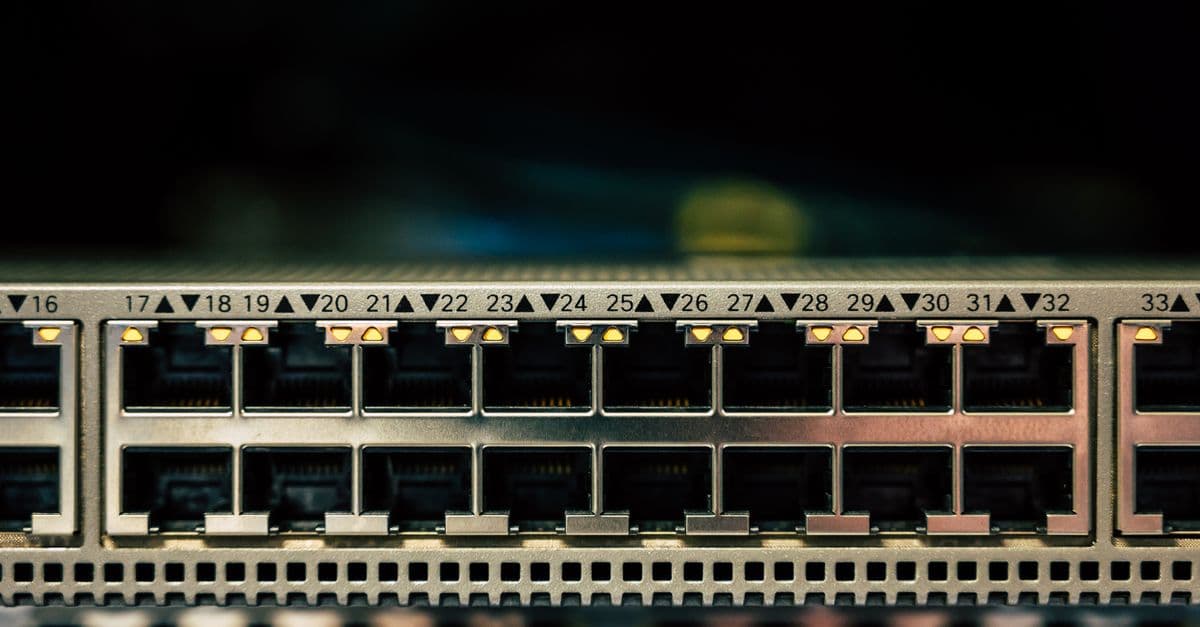 Photo by Brett Sayles on Pexels
Some VPN servers run entirely in memory, with no hard drive at all. This is called a RAM-only server, and it's a genuinely big deal.
Picture a hotel room with no minibar, no guest book, and a bed that gets replaced at every checkout. If someone seizes that server, there's nothing on it to hand over. A server with a normal hard drive is a different story: logs, config files, and leftovers can all be sitting there.
The second half of this check is the kill switch. That's the feature that cuts your internet if the VPN connection drops, so your traffic doesn't suddenly travel unprotected.
Test it for real. Start a large download, then switch off your Wi-Fi mid-transfer. If your traffic keeps flowing without the VPN, the kill switch failed. If everything stops until the connection comes back, it works.
Then run a leak test. Free tools like our DNS Leak Test show whether your real IP address or location is sneaking out. Do this during your trial, on the devices you actually use. If your real details appear, walk away. No exceptions.
Check 3: Tracker and Phishing Blocking Before Pages Load
Most ad blockers swat ads after they've already appeared on your screen. The better ones stop the tracker at the door, before it ever sees you.
Why does this matter for privacy specifically? Because ad trackers are how a profile of you gets built across dozens of sites. Block them at the network level and you're protected even on the days you forget to log out, forget to clear cookies, or click something you shouldn't have.
GhostShield includes ad and malware blocking plus AI threat detection, which is designed to catch sketchy pages before they load. The honest limit: blocking reduces your exposure, but it's no substitute for decent password habits. A blocker won't save you if you reuse the same password everywhere. Run your logins through our Password Strength Checker and fix the weak ones today.
Check 4: Apps on Every Device in Your Home (Yes, Including the TV)
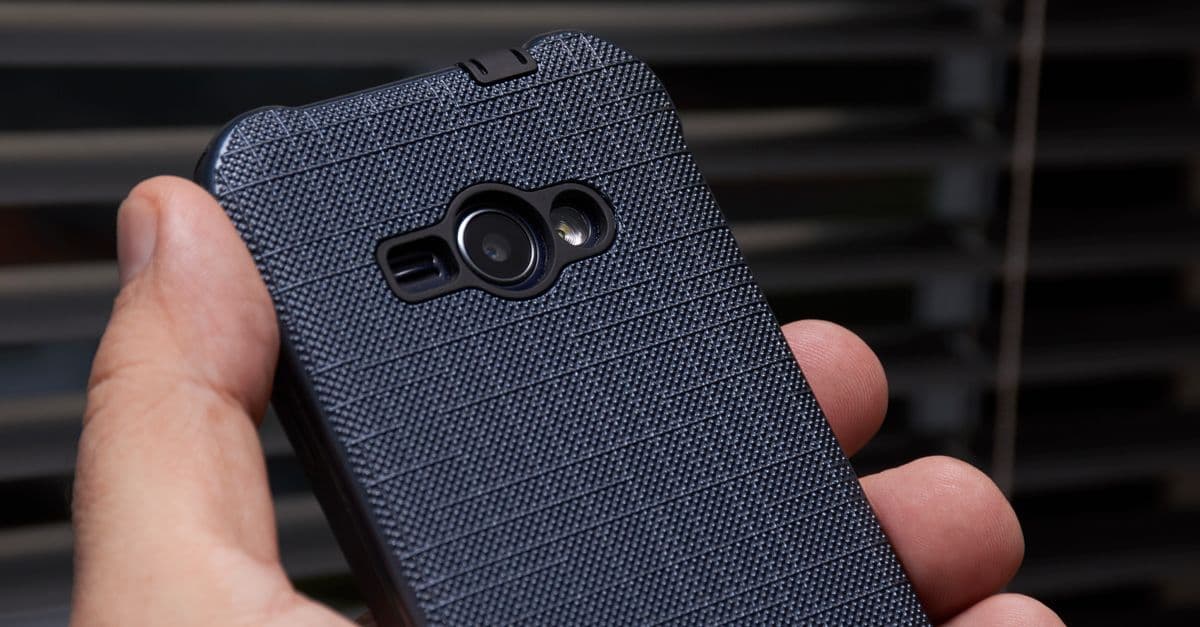 Photo by Fernando Arcos on Pexels
Privacy gaps are household-wide. Locking the front door but leaving the garage open is exactly what happens when your laptop is covered but your kid's tablet, your smart TV, and the streaming stick in the spare room are not.
Before you buy anything, count your devices. Phones, laptops, tablets, streaming sticks, and the router itself. Then check whether the plan covers them all. A VPN that allows two devices when you have nine isn't a privacy tool, it's a partial solution.
GhostShield covers Windows, macOS, Android, iPhone and iPad, and Google TV, with Linux and routers supported through a manual WireGuard setup. There's no browser extension and no Fire TV or Apple TV app, so check your setup first. You can see which devices GhostShield supports before you commit.
How to Test These Claims Yourself During a Free Trial
This is the part most people skip, and it's the most important one. A free trial is a test drive, not a formality.
Here's a simple 30-minute plan:
- Run a leak test on your phone and laptop while connected. Confirm your real IP and location never appear.
- Pull the plug on the kill switch. Start a download, kill your Wi-Fi, and watch what happens.
- Read the privacy policy with a search for "aggregated" and "anonymized."
- Try it on your TV. If the app doesn't exist for your device, you've found your answer early.
- Check the cancellation process before you need it. A provider confident in its product won't make leaving difficult.
What a free trial should not require: a credit card you can't cancel, or an email address you'd rather not have on file.
For the full walkthrough, our step-by-step free trial testing guide covers each step in detail. GhostShield's trial runs seven days on every plan, with a 30-day money-back guarantee behind it.
What a VPN Does NOT Hide
This section matters as much as the checks, because overselling is how people get burned.
- It doesn't hide you from sites you log into. Google, Amazon, and your bank know exactly who you are. A VPN changes your IP address, not your account.
- It doesn't stop malware you click on. A phishing link in an email is still a phishing link. Blocking helps, but your own caution does the heavy lifting.
- It doesn't make you untraceable. That's a marketing word, not a technical one. A VPN is a PO box, not a new identity.
- It doesn't protect you if the provider keeps logs. Which is why the first three checks matter more than server counts or speed claims.
If you want to understand the mechanics underneath all this, our guide on what a VPN is and how it works explains it without the jargon. And if you travel or work from cafés, the public Wi-Fi risks guide covers the situations where a VPN earns its keep fastest.
Quick Answers
What is the best free VPN for privacy? Free VPNs often pay for their servers by logging and selling data, which is the opposite of what you want. If you use one, read the no-logs policy before anything else. There's no free plan at GhostShield, and that's worth knowing up front.
Is a secure VPN actually safe? "Secure" is a marketing label, not a certification. Safety comes from the checks above: audits, leak protection, a working kill switch, and honest limits.
Which VPN app is the most secure? The one that passes your leak and kill-switch tests on your devices. That answer will differ from person to person, which is why testing beats reading reviews.
Best safe VPN for Android? Same checklist applies. One extra step: test the kill switch on mobile data, not just Wi-Fi. A VPN that only holds up on Wi-Fi isn't much use on a train.
Untraceable VPN free / best anonymous VPN Reddit? "Untraceable" and "anonymous" are aspirational terms. Forums like Reddit are a fine starting point for names to research, but they're not proof of anything. Run the checks yourself.
Proton VPN or Mullvad VPN? You'll see both names while researching, and they're worth reading about. Just apply the same seven checks to them that you'd apply to anything else.
Best most affordable VPN? Affordability matters, but a cheap VPN that logs you is expensive in the long run. You can see GhostShield's plans and pricing to compare against whatever else you're considering.
Key Takeaways
- "No logs" is a claim, not a fact. Look for independent audits and watch for "anonymized" loophole language.
- Test the kill switch and leak protection yourself. Pull your Wi-Fi mid-download and run a free leak test. If your real IP appears, walk away.
- Privacy is household-wide. Count every device, including your TV and streaming stick, and confirm the plan covers them.
- A VPN hides your traffic from your ISP, not your identity from websites. It's a PO box, not a disguise.
- Treat the free trial as a test drive. A provider confident in its privacy features won't make the trial hard to cancel.
The Bottom Line
Run the seven checks before you trust any VPN: a real no-logs policy with proof, RAM-only servers, a kill switch you've tested, leak protection you've verified, tracker blocking, coverage for every device in your home, and a free trial that lets you test all of it without friction.
If you want a starting point, GhostShield VPN covers a lot of this ground: strict no-logs policy, RAM-only servers, kill switch, DNS leak protection, ad and malware blocking, and apps across the major platforms, at $6.99 a month or less on longer plans. The honest limits: no third-party audit yet, no obfuscation for restrictive countries, and no magic against your own account logins.
Start a trial, run the tests yourself, and only then decide. That's the whole point of a checklist.
Related Topics
Keep Reading
Best iPhone VPN 2026: 6 Things to Check Before You Buy

VPN Free Trials in 2026: How to Test Before You Buy
Smart Home Privacy: How to Stop Your TV, Fridge & Doorbell Spying on You

5 Safe Ways to Access Blocked Sites on School Chromebooks (No Downloads)

Cash App Data Breach Settlement 2026: Step-by-Step Guide to Claim Up to $2,500