Best iPhone VPN 2026: 6 Things to Check Before You Buy
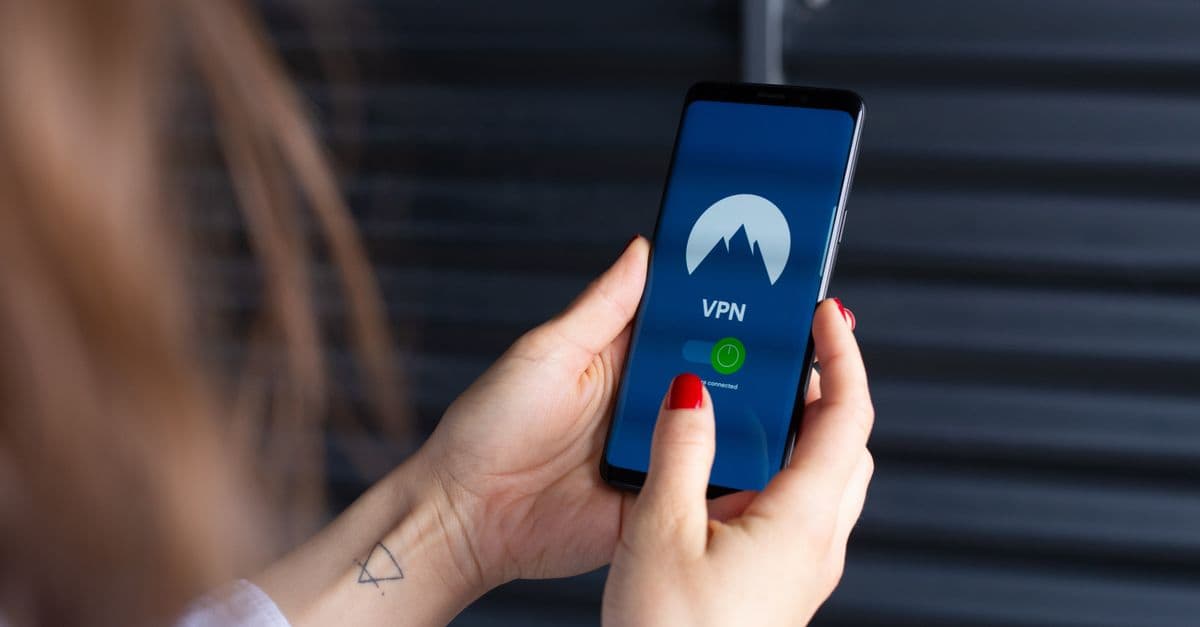
Does Your iPhone Already Have a VPN? (Short Answer: Sort Of)
Open Settings on your iPhone, tap General, then VPN & Device Management. You'll find a VPN section right there. It looks like your phone already has one built in.
It doesn't. That switch is an empty slot. It holds a VPN connection once something else provides one, but on its own it does nothing. Think of it like the phone mount stuck to your car's dashboard: it's ready to hold your phone, but it isn't the phone.
This trips up a lot of people, and it's worth clearing up before you spend money. If you've ever wondered "does iPhone have a built-in VPN," the honest answer is that iOS gives you the socket, not the service.
What About iCloud Private Relay?
If you pay for iCloud+, you may already have Private Relay switched on. It hides what you do in Safari from your network and from websites that try to track you. That's genuinely useful.
But it has limits. It only covers Safari, not your other apps. It doesn't change your location. And it isn't a full VPN, so it won't help if you're trying to reach a streaming library from back home while travelling.
So the takeaway is simple: you still need a VPN app. The good news is that once you've picked one, setup is basically one tap, because the built-in slot is already waiting. For a fuller explanation of what these apps actually do, our VPN basics guide walks through it without the jargon.
The 6-Point Checklist for VPNs for iPhone
 Photo by Ono Kosuki on Pexels
Most "best VPN" lists rank providers by server count or marketing budget. That's not how you should pick one for your phone. Here's what actually matters when the VPN lives in your pocket.
1. Battery and Background Behavior
A VPN that keeps dropping and reconnecting in the background will quietly chew through your battery. You won't notice it happening, you'll just wonder why your phone is at 20% by lunchtime.
Look for a feature called "on-demand" connection, which auto-connects when you leave Wi-Fi instead of running constantly. Then check recent App Store reviews for battery complaints. That's the honest signal, because a company can write its own marketing copy but it can't delete a pattern of one-star reviews about battery drain.
2. App Quality on iOS Specifically
Some VPNs are excellent on a laptop and clumsy on a phone. You want an app that supports Face ID unlock, has a one-tap connect widget, and doesn't make you dig through four menus just to switch it on.
If turning on your VPN takes more than a couple of seconds, you'll stop doing it. That's the real test.
3. Logging Policy in Plain English
Here's a rule of thumb: if the privacy policy takes 20 minutes to read, that's the point. Dense legal language is often a way of saying something without saying it.
Look for a one-page summary, a clear statement of what gets recorded and what doesn't, and a recent independent audit. A "no logs" badge on a homepage means nothing on its own. An audit by an outside firm is a different thing entirely.
4. Price Transparency
Watch for renewal prices that jump after year one. This is the gym membership trick: a cheap first year, then a renewal price buried in the fine print.
Also check whether a monthly plan exists at all. Some providers only sell annual, which means you can't walk away easily if you don't like the app.
5. Free Tier Reality Check
Free VPNs usually mean one of three things: a data cap, ads, or your data as the product. Sometimes all three.
If a VPN is free, unlimited, and ad-free all at once, ask yourself what you're paying with. Because you are paying with something.
6. Audit History
Has an outside security firm looked at the company's claims? Not a badge, an actual report. This matters more than server count, more than speed claims, and more than any award logo on the homepage.
Is It Worth Getting a VPN for iPhone?
 Photo by cottonbro studio on Pexels
Yes, in three everyday situations. First, public Wi-Fi at a café, airport, or hotel, where you don't control the network. Second, logging into anything sensitive (banking, email, work systems) on a connection you don't own. Third, wanting your internet provider or mobile carrier to see less of what you do.
Not really, if you only browse at home on your own network and don't care about location spoofing or public Wi-Fi. A VPN is a seatbelt, not a force field. It's worth wearing where the risk is real, and pointless in your driveway.
What a VPN Can't Do
This part gets skipped a lot, so let's be plain about it.
A VPN won't stop phishing texts. It won't make you anonymous on social media while you're logged into your account. And it won't fix a slow connection, because it can only add a small extra hop between you and the internet, never remove one.
If you're mainly worried about dodgy public networks, our public Wi-Fi risks guide covers the practical side, and the VPN for public Wi-Fi page explains how a VPN fits in.
Free vs. Paid: What "Best iPhone VPNs Free" Really Gets You
Search for a free VPN for iPhone and you'll find plenty of options promising everything. Here's the honest math.
Most free tiers cap you at a few hundred megabytes a month. That's roughly one podcast episode. Fine for a one-off hotel Wi-Fi login. Not fine as your daily driver, especially if you stream anything.
Many also show ads, or limit you to a couple of server locations. Some do all three.
"100% Free VPN for iPhone" Is a Red Flag Phrase
Servers cost money. Bandwidth costs money. Engineers cost money. A genuinely free, unlimited, ad-free VPN usually means the business model is you, whether that's through data collection, ad injection, or reselling something about your usage.
That doesn't make every free app evil. It just means you should know what you're trading.
The Middle Path: Try Before You Commit
A free trial or a money-back window on a paid VPN lets you check the app on your iPhone before committing. That's the smart move, and our guide to VPN free trials in 2026 explains how to use one properly instead of wasting it.
If you're unsure, a best VPN for iPhone monthly subscription costs more per month but lets you walk away. For a first purchase, that flexibility is often worth the extra few dollars.
Where GhostShield Fits, and Where It Doesn't
 Photo by appshunter.io on Unsplash
Full disclosure: GhostShield is our product, so take this section with the appropriate grain of salt.
Where it fits: if you want a straightforward iOS app, a clear price, and a setup that takes about a minute, download GhostShield for iOS and check the current plans and pricing. We list prices up front rather than in fine print, and every plan starts with a 7-day free trial plus a 30-day money-back guarantee.
Where it doesn't: if you need a large free tier, dozens of server countries for streaming-region hopping, or a household plan covering six devices at once, GhostShield may not be your pick. We'd rather say so than take your money and have you find out later.
A few other honest limits. GhostShield runs on WireGuard only, with servers in 16 countries. It supports up to 10 devices at once. And because there's no obfuscation or stealth mode, it isn't reliable in China, Russia, Iran, or the UAE. If you're travelling to one of those places, read the matching country guide first, starting with Best VPN for China.
How to Decide in Five Minutes
Install the app. Connect once on public Wi-Fi. Check your battery screen after a day of normal use. Read the privacy summary.
If any of those three feel wrong, use the trial window and walk. That's what it's for.
People Also Ask
Which VPN is actually effective on iPhones?
The one that stays connected in the background, has a native iOS app (not a web wrapper pretending to be one), and publishes an audit. Effectiveness is about reliability, not server count. A VPN with 5,000 servers that drops every ten minutes is worse than one with 50 that never does.
What is the best VPN for iPhones?
There's no single winner, and anyone who tells you otherwise is selling something. Use the six-point checklist above. The best VPN for iPhone is the one that passes your checklist, not a reviewer's. Reddit threads can be genuinely useful for spotting battery complaints and app bugs, but treat them as evidence, not final verdicts.
Is it worth getting a VPN for iPhone?
Yes if you use public Wi-Fi or want your carrier to see less of your traffic. Skip it if you only browse at home and don't need location spoofing.
What are the safest VPNs for iPhone?
Look for four things: a no-logs policy that's been independently audited, a native app from the App Store, a kill switch (which cuts your connection if the VPN drops), and transparent ownership. "Safest" is about policy and audits, not marketing badges. If you want to check your own setup, run our DNS leak test after connecting to make sure your traffic isn't slipping out another way.
Key Takeaways
- The iPhone's built-in VPN setting is a slot, not a service. You still need an app, but setup is one tap once you have one.
- Use the six-point checklist: battery behavior, iOS app quality, plain-English logging policy, renewal pricing, free-tier limits, and audit history.
- Free VPNs are fine for one-off public Wi-Fi logins, not daily use. "100% free and unlimited" usually means you're the product.
- A VPN is worth it for public Wi-Fi and privacy from your carrier. It won't stop phishing or make you anonymous while logged into social apps.
- GhostShield is a good fit for a simple, transparent iOS app, and not the right pick if you need a big free tier or many streaming regions. Start with the iOS download and check pricing before committing.
Related Topics
Keep Reading

Best VPNs for Privacy in 2026: 7 Checks to Test Before You Buy

VPN Free Trials in 2026: How to Test Before You Buy

Smart Home Privacy: How to Stop Your TV, Fridge & Doorbell Spying on You

5 Safe Ways to Access Blocked Sites on School Chromebooks (No Downloads)

Cash App Data Breach Settlement 2026: Step-by-Step Guide to Claim Up to $2,500