Using a VPN for Online Banking? 5 Risks You Need to Know in 2026

How a VPN Can Get Your Bank Account Locked
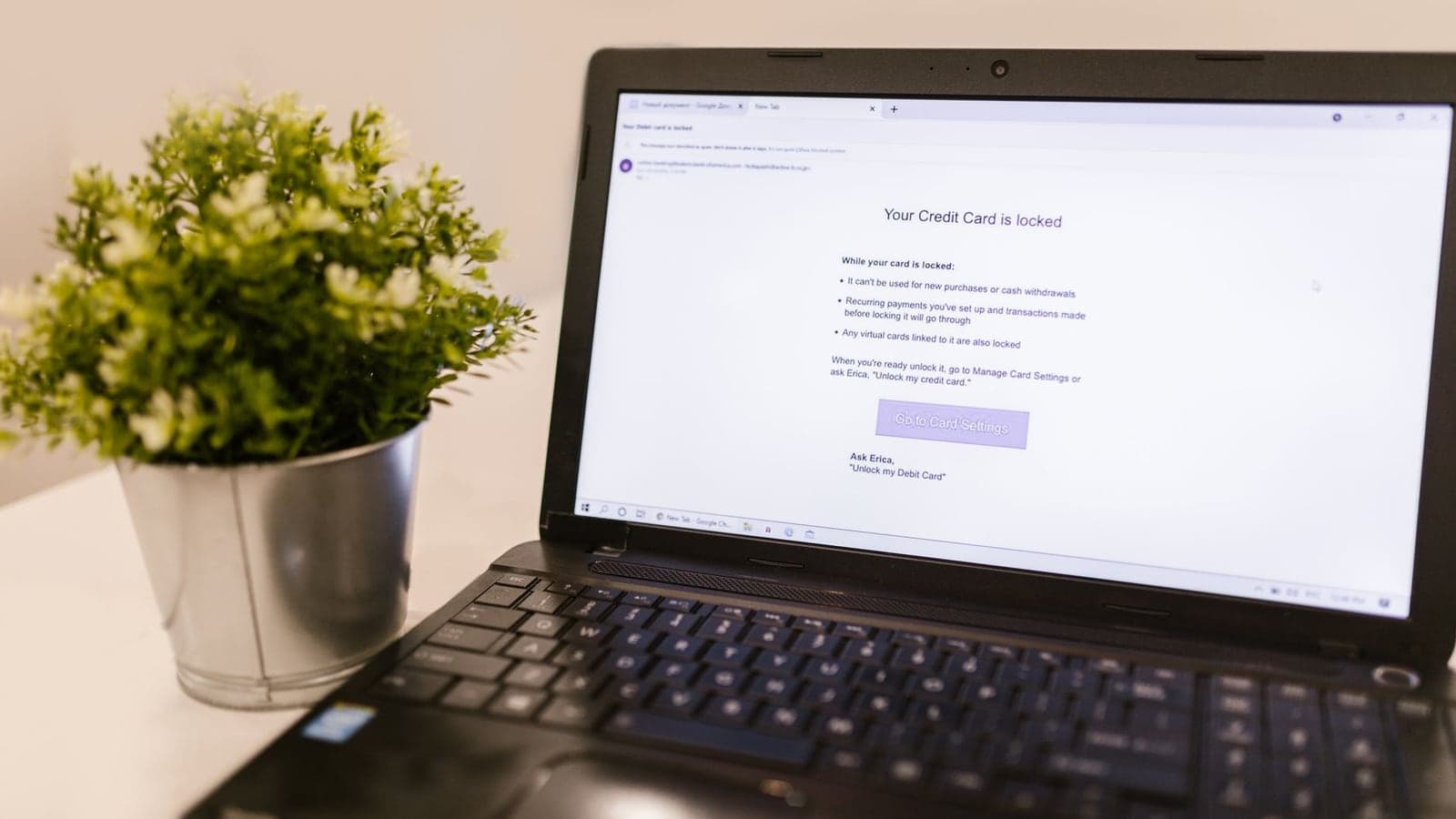
Picture this: you're in a hotel room abroad, trying to pay your credit card bill before the due date. Your VPN is on so you can watch your usual shows from back home. You open your bank's app, type in your password, and get a message you've never seen before: "Your account has been temporarily locked for security reasons."
What happened? The bank's fraud system didn't recognize the IP address your VPN gave you. To the bank, the login came from a data center, not from you. So it froze the account, and now you're on hold with customer service, trying to prove you're really you.
If you've ever used a VPN while checking your bank balance, you might have hit something similar. Online banking with a VPN is convenient, but it comes with a few hidden risks that most people don't think about until they're locked out, blocked, or worse.
This article walks through five of those risks and how to avoid them without giving up your privacy.
Why Banks Freak Out When You Use a VPN
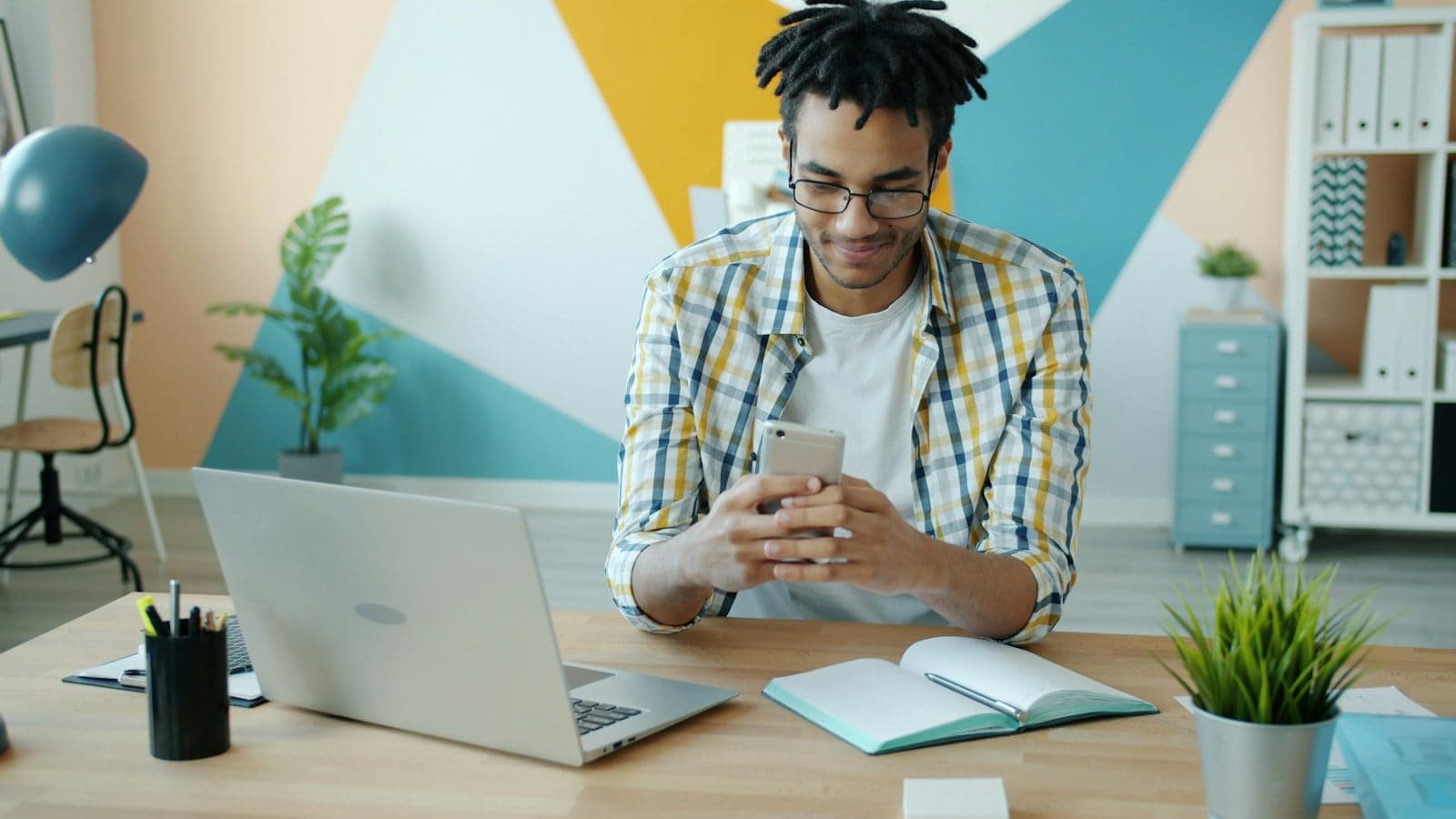
 Photo by Stefan Coders on Pexels
Before we get into the risks, let's talk about why your bank acts weird when a VPN is on. A VPN, or virtual private network, reroutes your internet connection through a server somewhere else. When you turn it on, websites see the VPN server's IP address instead of your real one. Think of an IP address like a mailing address for your device.
Banks use IP addresses as one clue to figure out if a login attempt is legitimate. If you normally log in from an IP in Chicago, but suddenly you're connecting from an IP in Amsterdam, that's a red flag. It doesn't matter that you're really on your couch in Chicago. The bank only sees the VPN server's address.
Banks don't all react the same way. Some may block known VPN IP addresses right away, others may let you log in but flag the session for extra review, and some may not react at all. The inconsistency is part of what makes this tricky.
The Five Hidden Risks (And How to Avoid Them)
 Photo by Stefan Coders on Pexels
Risk 1: Your Account Gets Locked or Flagged for Fraud
This is the most common headache. Banks have automated fraud detection systems that watch for unusual login patterns. A sudden change in IP address, especially to a different country or a known data center, can trigger an automatic freeze. You can't log in, your card might get declined, and you have to call support to unlock everything.
That's not just inconvenient. If you're traveling or in an emergency, a frozen account can leave you stuck without access to your money. Some banks might even close your account permanently if they think someone else tried to break in.
How to avoid it: Connect to a VPN server in the same country or region where you normally bank. If you live in the US, pick a US server. If you're traveling abroad, choose a server in your home country, not one in the country you're visiting. This makes the login look more normal to your bank.
Risk 2: Mobile Banking Apps Stop Working
You might use your bank's mobile app more than the website. Many banking apps are more sensitive to location than websites are. They check your phone's GPS, your IP address, and sometimes your time zone. When a VPN changes your IP to a different city or country, the app can crash, log you out, or refuse to load your accounts.
This happens because the app sees a mismatch: your phone says you're in one place, but the IP address says another. It's like presenting a driver's license from Texas while wearing a jacket that says "Property of New York Public Library." The app gets suspicious.
How to avoid it: Before opening your banking app, either turn off the VPN or switch to a split-tunnel mode if your VPN offers one. Split tunneling lets you route only certain apps through the VPN. You can keep the VPN on for streaming or browsing, but let your banking app use your normal connection.
Risk 3: The VPN Server's IP Has a Bad Reputation
VPN servers are shared. Hundreds or thousands of people might use the same server at the same time. If someone else on that server tried to hack a bank, spam a website, or commit fraud, the IP address might get flagged or blacklisted. When you connect to that same server, your bank sees the same bad IP and might block you, even though you did nothing wrong.
Think of it like a shared phone number. If a stranger with your same phone number had been making prank calls to the bank, the bank might block the whole number. You'd never know why your calls weren't going through.
How to avoid it: Use a VPN provider with a large number of servers and a good reputation. Avoid free VPN services, which often reused the same handful of IPs and attract more bad actors. If your bank repeatedly blocks you, try switching to a different server in the same country. Some VPNs also offer a "dedicated IP" option, which gives you an IP address only you use. That can solve the problem entirely.
Risk 4: Using the Wrong VPN Can Expose Your Banking Login
Here's the scary one. Not all VPNs are safe. Some free VPN apps have been caught logging users' traffic, injecting ads, or even selling browsing data. If you log into your bank while using a sketchy VPN, that VPN could potentially see your username, password, or session cookies. That's exactly what you're trying to avoid.
Even a well-meaning free VPN might have weak encryption, which means someone else on the same network could intercept your data. When we talk about banking, you want encryption strong enough that even if someone grabs your data, they can't read it. Not all VPNs provide that.
How to avoid it: Stick with a paid VPN from a reputable provider that has been independently audited. Look for features like AES-256 encryption (the same standard banks use), a no-logs policy, and a kill switch that cuts your internet if the VPN drops. Before you log into your bank, run a quick DNS leak test and a WebRTC leak test to make sure your real IP isn't sneaking through.
Risk 5: Leaks Can Betray Your Real Location
A VPN is supposed to hide your real IP address. But sometimes, your device leaks that info through other channels. Two common culprits are DNS leaks and WebRTC leaks. A DNS leak happens when your device sends website requests outside the VPN tunnel, revealing which sites you're visiting and your actual location. A WebRTC leak can expose your real IP even when the VPN is on, because of a feature built into web browsers for video calls.
If your bank's website checks your IP and sees a mismatch, it might flag you. Or worse, if you're on a public WiFi network and your VPN has a leak, a snooper on that network could see your banking traffic along with your real IP. You can think your VPN is protecting you while your real IP is visible the whole time, and only a leak test will tell you.
How to avoid it: Before doing anything sensitive, check for leaks. Use the DNS leak test and the WebRTC leak test I mentioned earlier. If you see your real IP or your internet provider's name in the results, your VPN is leaking. Disconnect, try a different server, or switch to a VPN with built-in leak protection. Many modern VPN apps are designed to block DNS and WebRTC leaks by default, but it's always worth checking.
How to Bank Safely with a VPN: A 5-Minute Checklist
You don't have to give up your VPN to bank online. You just need to use it smartly. Here's what we recommend, step by step.
Step 1: Use a reputable paid VPN
Free VPNs are tempting, but they're often the riskiest option for sensitive activities like banking. A paid VPN with clear privacy policies and independent audits is worth the few dollars a month. Compare options like GhostShield vs NordVPN or GhostShield vs ExpressVPN if you're not sure where to start.
Step 2: Connect to a server in your home country
If your bank is used to seeing you log in from the US, connect to a US server. This keeps your login consistent. If you're traveling, this also lets you access your bank's website the same way you would from home.
Step 3: Check for leaks before logging in
Spend 30 seconds running a DNS leak test. If it shows your real location or your internet provider, stop and fix the leak before you enter any passwords.
Step 4: Use split tunneling for banking apps
If your VPN app has a split-tunnel feature, add your bank's app to the "exclude" list. That way, the app connects directly to the bank, while your other apps stay protected by the VPN. This avoids most account lockout issues.
Step 5: Consider a dedicated IP if locks keep happening
If your bank is especially strict and keeps freezing your account, ask your VPN provider about a dedicated IP. This gives you a stable IP address that's only used by you. It looks much more like a home internet connection to your bank's fraud system.
Key Takeaways
 Photo by Martin Sanchez on Unsplash
- Using a VPN while banking can trigger account locks because banks see an unfamiliar IP address.
- Banking apps are often more sensitive to location mismatches than websites.
- Free VPNs can log your data or have weak encryption, putting your login at risk.
- DNS and WebRTC leaks can expose your real IP even when your VPN is on.
- Connect to a server in your home country to reduce fraud flags.
- Run a leak test before logging into any financial account.
- Use split tunneling or a dedicated IP if your bank keeps blocking you.
A Practical Note from Our Team
We built GhostShield VPN with everyday users in mind, and that includes people who want to bank safely without getting locked out. GhostShield includes built-in DNS leak protection and a kill switch. If you're tired of explaining to your bank that you're not a hacker, you can try GhostShield's pricing plans or download the app and see if it makes your banking smoother.
Remember, a VPN is a tool. Used correctly, it can protect your privacy on public WiFi and keep your financial data safer. Used carelessly, it can lock you out of your own account. The five risks above are real, but they're all avoidable with a few simple habits.
Related Topics
Keep Reading
Smart Home Security Checklist: A 30-Minute IoT Audit for Beginners
WhatsApp Pay Scams in 2026: How to Spot & Stop Fake Payment Tricks
How to Remove Your Personal Data from Data Brokers in 2026: Step-by-Step Guide
NordVPN Alternatives: Pick by Why You're Leaving (2026)
Best Mac VPN 2026: 8 macOS Checks Before You Buy