TikTok's $400M Kids' Privacy Fine: What Parents Must Do Now

What Actually Happened: The TikTok $400M Kids' Privacy Fine in Plain English
Earlier this year, TikTok agreed to pay a massive $400 million fine for how it handled children's personal information. If that number sounds huge, it is. But the story behind it is actually pretty simple, and it's one every parent should understand.
Here's the plain English version. TikTok was accused of collecting and keeping personal details from kids without parents really knowing or approving. Things like their location, the videos they watched, messages they sent, and even what device they were using. The app gathered all of that, stored it, and in some cases shared it with advertisers. The problem wasn't that TikTok exists. The problem was that kids' data was treated like a business asset, not like a private diary.
Think of it like this. Imagine you hire a babysitter for your child. After a few weeks, you find out the babysitter wrote down everything your child said, every toy they touched, and every friend they mentioned. Then the babysitter sold that notebook to a marketing company without asking you. You would be furious. That's essentially what the fine was about. The app was the babysitter, and the notebook was your child's TikTok activity.
This matters now because the fine wasn't just a punishment. It's proof that even "fun" apps treat kids' data as something to profit from. The settlement didn't magically make TikTok safe. It was more like a warning label. The responsibility to protect your child's privacy still falls on you, and that starts with understanding what's actually being collected.
Why Kids' TikTok Data Matters, Even If They Only Watch Videos
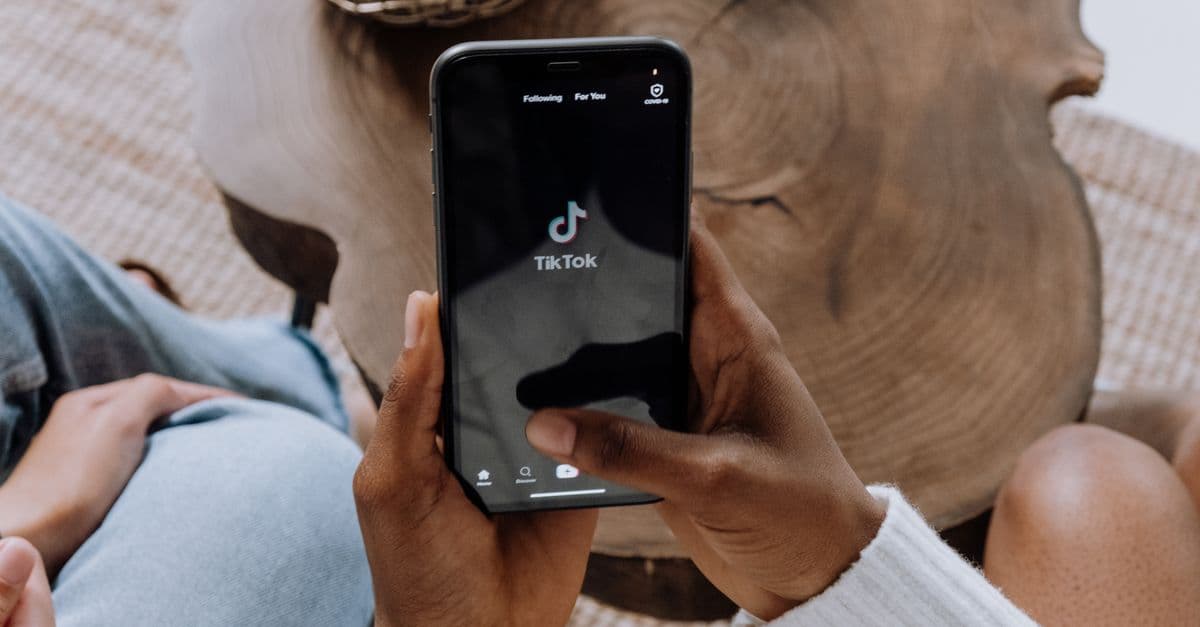 Photo by cottonbro studio on Pexels
A lot of parents assume that if their child isn't posting videos or going live, there's nothing to worry about. That's a myth. You don't have to create content to be tracked. Watching, pausing, liking, searching, and even just scrolling past something all leave a digital trail.
Every tap on the screen is like leaving a fingerprint in a store. One fingerprint alone seems tiny and harmless. But over time, those fingerprints combine to show what your child likes, where they are at certain times, who they talk to, and what keeps them scrolling. That combination is far more revealing than any single video they might post.
So what exactly can TikTok know about your child? Here's a simple checklist:
- Their age, or at least the age they entered when signing up.
- Their location, often down to the city or even neighborhood.
- The type of device they use, including the phone model and operating system.
- Their viewing habits: which videos they watch, how long they watch, what they skip, what they replay.
- Their messages, if direct messaging is enabled.
- Their contacts and friends lists, if they've connected their phone or social accounts.
Why is that combo risky? Because a profile of a kid's daily routine, interests, and social circle can be used to target them with ads, recommend potentially harmful content, or even build a longer-term profile that follows them into adulthood. Kids' data is especially valuable because their habits and preferences are still forming. Advertisers know this. That's why children's privacy laws exist in the first place.
Step-by-Step: How to Set Parental Controls on TikTok in 10 Minutes
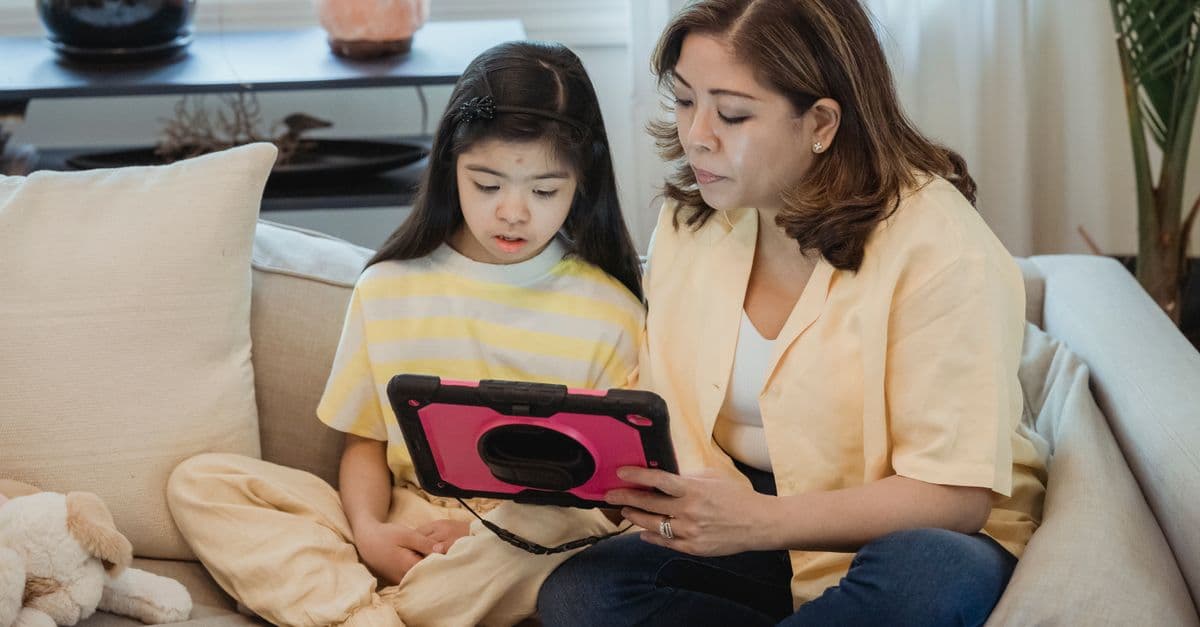 Photo by Nicola Barts on Pexels
You don't need to be tech-savvy to lock down your child's TikTok. TikTok has a built-in feature called Family Pairing that lets you link your account to your child's account and control key settings from your own phone. It takes about ten minutes. Here's how to do it.
First, open TikTok on your child's device. Go to their profile by tapping the person icon in the bottom right corner. Then tap the three-line menu in the top right, and choose "Settings and privacy." Scroll down and tap "Family Pairing." You'll see an option to link accounts. TikTok will ask if you're the parent or the teen. Choose "Parent." Then follow the prompts to scan a QR code with your own phone, or enter a code manually. Once linked, you can manage settings from your device.
Once Family Pairing is active, change these three settings first:
-
Make the account private. In the privacy settings, toggle "Private account" on. This means only approved followers can see your child's videos, likes, and follower list. It's the single most effective step you can take.
-
Turn off direct messages or limit them to friends only. In Family Pairing, you'll see an option for "Direct messages." Set it to "Friends" at most, but for younger kids, "Off" is better. Strangers should never be able to slide into your child's DMs.
-
Restrict content with Restricted Mode. This filters out videos that may not be appropriate for younger viewers. It's not perfect, but it reduces the chance of your child stumbling onto mature content.
After those three, set screen time limits. In Family Pairing, you can choose a daily time limit, like 30 or 60 minutes. You can also mute notifications so the app doesn't pull your child back in like a slot machine. Those red notification badges are designed to create a habit loop. Turning them off removes one more manipulation tactic.
Finally, check the "Download your data" and "Cache and cellular data" settings under "Settings and privacy." Clear the cache to remove temporary files. These small housekeeping steps reduce the amount of data stored on the device itself.
Spotting Risky Behavior and Privacy Red Flags
Even with parental controls on, kids can find workarounds. That's not a sign of bad parenting; it's a sign of a curious child. Your job is to spot the red flags early, before curiosity turns into exposure.
Here's a red flag cheat sheet every parent can use:
- Secret second accounts. Many kids maintain a "spam" account or "finsta" style account for close friends. If you see a second profile under a different name, ask about it without accusing.
- Using a fake birthday to appear older. TikTok's minimum age is 13, but many kids set their birth year to 2000 or earlier. That unlocks adult features and removes some protections. If your child's profile says they're 18, they're not getting the kid-safe version.
- Strangers in DMs. If your child has direct messages turned on and you see unknown usernames messaging them, that's a conversation starter, not a confrontation.
- Asking to move chats to another app. This is a big one. If someone on TikTok suggests moving to Snapchat, WhatsApp, or Discord, that's like a stranger on the playground saying, "Let's leave here and go somewhere with no adults." The other app may have fewer protections, no parental controls, and no content filtering.
To review your child's activity without making it feel like an interrogation, try this. Sit down together and scroll through their followers list. Ask them who each person is. If they can't tell you, that follower probably shouldn't be there. Do the same with comments and likes. Keep the tone light. You're not a detective; you're a guide.
In our testing of various parental control approaches, we found that a weekly 10-minute check-in works far better than a monthly deep dive. Kids are more likely to be honest when the review is short, predictable, and framed as "Let's clean up your feed" rather than "What are you hiding?"
What to Do If Your Child's Info Is Already Exposed
 Photo by Jonathan Borba on Pexels
Maybe you're reading this and realizing your child's TikTok has been wide open for months. Don't panic. There are calm, practical steps you can take today to reduce the damage.
First, delete old videos. Go to your child's profile and remove any posts that show their face, school, neighborhood, or full name. Even if the account is now private, those videos may have been seen or downloaded by others before you changed settings.
Next, remove personal details from the bio. Many kids put their full name, age, or city in their profile. Delete all of that. Keep the bio blank or use a nickname only.
Then clear TikTok's cache and downloads. Go to Settings and privacy, then "Free up space." Clear the cache and any drafts or downloads. This removes temporary data stored on the device, though it doesn't erase what TikTok already has on their servers.
To see what TikTok has actually collected, you can download a copy of your child's data. Go to Settings and privacy, then "Account," then "Download your data." You'll need to request the file and wait a few days. When it arrives, you'll see a folder of information including watch history, search history, messages, and more. It's like asking a company to show you the file they keep on you. It's eye-opening.
But here's the hard truth: deleting the app doesn't erase data that has already been shared or sold. TikTok and its advertising partners may have already received copies of that information. This is why our Complete Guide to Online Privacy is worth reading. It explains how data moves through the digital world and what you can and can't control after the fact. Understanding this helps set realistic expectations and focuses your energy on prevention moving forward.
Building a Family Digital Footprint Plan
Protecting your child's privacy isn't a one-time fix. It's a habit, like wearing a seatbelt or checking the smoke alarm. The best way to build that habit is with a simple family agreement that everyone understands.
Start with the "front-yard test." Before posting anything or sending a message, ask: "Would I shout this from my front yard? Would I show this to Grandma?" If the answer is no, don't post it or send it. That single question cuts through most privacy problems because it forces kids to think about the public nature of the internet.
Next, create a one-page family agreement. Keep it short. Three things are enough:
- Which apps are allowed: List the apps your child can use. If an app isn't on the list, they need to ask first.
- When screens are off: Set a consistent cutoff time each night. For example, all devices charge in the kitchen at 9 p.m. Not in the bedroom.
- What counts as private information: Full name, address, school name, phone number, birthday, and location are never shared online, even in a direct message.
Review privacy settings together once a month. Think of it like testing your smoke alarms. It takes five minutes, it's not a punishment, and you do it as a family. Open TikTok, check the privacy settings, scroll through the follower list, and make sure nothing has changed. When kids know the review is coming, they're less likely to try workarounds.
This monthly check-in also gives you a chance to talk about red flags without blame. If you find a second account or a stranger in DMs, address it calmly. The goal is to build trust, not to create a secretive environment where kids hide things from you.
One more habit worth building: talk about digital footprints the same way you talk about brushing teeth. Our Digital Footprint Guide walks through how every online action leaves a trace, often permanently. Understanding that concept early in life can save your child from years of regret later.
Key Takeaways
- Enable TikTok's Family Pairing and set your child's account to private today.
- Turn off direct messages and use Restricted Mode to limit risky content.
- Review followers, comments, and likes weekly, and talk about red flags without blame.
- Teach the front-yard test: don't share anything online you wouldn't say or show in public.
- Read the Digital Footprint Guide to understand how kids' data is tracked even after they close the app.
If you want an extra layer of protection for all the devices in your home, a VPN can help by encrypting internet traffic and hiding your family's IP address from your internet provider and many trackers. It's not a replacement for TikTok's parental controls, but it adds a baseline of privacy across every app and website. GhostShield VPN offers simple, kid-friendly protection that runs quietly in the background. You can check out the plans here.
Related Topics
Keep Reading

Is Alexa Listening? How to Stop Voice Assistants from Spying in 2026

Revolut Data Breach 2026: How to Check If Your Data Was Stolen & Next Steps
Expired Credit Card Still Charging? How to Kill Zombie Payments Fast
How to Spot Fake Tech Conferences That Steal Your Data in 2026
How to Stop Strangers from Joining Your Zoom Meetings in 2026
T-Mobile 2G Shutdown: What It Means and How to Upgrade Safely
Protect Your Privacy Today
GhostShield VPN uses AI-powered threat detection and military-grade WireGuard encryption to keep you safe.
Download Free