VPN for Online Banking in 2026: When It Helps and When It Hurts
The Common Myth: “VPN = Always Safer”, Why That’s Wrong in 2026
Picture this. You’re sitting at your kitchen table, coffee in hand, about to pay a bill. Your VPN is running in the background, and you think, “Good, I’m covered.” Ten seconds later, your banking app freezes and a bright red message appears: “Account temporarily locked due to suspicious activity.” Now you’re stuck on hold with customer support, trying to prove you are you.
Most of us have been taught that a VPN is a security blanket you should wrap around everything. For online banking, that’s like wearing a disguise into your own bank branch. The teller doesn’t recognize you, gets suspicious, and refuses to hand over your cash. In 2026, bank fraud‑detection systems have become hyper‑aware. If your IP address suddenly shows you logging in from across the country (or another continent), it often triggers an automated fraud alert, not a “security success” message. The very tool you installed to stay safe ends up creating a new problem.
Using a VPN for online banking is like trying to pay for coffee with a rental car’s license plate. The payment app has no record of that plate belonging to you, so it blocks the transaction until you explain. A VPN hides your real digital license plate, your home IP address. To a banking app’s security AI, that’s a giant red flag.
The Biggest Risks of Using a VPN for Banking (That Nobody Talks About)
 Photo by Stefan Coders on Pexels
The trouble isn’t just about annoying extra verification steps. Three concrete risks can cause real headaches, and in some cases, actually weaken your security.
IP bans and account freezes. Banks routinely maintain blocklists of IP addresses that belong to known VPN servers. If you connect through one of these flagged IPs, you may not even get a chance to log in. Instead, you’ll see a “connection refused” message or, worse, a temporary account lock. When every minute matters, say, you’re trying to stop a fraudulent charge, that delay is stressful and unnecessary.
Session hijacking on shady VPNs. Not all VPNs are created equal. Free services, especially the ones that push flashy ads, often route your data through poorly secured servers. Some have even been caught deliberately intercepting encrypted sessions, a technique known as a man‑in‑the‑middle attack. Imagine you’re sending a sealed letter through a courier you don’t trust. If that courier opens the envelope, reads your bank details, and reseals it, you might never know. A questionable VPN can do the digital version of exactly that, stealing your banking login token before it reaches the bank’s server. The tool you installed to prevent snooping becomes the snooper itself.
Fraud detection triggers. Even with a top‑tier VPN, your bank’s automation doesn’t know it’s you. Suppose you live in Chicago, but your VPN server is in Frankfurt because you forgot to switch locations. When you log in, the bank’s system sees a connection originating from Germany. That’s a textbook sign of account takeover. It may demand a video call or text‑message identity verification. If you miss the prompt because you’re busy, your account could stay frozen for days.
How to Use a VPN Safely for Online Banking (2026 Checklist)
 Photo by panumas nikhomkhai on Pexels
If you decide you really need a VPN while banking, maybe because you’re stuck on a hotel Wi‑Fi network that doesn’t inspire confidence, there are three rules to follow. Treat them like a pre‑flight checklist before you log in.
Choose a trusted, no‑logs VPN. Stick with a provider that has a publicly audited no‑logs policy and a transparent track record. You want a service that doesn’t keep records of what you do online. Free or little‑known VPNs often monetize your data, which is the opposite of what you want. If you’re not sure which providers are genuinely trustworthy, our up‑to‑date VPN comparisons can help you steer clear of the sketchy options. The goal is a service you can rely on, not one that introduces new risks.
Always verify your security features. Before you open your banking app, turn on your VPN’s kill switch. This feature cuts your internet connection completely if the VPN drops, preventing your real IP from leaking even for a split second. Then, run a quick DNS leak test. Even otherwise reputable VPNs can expose DNS requests by accident, for example when a server configuration changes. If your DNS queries leak, your bank (and a potential attacker on the same network) can see which financial sites you’re visiting. You can use our free DNS leak test to confirm everything is airtight in under a minute.
Connect to a local server. This is the golden rule. If you’re in the United States, pick a VPN server in the same country, ideally in your region. When the bank checks your IP, it sees a location that roughly matches your normal pattern. You’re far less likely to trip those fraud alarms. Some banks even use more advanced geolocation signals, like which cell tower your phone is pinging. So a server a state away is usually fine. A server on another continent is begging for a lockout.
The Golden Rule: When to Turn Your VPN OFF for Banking
Sometimes the safest move is to simply disconnect. It feels counterintuitive to turn off a security tool, but for banking, it can be the smartest thing you do.
If your bank flags you once, disconnect immediately. Let’s say you try to log in with the VPN on and get a “suspicious activity” warning. Don’t keep trying different servers. Turn off the VPN, close the banking app entirely, wait a minute, and reopen it on your normal home network. That sequence shows the bank’s system that you’re the legitimate account holder from a recognized location. Continuing to hammer the login with the VPN active can lead to a full account freeze that requires a phone call to unlock.
On trusted home Wi‑Fi, a VPN often adds risk without benefit. Your own password‑protected network, combined with the bank’s official app or a browser using HTTPS, already encrypts your data end‑to‑end. The bank sees your real home IP address, which matches your account history. Tacking on a VPN doesn’t make that encryption any stronger. It just changes your IP, which is the one thing the bank uses to verify you’re not an impostor. Unless someone has managed to break into your home router (which is rare for most people), a VPN for banking at home is like locking a safe inside a locked vault: extra step, same result, with more chances for something to go wrong.
For quick tasks on a secure device, skip the VPN. Checking your balance over morning coffee. Sending a small transfer to a family member. Paying a utility bill from your couch. On your own secure Wi‑Fi, these everyday actions don’t benefit from a VPN. The bank’s own security, including device fingerprinting and one‑time codes, is already doing the heavy lifting. Turning on a VPN for a 30‑second login can create a 30‑minute headache if the bank flags you. It’s simply not worth the friction.
Beyond VPNs: The Real Banking Security Upgrades You Need in 2026
 Photo by Gustavo Fring on Pexels
A VPN is just one tool, and for banking, it’s often the wrong one by default. The steps that actually protect your money are less flashy but far more effective. Here’s where to put your energy.
Turn on two‑factor authentication (2FA) and biometric login. This is the single biggest security upgrade you can make, and it takes five minutes. Even if a criminal steals your password, they can’t get into your account without the one‑time code sent to your phone or your fingerprint. Most banks now support app‑based authenticators or hardware security keys, which are even stronger than SMS codes. Set it up once, and every login from a new device requires that second factor. No VPN can do that.
Scrub your personal data off the web. Data brokers collect your name, address, phone number, and even your banking habits from public records and commercial transactions. They package it all into profiles and sell them to marketers, and sometimes, to scammers. A fraudster who knows your mother’s maiden name and the last four digits of your Social Security number can breeze through a bank’s identity verification. Removing yourself from these databases cuts off a major supply line for targeted fraud. It’s a direct, proactive way to shrink your risk. We’ve put together a step‑by‑step guide on how to remove your personal information from data brokers that walks you through the process for the biggest sites.
Use unique passwords and a password manager. Reusing the same password across multiple accounts is still the number one cause of account takeovers. A data breach at a shopping site can expose your credentials. If that password also unlocks your bank account, you’re in trouble. A password manager generates long, random, unique passwords for every site and remembers them for you. You just need to remember one strong master password. A VPN does nothing to stop credential stuffing attacks. A password manager does.
So, Should You Use a VPN for Online Banking? The Final Verdict
The answer is more nuanced than a simple yes or no. A VPN shines when you’re on a risky network, like the Wi‑Fi at an airport lounge, a coffee shop, or a busy hotel. On those networks, other guests (or even the network operator) could be running snooping tools that capture unencrypted traffic. A VPN wraps your entire connection in a layer of encryption, so even if someone is watching, all they see is garbled data. In that scenario, the VPN’s benefit easily outweighs the small chance of a fraud alert.
At home, the story flips. Your private network, secured with a strong Wi‑Fi password, already offers a safe tunnel between your device and your bank. The bank’s systems are built to trust the IP address you’ve used for years. Adding a VPN for no reason creates a mismatch that can lock you out. It’s a classic case of a good solution applied to the wrong problem.
The smart 2026 approach is to use a VPN deliberately, not automatically. Before you log in, ask yourself: “Am I on a network I trust?” If the answer is no, turn the VPN on, connect to a local server, and verify the kill switch is active. If the answer is yes, leave it off. This simple mental check saves you from hours of frustration and keeps your banking access smooth.
Not sure how VPNs actually work under the hood? Our beginner‑friendly explanation of VPN basics breaks down the technology in plain English, so you can decide when it truly helps and when it’s just extra noise.
Key Takeaways
- A VPN can trigger fraud alarms on banking sites, leading to account locks or extra verification. It is not a universal security upgrade.
- Use a VPN only on untrusted networks (public Wi‑Fi); at home, your bank is usually safer without it.
- If you use a VPN, connect to a server in your own country and ensure a kill switch is active.
- Enable two‑factor authentication, use unique passwords, and scrub your data from broker sites. Those moves protect your money far more than a VPN alone.
- When your bank gives you trouble, turn the VPN off. It’s the fastest way to prove you are the legitimate account owner.
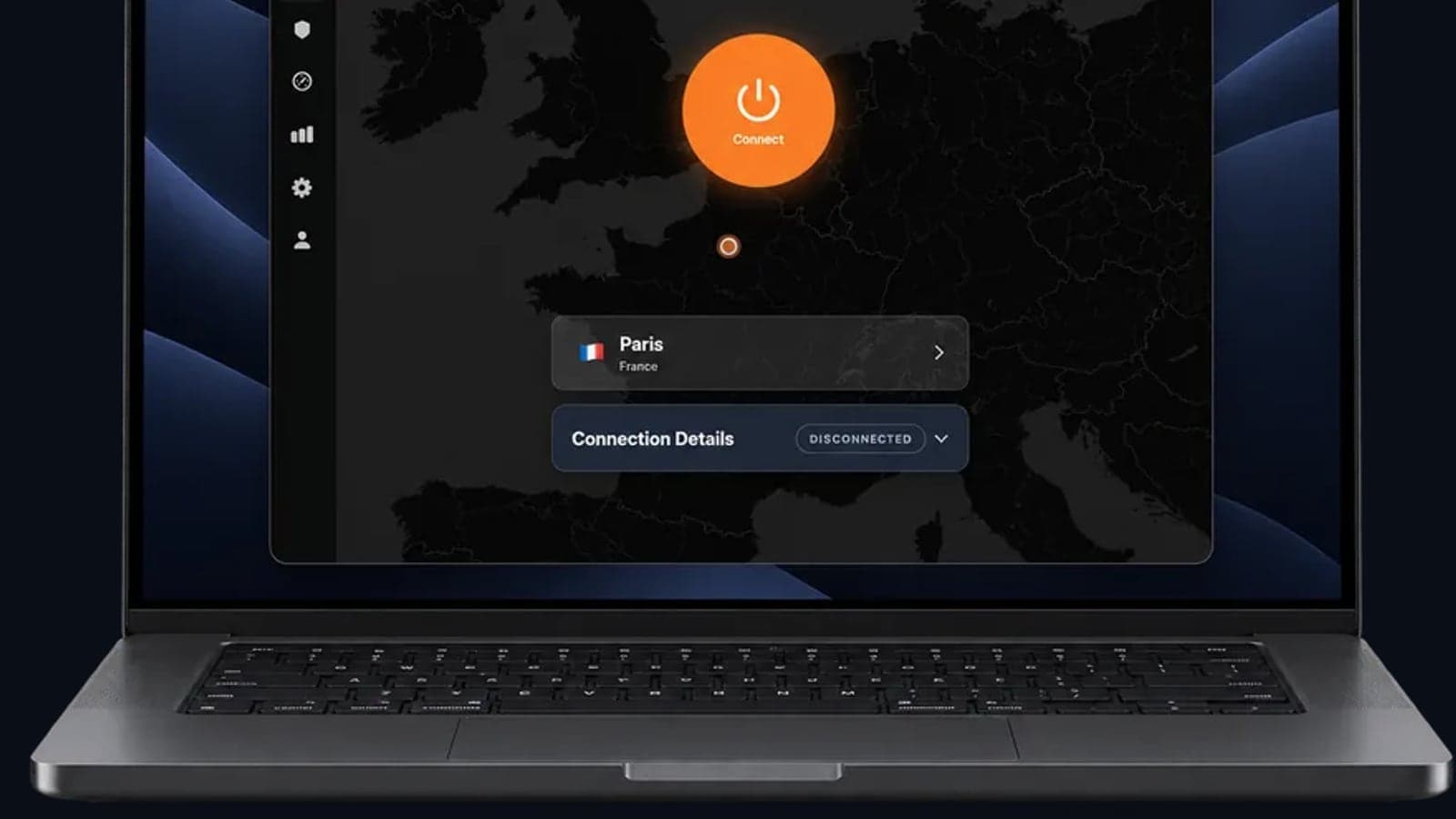
If you’re looking for a VPN that takes both security and convenience seriously, GhostShield VPN follows a strict no‑logs policy and has a kill switch built into every app. It’s designed so you can manage your money more safely on public Wi‑Fi, and it offers 20 server locations in 16 countries with easy one‑click connection. Check out our plans or download the app to get started.
Related Topics
Keep Reading

OpenVPN UDP vs TCP: Which to Use, and When

VPN for Fubo: Watch Your US Plan While Traveling (2026)
VPN iPhone Not Connecting? 12 Fixes, Most Likely First
TLS VPN vs IPsec: Key Differences and Where WireGuard Fits
Best VPN With No Logging: How to Check the Claim (2026)